
Industry Guides / Interactive field guide
Construction Jobsite Internet and Security Planning Guide
Plan temporary jobsite internet, 5G/4G, Starlink, trailer Wi-Fi, cameras, field devices, and project closeout around changing construction conditions.
What you’ll leave with
A phased jobsite connectivity brief covering placement, camera traffic, field users, and relocation.
- Choose connectivity for the site's stage and actual installation conditions.
- Plan camera upload, local recording, and power separately.
- Document moves, support, and equipment recovery as the project changes.
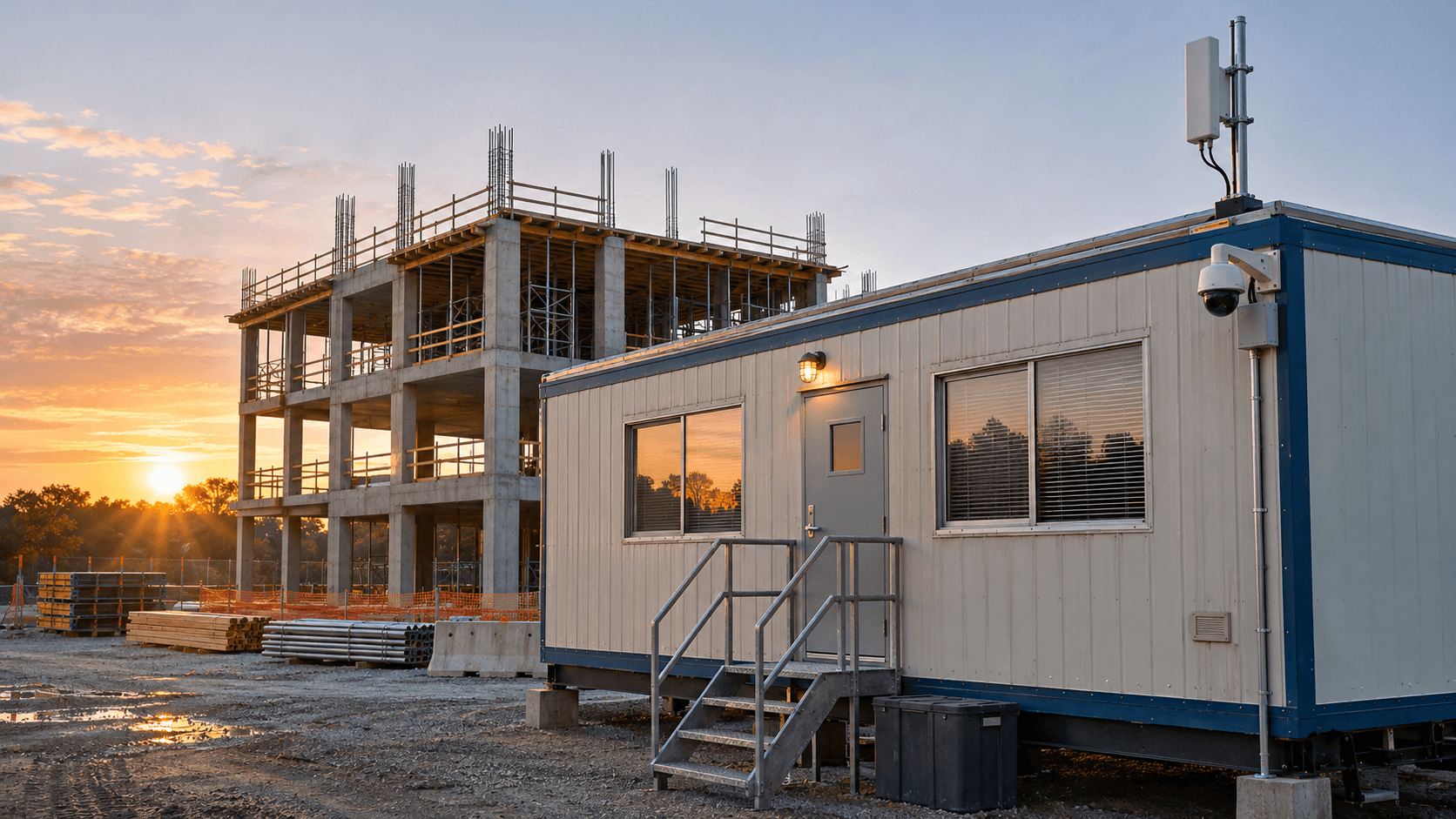
A construction site's network changes as the project changes. A trailer may move, a new structure can block a wireless path, and the workforce may grow well beyond the initial mobilization team. Planning only for opening day can leave the project paying for repeated emergency changes.
Build the scope around phases: mobilization, active construction, peak workforce, commissioning, and closeout. Identify the users, camera requirements, and physical conditions at each stage. The aim is a usable connection and a clear process for adapting it as the site develops.
Put this guide to work
Prepare a jobsite connectivity scope
Match the connection and security scope to the phase of work, site access, power, and actual data needs. Temporary conditions belong in the project plan.
0 of 3 decisions entered
Choose an answer to each question to generate your brief.
Keep your project brief
Complete choices above to create a brief. You can copy the guide link now.
Entries stay in this page’s memory. They are not saved to an account or sent in a quote request. Reset or reload clears the tool; downloaded or copied text remains wherever you keep it.
1. Describe the site by phase and location
Mark trailers, work areas, gates, storage zones, and anticipated building changes on a site plan. Record the project duration and any known relocation dates. Identify where supervisors, field users, visitors, and connected equipment actually need service rather than assuming trailer Wi-Fi covers the whole job.
List the applications used for plans, scheduling, timecards, deliveries, and business calls. Include large file transfers and simultaneous meetings in the workload discussion. Name a site contact who can explain physical changes before they affect installed equipment.
| Phase | Planning question | Review trigger |
|---|---|---|
| Mobilization | What must be ready before the first trailer opens? | Power and site access confirmed |
| Active construction | Where will users and cameras move? | Trailer move or new structure |
| Closeout | Which services end, move, or become permanent? | Handover and equipment recovery date |
2. Evaluate the connection at its intended location
Compare available wired service, 5G/4G fixed wireless, and satellite options against the required date and project duration. For cellular service, evaluate the actual modem, antenna placement, carrier, and operating conditions. Confirm address eligibility, plan terms, and permitted use rather than equating a coverage-map color with a tested connection.
Starlink's installation guidance calls for a clear view of the sky and an obstruction check. Use the current app and installation guidance for the proposed hardware. Consider cranes, trees, temporary structures, and future building height when reviewing placement; a suitable location can become unsuitable later in the project.
3. Design trailer and field access deliberately
Decide which users need business-network access and which need internet-only access. Give temporary users a controlled onboarding and expiry process. Keep the required paths to project applications documented, and avoid distributing a permanent administrator credential as the general site password.
Survey coverage where devices will be used, including around metal trailers and changing storage areas. Cisco's WLAN guidance recommends evaluating the actual environment and client requirements. Check handhelds and tablets in representative tasks, then record areas requiring additional infrastructure or a different connection method.
References
4. Separate recording, viewing, and power requirements
Define the views needed at gates, storage areas, and other approved locations. Specify whether footage records locally, remotely, or through a platform with onboard storage. Remote viewing and exports can create a different internet workload from ordinary background operation, so include them in the connection plan.
Identify power for every dependency, including cameras, switches, routers, and recorders. Decide what the system should do during an interruption and how long the approved backup arrangement needs to operate. Mounting, weather exposure, equipment security, and safe site access belong in the installation scope.
5. Test the working site and assign support
Run acceptance tasks during a representative work period. A speed test can help describe a connection, but it does not demonstrate that a plan download, meeting, phone call, or camera export meets the user's needs. Record the actual tasks and any limitations.
- Test project applications, business calls, and large transfers from the intended work areas.
- Check camera views and retrieval with approved users and realistic concurrent traffic.
- Test the agreed backup connection and recovery process with the network owner.
- Provide equipment identifiers, support contacts, and a simple issue-reporting process.
6. Plan moves and closeout before the first installation
Keep a register of devices, subscriptions, mounts, and assigned locations. Define who approves a move and who checks the new power, coverage, and mounting conditions. Revalidate camera views and wireless performance after significant site changes.
At closeout, identify equipment to recover, transfer, or retain for permanent operations. Confirm service changes and billing dates, revoke temporary accounts, and hand over any agreed records. A planned exit avoids leaving unnecessary subscriptions or inaccessible equipment behind.
Common questions
Can Starlink be placed anywhere on the site?
Check the intended location for a clear sky view with Starlink's obstruction tool and review safe mounting, power, cabling, and current service terms.
Will cellular backup keep cameras recording?
Recording also depends on the camera architecture and power. Test local recording and remote access as separate requirements.
Sources & accuracy notes
Source information reviewed . Confirm compatibility, availability, and commercial terms for the proposed equipment. Planning tools organize your assumptions; the site survey and agreed design establish the final scope.
Have a correction or a project question? Contact BlueHouse Telecom.