
Industry Guides / Interactive field guide
Hotel Guest Wi-Fi and Operations Network Planning
Plan hotel Wi-Fi around guest rooms, meetings, onboarding, property operations, internet resilience, and a room-level acceptance checklist.
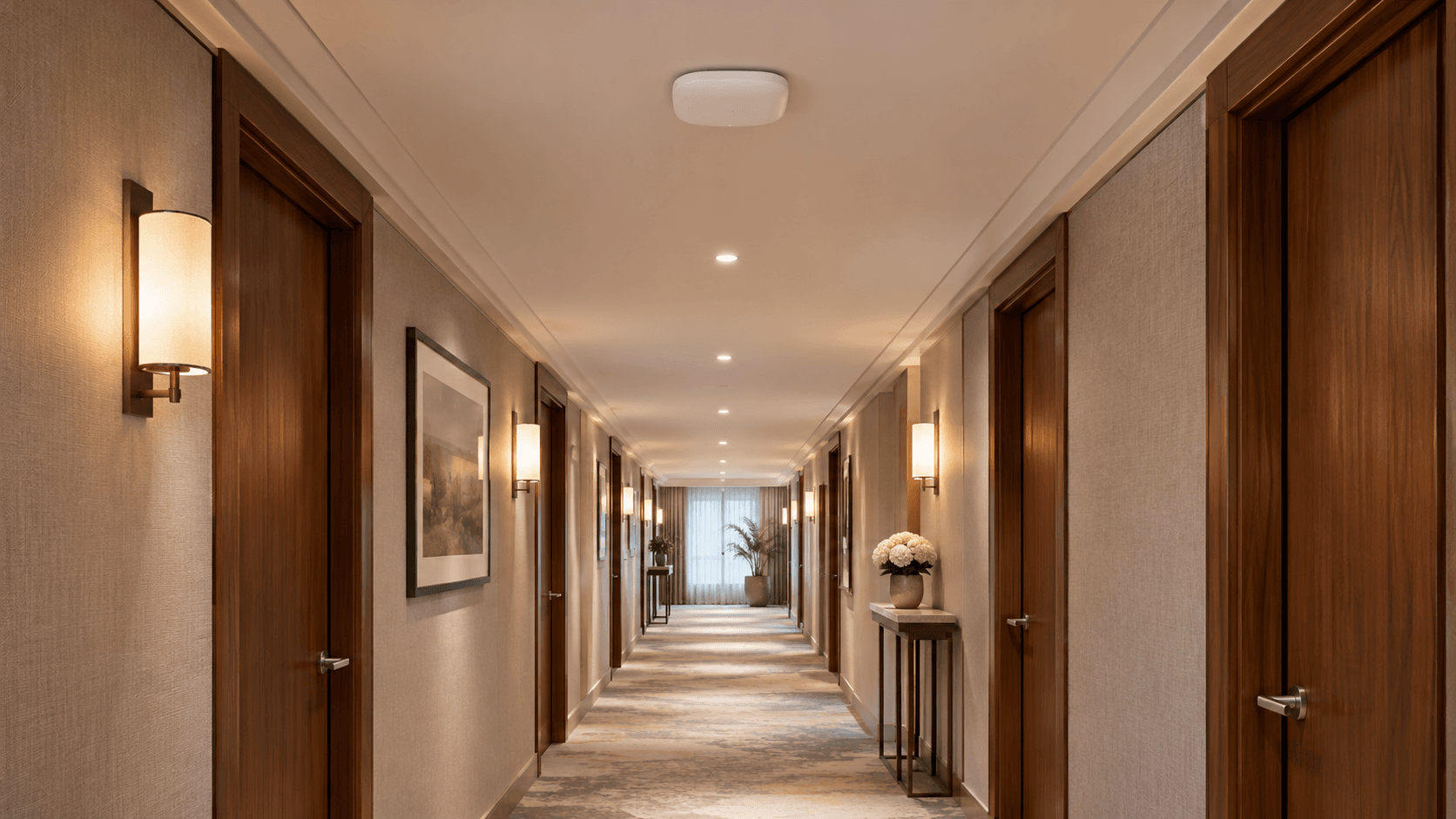
What you’ll leave with
A hotel network brief with guest experience goals, operational boundaries, and room-level tests.
- Design for occupied rooms and event capacity, not only a lobby speed test.
- Test guest onboarding and any approved casting workflow.
- Separate guest use from property operations and define outage priorities.
Guests experience a hotel network through simple tasks: joining Wi-Fi, starting a call, streaming a program, or working from their room. Property staff experience the same infrastructure through reservations, payment systems, phones, housekeeping tools, and connected building services. Both groups need a design matched to their work.
Prepare the project around those experiences instead of specifying an access point count from room count alone. Building materials, room layout, meeting spaces, device mix, and operating procedures all affect the scope. The final acceptance plan should test the areas and tasks that matter to the property.
Put this guide to work
Build a hotel Wi-Fi survey and acceptance checklist
Evaluate rooms, public areas, events, and hotel operations as distinct use cases. The output helps a survey team test the guest experience your property actually needs.
Provide floor plans and room/construction details, including hallways, outdoor areas, conference rooms, and spaces with reported connectivity problems.
Estimate representative simultaneous users and device types for guest rooms, public areas, and scheduled events; keep assumptions separate from measured use.
Test where guests use devices, with room doors and relevant construction conditions represented; do not accept only hallway measurements as room-level evidence.
Demonstrate the intended guest onboarding, device reconnection, session handling, and front-desk escalation with representative phones and laptops.
Confirm exact guest-room device discovery, isolation, compatibility, and checkout/reset workflows with the responsible system vendor.
Document the approved boundaries between guest service, property-management/POS/voice systems, building devices, and security equipment with the responsible IT owners.
Check the full path behind the access points: cabling, switches, power, uplinks, internet capacity, management, monitoring, and support responsibilities.
Agree on representative test locations, devices, login/application tasks, peak-use assumptions, evidence, exception handling, and the hotel acceptance owner.
0 of 8 items reviewed
0 documented. 8 need review or work.
Keep your project brief
Complete choices above to create a brief. You can copy the guide link now.
Entries stay in this page’s memory. They are not saved to an account or sent in a quote request. Reset or reload clears the tool; downloaded or copied text remains wherever you keep it.
1. Define the experience by property area
List guest rooms, corridors, lobby, meeting spaces, restaurants, outdoor areas, and staff work zones. Describe typical and busy-period use for each area. A meeting room hosting a full event can have different capacity requirements from the same room during a quiet walkthrough.
Identify the devices guests and employees are expected to use, including any managed televisions or service devices. Set observable acceptance tasks and decide which areas are in scope. Keep brand standards and property-specific requirements in the same brief.
| Area | Experience to test | Condition to include |
|---|---|---|
| Guest room | Join, browse, make a call, and use approved media features | Typical device positions with doors closed |
| Meeting space | Concurrent attendees use the agreed applications | Expected event density |
| Front desk | Reservation and business communication workflows | Guest traffic active at the same time |
2. Survey coverage and capacity together
Use the actual building plans and construction conditions to evaluate access point placement. Account for walls, floors, mounting locations, cabling, and switch power. Cisco's site-survey guidance distinguishes coverage assessment from client-capacity needs and recommends validation against the intended design.
Test representative room types and difficult areas before standardizing a deployment. Keep any room-level exceptions visible. Increasing the carrier speed will not automatically correct a weak radio path or an overloaded local network, so investigate those layers separately.
References
3. Make guest access usable and appropriately isolated
Specify how a guest joins, how long access lasts, and what happens at checkout. If a portal, voucher, or property-management integration is proposed, test it with realistic devices and an ordinary user. Include a support procedure for devices that cannot complete the usual onboarding flow.
HPE Networking Instant On documents separate guest-network controls and portal options. Whatever platform is chosen, confirm the required boundaries between guests and property operations. For casting or other room-specific services, verify discovery, pairing, and reset behavior rather than assuming that a shared Wi-Fi name provides the right isolation.
4. Protect property workflows during busy periods and outages
Inventory reservations, payments, staff applications, voice, cameras, and building systems with their owners. Define the permitted communication paths and vendor access for each. Keep required operational services distinct from guest traffic and document any integration between them.
Set priorities for a reduced-capacity backup connection. Front-desk operations may need a different policy from guest streaming or bulk uploads. Test connection changes with the relevant application vendors, including how sessions recover and how normal routing resumes.
5. Accept the network through real guest and staff tasks
Use a room and area checklist tied to the approved design. Include ordinary devices and staff who will support guests. Record both successful tasks and unresolved exceptions so a network that appears online is not mistaken for a completed guest experience.
- Test joining and reconnecting in representative rooms, public areas, and event spaces.
- Verify approved room media workflows and that access resets as intended.
- Check front-desk tasks while the guest network carries representative traffic.
- Review guest isolation, administrator permissions, and any agreed outage scenarios.
6. Give the property a repeatable support process
Train staff to capture the room, device type, time, and failed task when reporting a problem. Provide a clear escalation path and avoid sharing administrator access as a troubleshooting shortcut. Keep diagrams, circuit records, equipment inventory, licenses, and configuration ownership together.
Review the design when rooms are renovated, meetings become larger, or new connected services are introduced. A consistent record of changes helps distinguish a carrier issue from a room, device, or local-network issue.
Common questions
Will a faster internet plan fix weak room Wi-Fi?
Not necessarily. The issue may be radio coverage, interference, client capacity, cabling, or equipment configuration. Survey and test the actual rooms.
Can guest devices discover every television?
The design should restrict discovery and control to the intended guest experience. Verify the selected casting platform's isolation and checkout behavior.
Sources & accuracy notes
Source information reviewed . Confirm compatibility, availability, and commercial terms for the proposed equipment. Planning tools organize your assumptions; the site survey and agreed design establish the final scope.
- Cisco: WLAN site survey guidelines
- HPE Networking Instant On: guest networks
- HPE Networking Instant On: guest portal configuration
Have a correction or a project question? Contact BlueHouse Telecom.