
Network Hardware / Interactive field guide
Business Network Hardware Buying Guide: Routers, Switches, and Wi-Fi
Build a complete network hardware list using port counts, PoE requirements, routing performance, Wi-Fi coverage, management, and installation dependencies.
What you’ll leave with
A network equipment schedule with capacity assumptions, management requirements, installation scope, and acceptance checks.
- Size routers, switches, and access points for different jobs rather than treating them as interchangeable.
- Check PoE power and uplink capacity alongside the number of ports.
- Include management, subscriptions, accessories, installation, and handover in the buying decision.
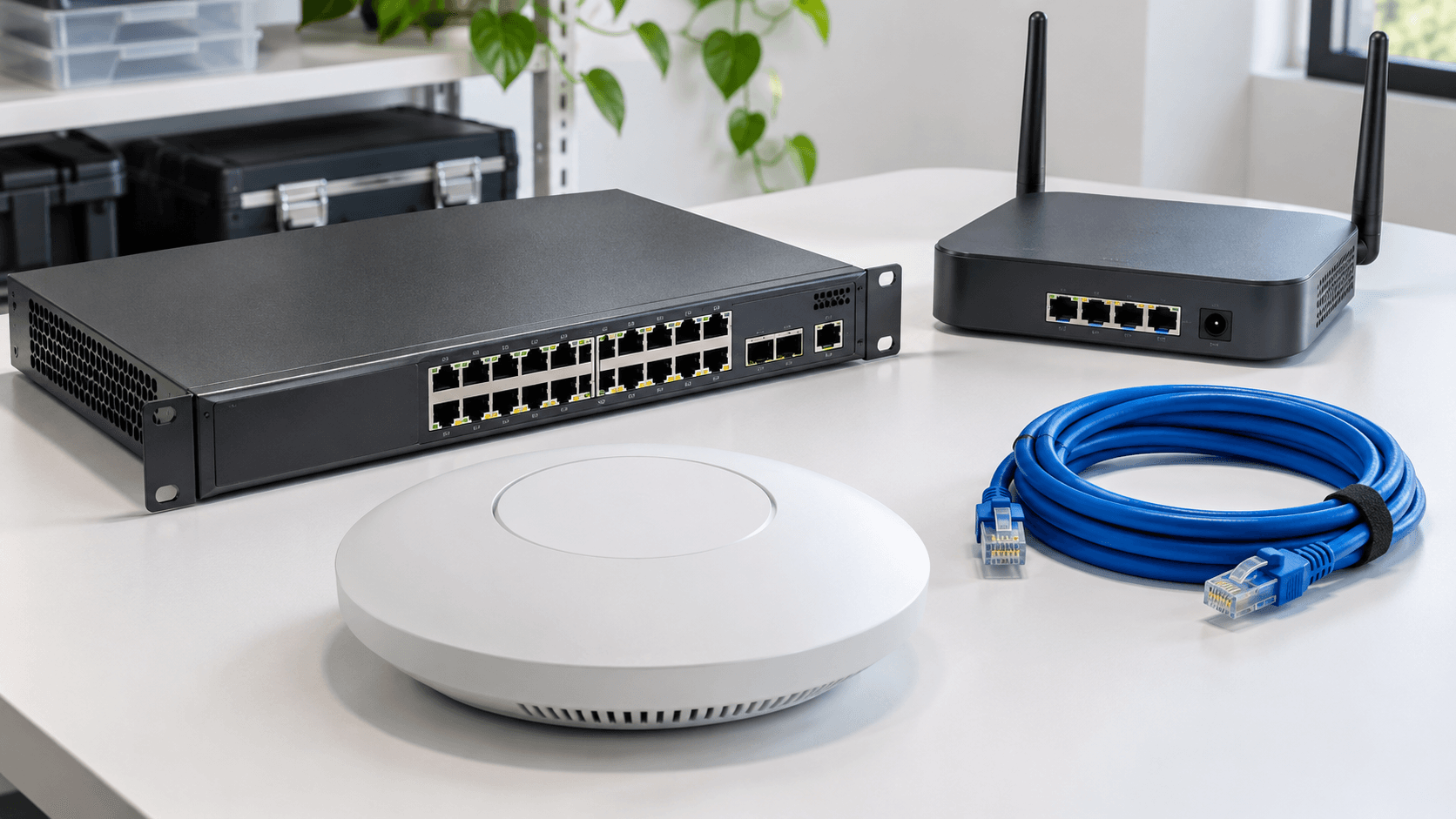
Buying network hardware is a capacity and operations decision. The gateway connects and controls network paths, switches connect wired devices, and access points provide Wi-Fi. Each needs to fit the workload and the people who will maintain it. A collection of individually capable devices is not yet a complete network design.
Use this guide to build a purchasing brief for an office, store, warehouse, or group of locations. It applies when comparing Ubiquiti UniFi, Cisco, HPE Aruba Networking, or another suitable portfolio. Name exact product families and management options before comparing model prices.
Put this guide to work
Build a network hardware buying brief
Identify the problem first, then connect it to the ports, power, routing, Wi-Fi, and management work needed. This creates a specification brief rather than recommending an unverified model.
0 of 3 decisions entered
Choose an answer to each question to generate your brief.
Keep your project brief
Complete choices above to create a brief. You can copy the guide link now.
Entries stay in this page’s memory. They are not saved to an account or sent in a quote request. Reset or reload clears the tool; downloaded or copied text remains wherever you keep it.
1. Count devices and describe the work they do
Inventory computers, phones, printers, access points, cameras, door systems, servers, and special equipment. Record wired and wireless connections separately, with location and business owner. Include planned additions and devices that must remain available during maintenance or an outage.
For a hypothetical location, 18 desks, four access points, eight cameras, and two printers create 32 wired device connections before other equipment is added. Phone pass-through arrangements or wireless desktops may change that count. Verify the actual topology instead of turning employee headcount directly into a switch order.
2. Size the gateway with required features enabled
List internet connections, VPNs, network segments, remote-access needs, and security functions. Ask for performance information that applies when the required features are enabled. A headline throughput figure without the tested configuration may not describe the workload your business intends to run.
Confirm WAN interfaces, failover requirements, public addressing, and compatibility with carrier equipment. If cellular connectivity is part of the design, determine whether it uses an integrated modem, a separate adapter, or another gateway. Keep routing responsibilities clear so two devices are not configured around conflicting assumptions.
3. Check ports, power, and uplinks independently
Count usable device ports and reserve the interfaces needed for uplinks or inter-switch connections. For powered devices, check each port's supported PoE capability and the switch's total power budget. Include cameras, phones, access points, and any other equipment sharing that budget.
Follow traffic between switches, the gateway, and local servers or recorders. A switch with enough access ports can still have an undersized uplink. Document copper or fiber interfaces, compatible optics, cable lengths, rack space, power supplies, and any mounting accessories in the parts list.
| Capacity | Question before ordering |
|---|---|
| Ports | Are uplinks and planned expansion included in the count? |
| PoE | Do per-port capability and total power satisfy the device schedule? |
| Uplinks | Can shared links carry the expected traffic with the selected interfaces? |
4. Design Wi-Fi for the space and client devices
Start with a floor plan, wall and shelving materials, user density, and the applications that must work while people move. Identify mounting positions and cable routes. Ask how the design will be validated in busy areas and at the edges of required coverage.
Do not assume a newer access-point model solves poor placement or an inadequate wired connection. Check client capabilities, power requirements, uplinks, and management compatibility. Include guest access and devices that need separate policies, then test the actual handhelds, laptops, or voice clients used by the business.
5. Compare management and lifecycle requirements
Name the proposed platform and who will operate it. UniFi provides a management ecosystem; Cisco offers several networking families; HPE Networking Instant On has its own small-business management approach. These are not interchangeable labels, so confirm exact devices, controller or cloud requirements, and the features available in the selected arrangement.
Ask about subscriptions, support, updates, configuration backup, account ownership, and replacement procedures. For an Ericsson Cradlepoint or Peplink component, include the required management or connectivity services in the same review. Keep a hardware warranty separate from onsite replacement labor or responsibility for configuration recovery.
6. Buy a complete scope and test the result
Request an itemized list of hardware, optics, cables, mounts, power, subscriptions, configuration, installation, and documentation. State which existing components will remain and who is responsible for them. Schedule the migration around business constraints and retain a practical recovery plan if acceptance fails.
Test representative wired and wireless applications, user separation, remote administration, and agreed outage behavior. Collect equipment identifiers, diagrams, cable labels, accounts, configuration records, and support contacts. Record remaining capacity so the next expansion starts from evidence instead of another estimate.
Common questions
Should every device use the same brand?
A common platform may simplify some tasks, but verify the actual management and compatibility benefits. Choose the design that meets your requirements and can be maintained by your team.
Can I choose access-point quantity from square footage?
Square footage is only a starting input. Walls, shelving, device density, applications, placement, and cabling affect the design. Validate coverage and capacity in the real space.
Sources & accuracy notes
Source information reviewed . Confirm compatibility, availability, and commercial terms for the proposed equipment. Planning tools organize your assumptions; the site survey and agreed design establish the final scope.
- Ubiquiti: introduction to UniFi
- Cisco: small and medium business switches
- HPE Networking Instant On: solution overview
- Ericsson: NetCloud services
Have a correction or a project question? Contact BlueHouse Telecom.