
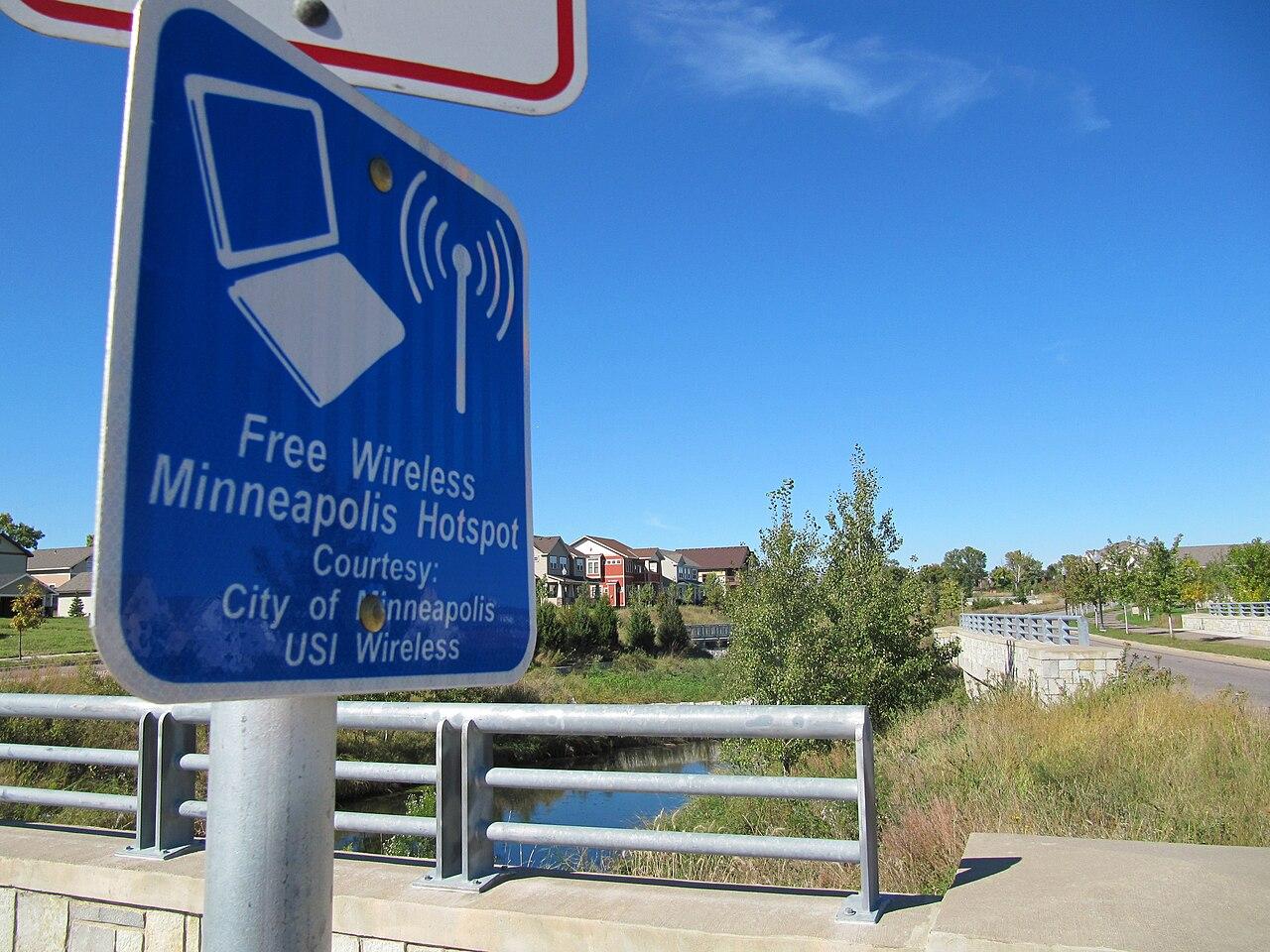
Prepare Store Guest Wi Fi Without Disrupting Operations
Design guest Wi-Fi around customer access, clear separation, and the store tasks that must keep working.
Quick answer: Give customers a usable guest connection while explicitly separating it from checkout and other private business services. Test the joining experience with an unfamiliar device and the store's operations under realistic load. Treat a welcome page, network separation, and wireless capacity as different design decisions.
A guest network can fail before the customer opens a browser. The network name may be unclear, the welcome page may never appear, or the instructions may assume a step the phone does not show. Meanwhile, the store can see a healthy access point and conclude that nothing is wrong.
That mismatch makes guest Wi-Fi an operating problem as well as a network configuration. The design needs to explain what customers can do, how they join, and what store staff should do when they cannot. It also needs evidence that customer access does not expose the private systems behind the counter.
Define the service customers are being offered
Start with a plain description of the intended experience. A customer checking a product page during a short visit has different expectations from someone attending a long in-store workshop. The store should choose the service it can support before choosing a welcome-screen design.
Decide where coverage is intended to work. Include seating, consultation areas, or pickup waiting zones if those are part of the offer. If the parking lot is outside the plan, avoid signage that suggests otherwise. A promise written on a counter card becomes a support obligation even when nobody included it in the network specification.
I would keep the joining process brief unless an additional step has a clear business purpose. Every form field and confirmation screen creates another opportunity for a customer to ask a cashier for help. That cost should be weighed alongside any marketing benefit, rather than treated as free.
Prove the boundary around business equipment
A separate network name is a useful label, but it does not prove separation. Ask the network specialist to identify the permitted guest destinations and the private services that must remain inaccessible. The configuration and acceptance test should reflect that policy.
Shopify's POS network guidance recommends keeping POS hardware on a private staff network and preventing guest devices from reaching it. Apply the relevant requirements for your actual checkout platform, including the communication its accessories legitimately need.
Use an authorized test device to verify the guest policy. Record the checks and their scope without publishing private addresses or credentials in a general project report. A successful separation test is evidence about the tested configuration; it should not be turned into a claim that the store has passed every security or compliance requirement.
Understand what the welcome page actually controls
A captive portal can display terms, collect an approved registration, or control the joining process. It does not replace the rest of the network design. Ask which functions are handled by the portal and which are handled by wireless security and access rules.
Cisco Meraki documents authentication, splash-page options, and client addressing as separate parts of its wireless access controls. That distinction matters even if the store uses another platform. A branded page can look convincing while a different setting determines what happens after the customer accepts it.
Decide how the joining experience behaves if a required outside service is unavailable. Have the provider explain the configured behavior rather than assuming it will fail in the way the business prefers. Include any exception in the operating notes, especially if staff will otherwise tell customers to bypass the intended process.
Walk through joining as a first-time visitor
Use devices that have not already saved the network or completed the portal. A familiar staff phone may reconnect without showing the steps a new customer faces. Include the device and browser combinations that are common among your customers, within a practical test budget.
Check the whole sequence: finding the network, joining it, receiving any welcome prompt, completing the required action, and opening an ordinary permitted website. If a step fails, record the exact stage and visible message. Asking staff whether the Wi-Fi worked is too vague to distinguish an authentication issue from a slow webpage.
Repeat the test after the configured guest session expires. Also test a customer leaving the coverage area and returning. These trials reveal whether the instructions remain understandable beyond the first successful connection. Update the counter card or help text when the real device sequence differs from what the draft instructions describe.
Check wireless performance where people gather
The places customers congregate may differ from the places installers can most easily mount equipment. Observe the intended service areas and the store's physical obstacles. Shelving, display changes, and the movement of people should be considered in the survey and subsequent testing.
Have the network team evaluate the wireless conditions with the actual layout, then repeat representative tasks during a suitable busy period. This is a proposed validation method, not a promise that one short test can reproduce every future crowd. Document the conditions so later complaints can be compared with something concrete.
Use the business network hardware guide to organize the equipment discussion. Adding more access points is not an automatic answer to every problem. The design should explain placement, wired connections, power, and management together, and should identify the observed limitation that a proposed equipment change is meant to address.
Give store applications priority in the operating plan
A guest service should have an explicit relationship to business traffic. Ask the network provider how the design allocates capacity and what happens when guest demand increases. Verify the outcome with the store's actual applications instead of relying on a policy name in a dashboard.
Useful test observations include:
- Completion of the approved checkout and receipt workflow while guest devices are active.
- Performance of the staff tasks that use the same wireless infrastructure.
- Guest access in the advertised areas during the trial.
- Behavior when the approved backup internet connection is in use.
If backup capacity is limited, leadership may prefer to restrict guest service while preserving core operations. Make that a deliberate, supported configuration with clear staff instructions. A backup connection that appears healthy can still provide a disappointing customer experience when the normal usage pattern is pushed through it without adjustment.
Collect only information the business will actually manage
A registration form creates work after the connection succeeds. Decide who can access the collected information, why it is being requested, how long the business intends to retain it, and which approved policy governs its use. Have the appropriate privacy or legal adviser review the proposal where needed.
Do not ask a customer for information merely because the portal template offers a field. If a simple terms acknowledgement meets the store's approved purpose, a longer questionnaire may add friction without improving the service. Avoid presenting this network-planning choice as a universal legal answer; obligations depend on the business and its use of the information.
Keep the guest portal's administrative access separate from a public staff cheat sheet. Instructions for helping someone join do not need to contain the credentials that control the network. The team responsible for changes should know how to recover access when an employee leaves or a service provider changes.
Give cashiers a short troubleshooting boundary
Cashiers should not be expected to become network administrators during a line of waiting customers. Give them a limited sequence they can explain, a way to recognize a store-wide issue, and an escalation route. Decide when they should stop troubleshooting an individual customer's device.
A practical support note names the guest network, describes the expected joining steps, and explains how to report the location and stage of a failure. It should also identify who can check the portal and network status. Keep technical credentials and private topology out of that note.
Review recurring complaints with the person responsible for retail connectivity. Several failures at the same seating area suggest a different investigation from several devices stopping at the same registration screen. The most useful complaint record preserves those differences instead of reducing every incident to slow Wi-Fi.
The takeaway
A good guest service is easy to understand and deliberately bounded. Customers should know how to join, staff should know the limits of their support role, and the business should have evidence that the guest path is separated from private operations. A polished welcome page answers only a small part of that problem.
Accept the service after testing the customer experience and the store's work together. Then keep the instructions and configuration aligned as the floor layout, portal requirements, or internet connections change. Otherwise, yesterday's successful demonstration can become today's misleading help card.
Review your store Wi-Fi
Request a guest and business network review with your store layout, checkout platform, customer service areas, and the joining problems staff currently encounter.
FAQ
Does a guest password keep customers away from checkout equipment? A password controls who can join that network. The network's access rules determine which services those devices can reach. Verify the intended separation rather than treating the password as proof.
Do we need a branded welcome page? Only if it supports the business's chosen joining process or approved requirements. Test the customer effort and staff support burden before adding registration steps for appearance alone.
Should guest Wi-Fi remain available on backup internet? Decide that from the backup capacity and the store's operating priorities. Test the supported configuration and explain any temporary limits to staff before they have to handle an outage.
What should employees record when a customer cannot connect? Capture the approximate time, location, device type, and stage where joining stopped, without collecting unnecessary personal information. Those details help distinguish coverage, portal, and application issues.