
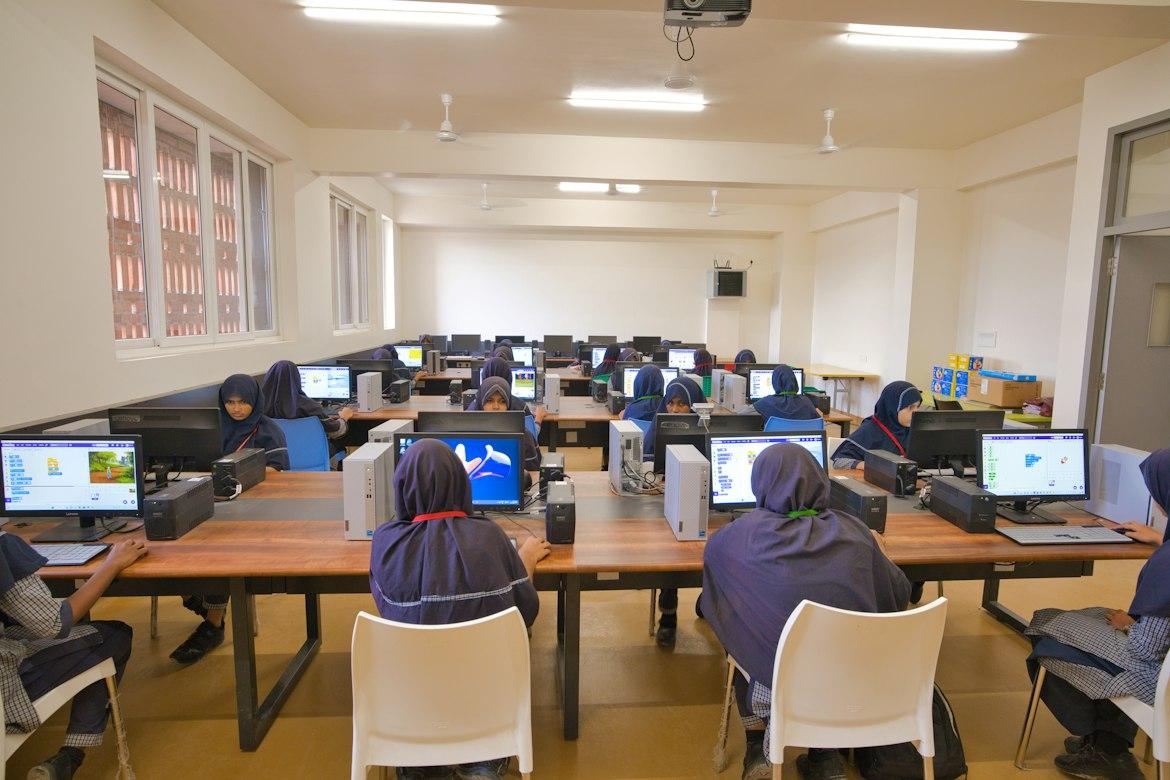
Plan School Device Enrollment and Network Support Ownership
Connect school device enrollment, classroom network access, and support ownership before distributing the next fleet.
Quick answer: Treat school device deployment as a coordinated handoff between device administrators, network staff, and classroom support. Verify enrollment and the intended policies on a representative device before distributing the fleet. Give teachers a clear support route that distinguishes account, device, application, and network problems without asking them to diagnose the infrastructure.
A Chromebook can connect to Wi-Fi and still be unready for school use. It may lack the intended management state, belong to the wrong policy group, or fail to reach the application a teacher needs. The network connection is one part of readiness, and a successful sign-in is not a complete deployment check.
This article proposes a planning workflow for a hypothetical school rollout. It uses current Google documentation as a specific example while keeping the broader ownership questions applicable to other managed platforms. The school's administrators should determine the actual settings, permissions, and student-data practices for its environment.
Define ready in classroom terms
Ask the instructional team to identify the tasks a device must support on its first day. Include the approved sign-in experience, required applications, and any classroom peripherals or presentation workflow that matters. Use representative accounts and test content authorized by the school rather than improvising with student information.
Write acceptance criteria that a support person can observe. A statement such as device prepared leaves too much room for interpretation. A more useful record identifies the intended management state and the classroom tasks that have been checked under the school's approved configuration.
Include different device roles where they exist. A student checkout device, a staff laptop, and a fixed-purpose display may follow different management and support processes. Combining them into a single fleet count can hide the exceptions that cause difficulty during distribution.
Put enrollment before ordinary use
Google's ChromeOS enrollment guidance says enrollment is needed to enforce device policies from the Admin console. It also directs administrators to enroll devices before anyone signs in and describes additional work if that sequence is missed. Have the authorized administrator follow the current process for the school's device and account type.
Keep staging instructions clear enough that well-meaning helpers do not accidentally begin ordinary use before preparation is complete. Identify which people may enroll devices and which merely unpack, label, or distribute them. The distinction can prevent a large batch from requiring avoidable corrective work.
Do not treat an enrollment problem as a reason for an unapproved reset. The administrator should assess the device state, any data implications, and the supported recovery process. Teachers and distribution staff need an escalation route that lets them set the affected device aside without inventing a technical workaround.
Agree on the network used for preparation
The device team needs a supported way to reach the services required during setup. Have the network and device administrators agree on the staging arrangement, including authentication and any necessary access controls. Document the approved process without circulating administrative credentials in general distribution instructions.
Then distinguish staging access from the network arrangement used in classrooms. A device prepared successfully in the technology office may still need its intended classroom profile and policy assignment verified. Test the transition with a representative device before assuming that the staging result proves ordinary school use.
The business network hardware guide can help organize the physical network discussion. Equipment capacity and placement should be assessed against the actual deployment workload. A large enrollment event and a normal school day may involve different concentrations of devices and activity.
Pilot the complete handoff with one representative group
Google's education setup guide recommends beginning with one ChromeOS device configured with the desired settings before applying them more widely. Use that principle to test the whole local process, from preparation to classroom use, instead of checking only the administrative screen.
Choose a pilot group that exposes meaningful differences in your rollout. Include the relevant device models, user roles, and locations without making the pilot so broad that nobody can investigate its results. The purpose is to find process problems while the affected group is still manageable.
I would include the person who will receive the first support call. They can notice an unclear label or instruction that the deployment specialist overlooks because the specialist already knows the answer. A technically correct setup can still create unnecessary support work if the handoff is confusing.
Give the acceptance check a concrete shape
Have the responsible teams agree on a short check for each deployment group. A proposed acceptance record could include:
- Device identity and the intended management or organizational assignment.
- Confirmation of the approved network connection and applicable policies.
- Completion of representative classroom application tasks.
- The support contact and any unresolved issue that affects distribution.
Keep the evidence tied to the actual device group and configuration. A pilot result from one model or policy assignment should not silently cover a materially different group. When the rollout changes, ask whether another check is needed before continuing distribution.
Use the school's approved tools to collect the record. Avoid creating an unnecessary parallel database containing student information. The operational objective is to establish that the equipment and process are ready, with enough context for authorized support staff to investigate any exception.
Divide support by responsibility without dividing the user experience
Map the teams responsible for identity, device management, classroom applications, and connectivity. Staff should know how an issue moves between those teams, but a teacher should not have to understand the entire map before asking for help. Provide one clear starting route where practical.
Teach first-line support to collect useful observations. Ask for the device identifier, location, affected task, and whether the problem occurs for other authorized test users or devices under the approved troubleshooting process. These details can narrow the investigation without asking staff to change settings they do not administer.
Give each handoff a receiving owner. A ticket forwarded to several groups without acceptance can leave the classroom waiting while each team assumes another is investigating. The support process should make it visible who is coordinating the next step, even when several specialists contribute.
Plan replacements before the first device fails
A replacement device should follow the same readiness definition as the original fleet. Keep the approved preparation process available to the people responsible for spares. Otherwise, a carefully managed rollout can be undermined later by hurried substitutions that never receive the intended policies or application checks.
Decide how the school handles the user's work and account transition through its supported procedures. Avoid promising that every locally stored item will appear automatically on another device. The application and device administrators should explain the actual behavior and the appropriate steps for the school's configuration.
Include repaired and returned devices in the process. Confirm their management state and accepted condition before they rejoin circulation. A device that has passed a hardware repair check may still need administrative preparation before it is ready for a classroom again.
Use the first weeks to correct the process
Review support reports by task and deployment group after distribution. Look for repeated confusion about sign-in, application availability, network access, or device assignment. A pattern can indicate a preparation or instruction problem that deserves a coordinated fix rather than another individual workaround.
Ask the instructional team whether the acceptance tasks represented actual classroom use. They may identify a workflow that was absent from the pilot or a room with different requirements. Add the relevant check to future deployment work and route any current issue to its responsible owner.
Our education connectivity page outlines the wider campus networking context. Device readiness and network readiness should meet in a practical classroom test. Keeping those responsibilities connected helps the school make better decisions about the next device purchase, network change, and support arrangement.
The takeaway
School device readiness includes management, policy, applications, and the network path used in class. Define that outcome before distribution, then verify it through a representative pilot and a clear acceptance check. A device reaching the internet is useful evidence, but it answers only part of the question.
Make support and replacement part of the same plan. The process needs to work after the deployment team has left and when a teacher needs a usable device quickly. Clear ownership and tested instructions help the school preserve the intended setup through ordinary classroom life.
Review campus connectivity for the next rollout
Request a BlueHouse Telecom education network consultation with your campus locations, device groups, and planned deployment schedule.
FAQ
Does connecting a Chromebook to Wi-Fi mean it is enrolled? No. Network connectivity and device enrollment are distinct. The authorized administrator should verify enrollment and the intended policies through the supported management process before the device is accepted for school use.
Who should enroll school devices? Use the people and permissions approved by the school's administrators. Clearly separate enrollment authority from unpacking and distribution duties so helpers do not accidentally change the intended setup sequence.
Should every classroom application be checked on every device? Define a proportionate acceptance method with the application and device owners. Representative checks can support a rollout, but materially different device groups or configurations need appropriate evidence rather than an assumed pass.
What happens when a spare device replaces a failed one? Prepare and verify the spare against the same readiness criteria, then follow the supported account and data transition process. A replacement should not bypass the management and classroom checks established for the original fleet.