
Plan Label Printer Connectivity for Receiving and Dispatch
Trace each warehouse label from its application to the right printer and verify the result at the point of use.
Quick answer: Map the complete label-printing path, including the application, workstation or service, printer connection, and physical destination. Test the actual label format and its use in the warehouse, not just a printer status page. Include recovery from a failed or interrupted print so staff know whether to retry or investigate first.
A printer can produce a clean test page while the dispatch station remains stuck. The shipping application may be pointing to a different device, the required label size may be wrong, or a job may be waiting in a queue nobody at the station can see. The network is one part of that path.
Warehouse printing deserves its own acceptance task because the output becomes a physical object attached to goods. In the hypothetical setup below, the aim is to make the right label arrive at the right station with a clear application state. The warehouse and application owners define the approved test records and operational checks.
Start with the label's job in the operation
Identify what each label is for and where it will be used. A receiving label, an internal location label, and a carrier shipping label may come from different systems and require different formats. Do not treat them as interchangeable because the same printer can physically produce them.
Ask the operational owner what proves that the label is usable. The answer may include an approved scan in a receiving workflow, a match to a test shipment, or confirmation that the intended fields are present. Printing something legible is only one observation.
I would keep a small set of approved sample outputs with the acceptance record. They give the application owner and station staff a shared reference when a later change produces a different result. Use test data and the site's approved retention process rather than storing live customer or shipment details in a general network folder.
Trace the application-to-printer path
Draw the path from the action that creates the label to the device that prints it. Identify the workstation, application service, print queue, or other component that actually sends the job. A browser button does not reveal where the print instruction is generated.
Ask the application and printer providers for the supported connection and software combination. Record operating system, driver or application requirements, and the relevant printer model. Avoid assuming that support for one desktop setup also establishes support for a tablet or another operating system.
Shopify's Zebra ZD421 instructions describe connection and operating-system-specific setup. That is a useful example of why the installed combination matters. Follow the current documentation for the actual application and device rather than borrowing a configuration from a superficially similar station.
Make the physical destination unmistakable
Give each printer a station identity that employees understand. Match that identity to the application destination and the equipment inventory. A name such as packing west is easier to use operationally than an address or a model number repeated across several devices.
Verify the destination with a controlled print from the actual application. Have someone stand at the intended station and confirm which device produced the output. Do this after a replacement or a workstation change as well as during the initial installation. A technically reachable printer in the wrong area can create a surprisingly persistent operating problem.
Include shared printers in the map. If several workstations send jobs to one device, establish how staff identify their output and what happens when the device is unavailable. The workflow should not depend on employees walking between stations to guess which pile contains the label they just requested.
Choose addressing through the supported design
Have the network and application teams agree on the way the printer is identified and reached. Document the approved addressing arrangement, the relevant network segment, and who maintains the mapping. Do not assign an arbitrary address simply because it appears unused at the moment.
Use the printer's supported configuration report or management tools to confirm the installed settings. Shopify's ZD421 guidance notes that the network configuration report includes the printer's IP address. Compare that evidence with the intended application destination rather than assuming the value in an old workstation setup is still correct.
The business network hardware guide can help organize the local switching, wireless, and cabling requirements. Keep printer administration with authorized support personnel. A workstation that needs to submit labels does not automatically need unrestricted access to every management function on the printing network.
Validate the label and the next scan
Run the approved format through the actual application using the intended supplies and device settings. Check the output against the agreed sample and have the operational owner perform the next supported step. This connects printing acceptance to the task the label exists to support.
Useful observations include:
- The application record and destination used for the test job.
- The physical station that produced the output.
- The expected format, size, and required printed information.
- The result of the approved downstream scan or verification.
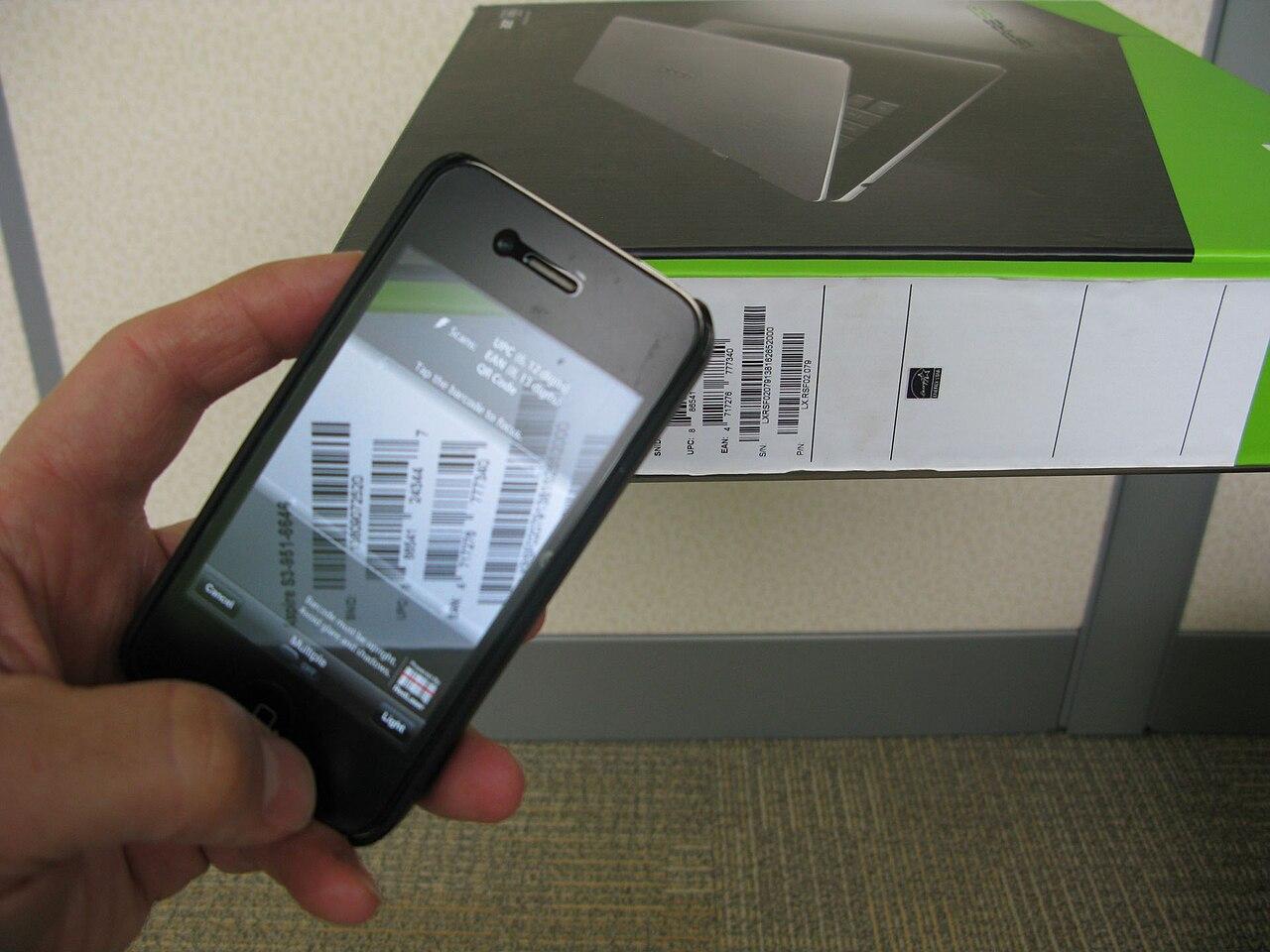
A barcode that looks plausible to an installer may still fail the warehouse's intended workflow. Conversely, a readable barcode does not prove that it identifies the correct test record. Let the application and operations teams judge those results while the network team records the connection behavior.
Preserve failed samples where appropriate under the site's process. They can reveal a format or station-mapping issue that a verbal description of bad printing does not capture well.
Decide how staff handle a job that seems lost
Ask the application owner how to establish whether a requested label was created, queued, printed, or left unresolved. Give staff a supported way to check that state before repeatedly pressing print. The correct response depends on the system and the operational meaning of another copy.
A connection interruption can create uncertainty even when the printer soon appears healthy again. The test should include an approved recovery scenario and an observation of the outstanding job. Record whether a retry is required and who is authorized to decide that it is safe to make one.
Avoid using a factory reset as a routine first response. It may remove the very configuration needed to restore the station, and it may not address a problem in the application path. Follow the manufacturer's and application's troubleshooting process, preserving useful evidence and current settings before a qualified person makes a disruptive change.
Test the station during a representative workload
One successful label is a starting point. Agree on a trial that represents the station's expected operation, including the applications that may send jobs at the same time. Use approved test records and avoid introducing confusion into live shipments.
Observe where delays accumulate. The application may take time to generate a label, the job may wait in a service, or the printer may be occupied. A general complaint about a slow printer does not identify which interval changed. Ask the responsible teams to correlate their observations before changing the internet connection or replacing hardware.
Include the practical station environment in the review. Equipment placement should let staff use and maintain the printer within the site's operating and safety requirements. Power, supplies, and access for routine service belong in the readiness check even when the project was initially described as a network installation.
Leave the replacement process with the warehouse
Document the approved printer model and configuration, station identity, application destination, and support contacts. Identify the owner of each part so a failed device does not become a dispute between the network and software teams.
If a spare is part of the operating plan, rehearse its supported replacement process. Confirm how it receives the correct configuration and how the application points to the replacement. A boxed spare with no setup owner may not shorten the interruption as much as the purchasing list suggests.
For a broader rollout, the logistics connectivity overview can help place printing within the warehouse network. Keep station-specific label and workflow tests alongside that design. The final handover should let a new support person identify the required output, follow its path, and understand how the warehouse verified it without guessing from an old device name.
The takeaway
Label-printing reliability comes from agreement between the application record, the network destination, and the physical output. Test that whole path with the warehouse's approved formats and next-step checks. A reachable device or a clean configuration page does not establish that dispatch can finish its work.
Give staff a clear method for resolving an apparently lost job and give support teams a current station map. Those two pieces often determine whether a short interruption stays short or turns into repeated printing, misplaced labels, and an avoidable reconciliation exercise.
Review warehouse printer connectivity
Request a warehouse network review with your label applications, printer models, station layout, and the printing or retry problems that interrupt receiving and dispatch.
FAQ
Does a printer test page prove the shipping application works? No. Print an approved test record through the actual application, verify the physical destination, and complete the agreed downstream check. A device-generated page tests a narrower part of the system.
Should every label printer have a manually assigned address? Let the network and application owners choose the supported addressing method and maintain it consistently. The important result is a reliable, documented mapping between the application destination and the intended station.
What should staff do when a label does not appear? Follow the application's method for checking job state before retrying. The warehouse should define who can authorize another print when the original result is uncertain.
What makes a spare printer useful? It needs the right supported configuration, supplies, connection, and application mapping, plus someone who can perform the replacement. Rehearse that process rather than assuming an unopened spare is immediately ready.