
Check these details before ordering Frontier business fiber
Qualify Frontier fiber at the exact address, understand the current Verizon relationship, and verify speed, equipment, installation, and account scope.
Quick answer: Qualify the exact Frontier Business Fiber product at the complete service address, then review the wired speed specifications, local equipment, installation endpoint, and account terms. Frontier is now part of Verizon, but that does not make every product available everywhere or automatically combine all service administration. Keep the fiber order and any linked mobile offer identifiable.
A fiber plan can look simple until the business asks where the equipment will be installed, which devices can use the ordered capacity, and how the new bill relates to an existing mobile account. Those details do not make fiber a poor choice. They determine whether the purchase will produce the result the business expects.
The useful order review starts at the location and ends at a working business task. Between those points, somebody needs to confirm the product, the physical handoff, the local network, and the commercial conditions. This is especially useful for a company opening sites across different service areas.
Confirm what the Frontier and Verizon relationship means for this order
Verizon's Frontier business page states that Frontier's fiber business is now part of Verizon. Its guidance still distinguishes the relevant service, account, billing, and support routes. Treat that as current context rather than assuming the names describe unrelated corporate alternatives.
For an existing customer, identify which account carries each active service and where changes should be requested. For a new order, ask which organization and product appear on the proposal, how the account will be administered, and which support route applies after activation.
Do not assume that a combined internet-and-mobile promotion creates one technical service or one automatically unified account. Retain the identifiers for both services and the conditions connecting the offer. The business needs to know which service an administrator is changing and which other benefit may depend on it.
Avoid cancelling or recreating a working account simply to make the names look consistent. Follow the provider's current instructions for the actual change. The order should solve an operating need, not an administrative assumption about the corporate relationship.
Qualify the complete premises before selecting a tier
Frontier's business service page directs customers to check availability using the business address. Include the suite, building, and correct unit information. A neighboring property's connection does not establish that your intended space has the same available product or installation requirements.
Ask for the exact service offered at that address and the status of the qualification. Record whether the proposal is ready to order or still depends on a survey or further review. A positive preliminary result is useful, but it should not become a guaranteed delivery date in the opening schedule.
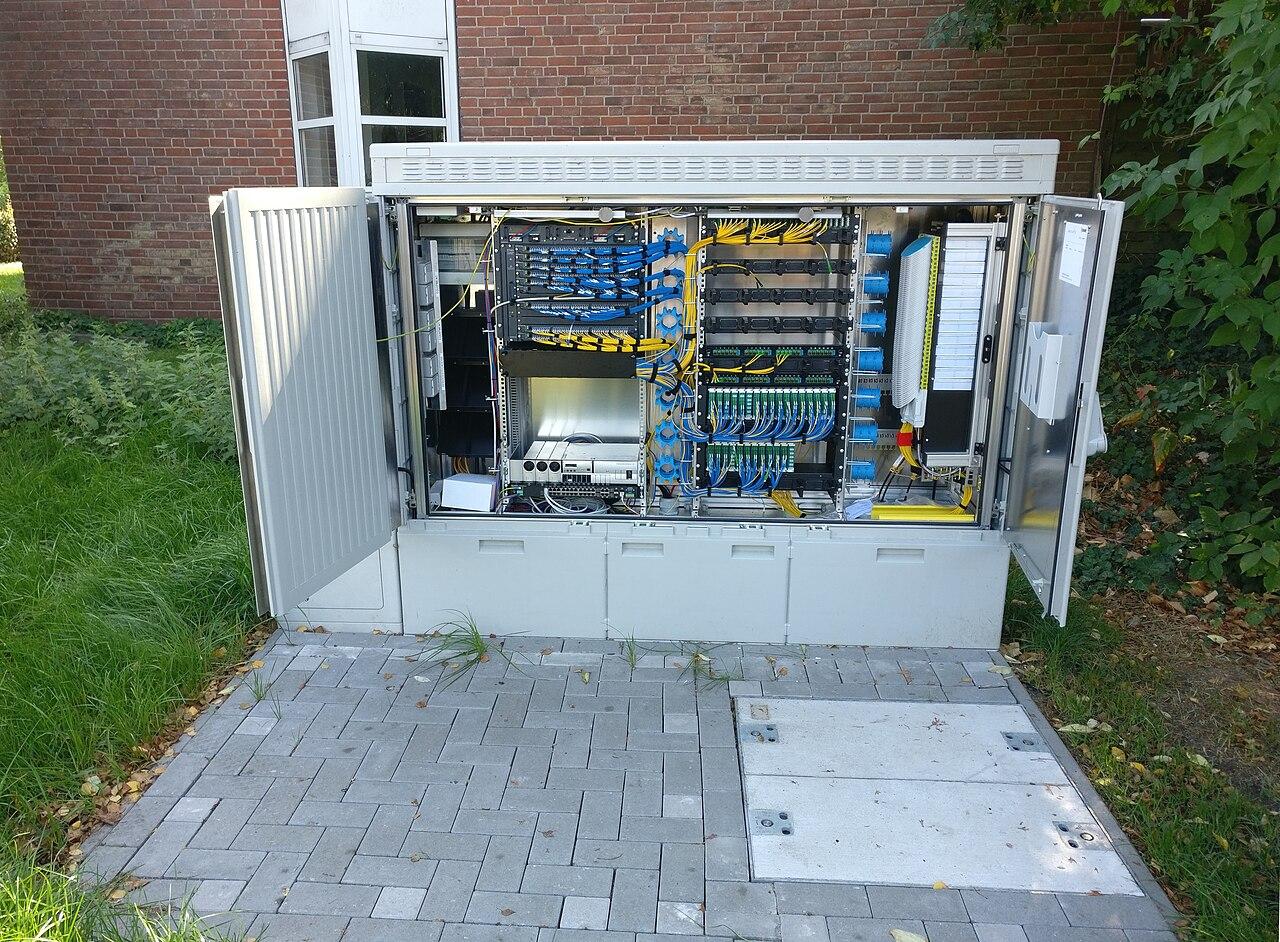
If the business is moving into a previously occupied suite, identify any existing fiber equipment without assuming it is available for the new account. Ownership, service assignment, condition, and location still need confirmation. A device left on a wall is evidence that something was installed, not proof that the new business can use it immediately.
The fiber installation versus internet guide explains the distinction between physical cabling and an active service order. A complete project may require both, with clearly assigned work between the provider's endpoint and the business network.
Compare upload and download capabilities with the workflow
Frontier's business fiber disclosure presents upload and download capabilities separately and explains that the listed maximum figures describe wired connections. Read the specific tier rather than replacing its terms with a general statement that all fiber performs identically.
Identify the direction that matters for each task. Receiving files, sending a backup, participating in calls, and giving remote users access to an approved application can create different traffic patterns. The busiest combination may matter more than one isolated transfer performed while the office is quiet.
Use a representative test or an explicit workload estimate to compare tiers. A hypothetical video-production office may need outbound transfer capacity at the same time employees use cloud tools. The decision should consider that overlap, the destination's capability, and the local network rather than assuming a larger tier makes every file finish at its advertised rate.
When comparing options, retain the assumptions. The business should be able to explain why the selected capacity fits the work and which change would trigger another review. That is more useful than purchasing a high number solely because it is described as suitable for growing companies.
Check the local path to the devices that will use the service
A wired service specification does not promise the same measured result over every Wi-Fi connection in the building. Frontier's disclosure identifies device, application, and other factors affecting actual performance. Review the router, firewall, switches, cabling, and client equipment as a complete path to the task being evaluated.
Ask the network owner to confirm that the chosen local interfaces and equipment support the intended service configuration. Where equipment will be reused, identify any limitation before the order is approved. The business should not discover after activation that its internal path prevents it from making useful use of the selected tier.
Treat wireless coverage as a separate design and acceptance question. A provider gateway in a practical installation location may not provide the required experience in every office, warehouse aisle, or guest area. The network hardware guide helps define which local functions need additional equipment or configuration.
Test at the appropriate boundary. A wired check can help assess the internet handoff, while an application test from the employee's actual work position assesses a broader experience. Record both clearly instead of treating a disagreement between them as proof that one measurement must be dishonest.
Put the physical installation and equipment terms in writing
Agree on the equipment location before the appointment. Identify the provider's delivery endpoint, the connection to the business firewall, required power, and any customer-side pathway or cabling work. Give the site contact enough information to prepare the room and arrange access.
Confirm the supplied equipment, who owns it, and what happens if service changes or ends. If the business wants to use its own equipment, obtain the actual compatibility and configuration requirements. Do not substitute a device based only on a familiar connector or brand name.
Review these items together:
- The exact product, tier, service address, and installation endpoint.
- Upload and download specifications and their stated qualifications.
- Provider equipment and any customer-side network work.
- Installation access, power, pathway, and acceptance responsibilities.
- Recurring charges, one-time fees, term, and equipment-return conditions.
- Any linked mobile offer and the enrollment or continuing eligibility it requires.
Keep the account-specific written answers with the approval. The current product page can explain the offer's general shape, but the final order should resolve the conditions that apply to your site.
Keep promotional enrollment separate from technical acceptance
If a current offer links Frontier fiber and Verizon business mobile, ask which account receives the benefit, which services qualify, and what enrollment must occur. Use the actual offer terms in effect for the purchase. Avoid building a business case around an assumed discount that has not been confirmed for the account.
Assign someone to verify the benefit on the relevant bill after activation. A working fiber connection proves nothing about whether an enrollment step was completed. Conversely, an account credit does not prove that the site's applications have passed their technical checks.
For a hypothetical business adding one site to an existing mobile account, the internet order, mobile eligibility, and benefit enrollment may progress on different schedules. Track them as separate tasks with a common reference. That makes it easier to resolve a missing credit without reopening an unrelated installation question.
I would approve the core internet choice on its operating fit first, then show the verified promotional effect separately. This keeps the service decision understandable if the company's mobile arrangement changes later or the offer has conditions that no longer apply.
Accept the site and preserve a workable transition
Define the business tests before activation: required applications, relevant transfers, and any approved remote-access dependencies. Have the network owner complete the configuration and verify the intended handoff. A technician confirming provisioned service at installation does not complete every customer-side application task.
Where the order replaces another connection, retain a deliberate cutover and recovery plan. Identify who may authorize the move and when the old service can be cancelled under its terms. Do not use shipment arrival or an online status update as the sole trigger for disconnecting the current path.
If continuity requires another connection, design and test it independently. The business internet failover guide helps define which tasks must continue and what reduced operating mode is acceptable. A fiber service and a mobile bundle do not automatically create a configured backup network.
Finish by reconciling the new bill, equipment record, support route, and any old-service closeout. Each site should retain its own accepted service details. A nationwide program can share the review method while preserving the local facts needed to operate and support the connection.
The takeaway
A Frontier Business Fiber order should connect address eligibility, the quoted tier, local equipment, and the business workflow. Current Verizon ownership is relevant context, but it does not remove product qualification or make account administration automatic. Keep the actual service and its support route clear.
Read wired performance disclosures carefully, plan the installation endpoint, and separate technical acceptance from promotional enrollment. Then verify both the working site and the commercial record. That produces a fiber purchase whose value can be explained without assuming every advertised benefit applies everywhere.
Review fiber availability and installation scope
BlueHouse Telecom helps businesses nationwide evaluate business internet options. Share the exact address, current network equipment, workload, and proposed Frontier offer to clarify the service and installation requirements.
FAQ
Is Frontier now part of Verizon? Verizon's official business page states that it is. Confirm the product and account route for your actual service; the relationship does not establish universal product availability.
Will Wi-Fi always match the fiber plan's maximum speed? No. Frontier identifies its maximum figures as wired-connection capabilities and notes that actual and Wi-Fi results depend on several conditions. Evaluate the local wireless network separately.
Does an existing fiber box prove service can start immediately? No. Confirm equipment ownership, the new order's eligibility, configuration, and required installation work before using it as a readiness milestone.
Does bundling mobile create automatic internet backup? No. A commercial bundle and a working failover arrangement are different things. Backup requires appropriate service, equipment, configuration, and an accepted operating test.