
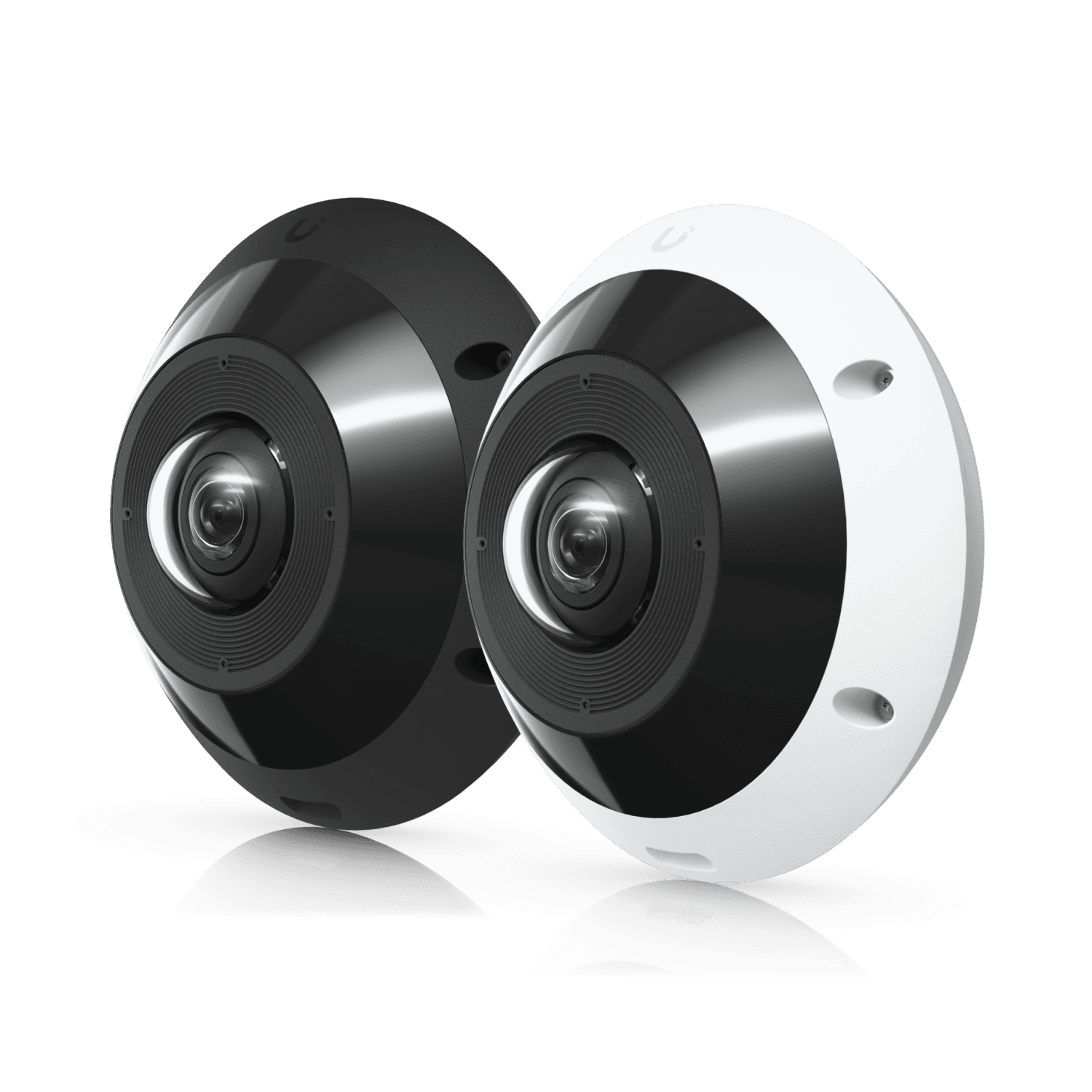
Check fisheye playback before choosing one camera for a room
Test fisheye detail, dewarped playback, client permissions, exports, and room obstructions before accepting a single-camera layout.
Quick answer: Evaluate a fisheye camera by what an ordinary authorized user can recover from its recording, not just how much room appears in the live image. Test the important areas after dewarping, confirm which source views are stored, and open an export on the intended receiving workstation. One camera can provide useful room context without supplying every detail the business needs.
A circular view from the ceiling can make a room look completely covered. Once the image is divided into familiar rectangular views, the limitations become easier to see: a distant entrance may contain little useful detail, a fixture can hide a corner, and a person may be visible mostly from above.
The review software matters as much as the attractive overview. If the person handling an incident cannot navigate the recording or produce a usable export, the broad field of view has not solved the operational problem. Include that person's normal tools and permissions in the buying decision.
Define what the room view needs to explain
Describe the specific question the recording should help answer. Following movement through a reception area is different from identifying a face at the entrance or seeing a small exchange at a counter. A fisheye may be a strong context camera while another viewpoint handles the detail task.
Mark those tasks on the floor plan, including the normal positions of people and objects. Do not treat the camera's panoramic outline as proof that every marked point has equal usefulness. Distance, viewing angle, obstructions, and the required detail all affect the result.
For a hypothetical lobby, the fisheye could show how someone moved between the elevator and reception desk. A dedicated entrance view might still be needed for identification. That combination should be assessed as two complementary purposes rather than two cameras covering the same room redundantly.
Keep the acceptance wording observable. An authorized reviewer should be able to follow a staged movement or distinguish an agreed detail from recorded footage. Avoid a promise such as complete coverage unless its precise meaning and practical limitations are clearly established.
Understand where dewarping happens
Dewarping reshapes the distorted wide-angle image into a view that is easier to inspect. Ask whether the proposed system performs that work in the camera, recording software, or viewing client. The answer affects which views are delivered and how the reviewer can navigate them later.
Axis's Optimizer documentation describes camera-side and client-side dewarping, including supported live and recorded operation. That is a useful example of why the camera model and video software must be evaluated together. A generic statement that a system supports panoramic cameras is insufficient.
Have the installer show which stream or streams the recorder stores. Determine whether a later reviewer can examine areas outside a particular displayed crop or whether the recording is limited to the configured output. Do not infer the stored content from the number of windows visible on a live monitor.
The proposal should name the required camera mode, recording platform, client, and any necessary integration. If a component changes during purchasing, repeat the compatibility check. Two products can both use the word fisheye while providing a different investigation experience when connected together.
Check useful detail at the edges and entrances
Stage the relevant action at the locations where it actually occurs. Review it after dewarping using the normal display and zoom controls. Enlarging a section can make inspection easier, but it does not guarantee that the original image contains enough information for the task.
Include movement through the doorway, around furniture, and near the edge of the useful view. A person standing still under the camera is an incomplete demonstration when the business needs to review someone walking through a distant entrance. Test the normal path and pace with authorized participants.
Consider whether the ceiling viewpoint answers the identification question. Seeing the top of a person's head may establish movement without providing the facial detail expected from an entrance camera. A sharper overall image does not automatically correct an unsuitable perspective.
Use the camera installation checklist to define those tests before choosing final equipment. If a task fails, consider a different placement or complementary focused view rather than assuming more digital zoom will resolve it after an incident.
Test the occupied room, including its obstructions
Inspect the space as it will normally be used. Light fixtures, signs, ceiling features, tall displays, and partitions can block parts of a broad view. Furniture and people also change what remains visible near the floor. A panoramic image cannot see through an obstruction simply because it covers many directions.
Ask facilities staff about planned changes. A seasonal display, movable divider, or new reception arrangement may affect the camera's usefulness without altering its network connection. Where the layout changes frequently, identify which important paths must remain visible and how that will be checked.
Lighting can vary across the same room. A bright glazed entrance and a darker seating area may require different compromises in the image. Include the expected daytime and after-hours conditions in the demonstration, and distinguish a condition tested in person from one only discussed during design.
A hypothetical hotel lobby might look excellent when empty, then lose a baggage-handling area behind a temporary display. Evaluate that approved layout before accepting the view. Do not move normal furnishings out of the way solely to produce a passing demonstration that daily operations cannot reproduce.
Let the regular reviewer use playback
Have the actual operational role find a staged event in the saved recording. Use that role's account and ordinary workstation, not an installer's unrestricted administrator session. The exercise should reveal whether dewarped navigation, saved views, and useful playback controls are available where they are needed.
Camera Station Edge's manual describes custom fisheye split views that can also be used to inspect recordings. It also distinguishes the snapshot behavior of dewarped views. Those details are worth testing because a displayed overview, a selected view, and a saved image can represent different portions of the scene.
Give the reviewer an approximate time and a simple incident question. Ask them to locate the event, move between the necessary areas, and explain what the footage establishes. If the process requires repeated help from the installer, add training or simplify the view layout before calling the project complete.
Include remote review if that is part of ordinary operations. Confirm the supported browser, desktop, or mobile workflow for the exact system. Do not assume that a smooth desktop demonstration proves the same navigation tools are available on every device.
Open the exported result outside the recording system
Export is a separate acceptance step. The recipient may not have access to the original recording server, the same client software, or permission to install a new player. Decide what that person needs to inspect and which approved delivery method the organization uses.
Axis documents a specific XProtect-format workflow for retaining Axis dewarp capabilities in exports. That does not imply every ordinary video file preserves interactive panoramic navigation. Confirm the supported export choices for the selected platform and demonstrate the actual receiving experience.
Use this practical review list:
- Does the export contain the intended interval and relevant areas?
- Is the result a fixed view, a panoramic source, or an interactive package?
- Can the intended recipient open it through approved software?
- Are timestamps and view descriptions understandable?
- Does any exported snapshot omit context needed to interpret it?
- Have permissions and handling rules been followed for the footage shared?
Preserve the appropriate original evidence under the organization's process when creating a smaller presentation view. A convenient crop can explain a detail while omitting surrounding activity. The reviewer should know what was selected and avoid treating that selection as the entire recorded event.
Compare the total room solution
Evaluate the fisheye against the complete alternative, including useful camera positions, recording needs, software compatibility, and reviewer effort. A single mounting point can be attractive, but the purchase is successful only if the required tasks are delivered at a practical total cost.
Ask whether a complementary camera resolves a specific weakness. An entrance view might supply identification while the fisheye supplies movement context. Conversely, adding several cameras without clear separate tasks can increase installation and review work without improving the evidence that matters.
Include future layout changes in the comparison. A room with movable partitions may need a different plan from a stable reception space. Document which changes would trigger a coverage review, so the broad camera image is not mistaken for permanent assurance across every later arrangement.
Keep the accepted playback and export examples with the system documentation. After a significant software change, perform a focused check of the workflow the business relies on. Recording health alone does not demonstrate that a client update preserved the same dewarping and sharing experience.
The takeaway
A fisheye camera can provide valuable context from a compact installation, but its useful coverage depends on the scene and the entire review workflow. The live panorama is only one part of the decision.
Test meaningful details in the occupied room, let the regular reviewer navigate recorded footage, and verify the exported result. Choose any additional views because they solve a demonstrated gap, not because a camera count or a broad coverage graphic looks impressive.
Plan useful room coverage and playback
BlueHouse Telecom helps businesses scope security camera installations nationwide, including panoramic placement, recording compatibility, and export acceptance.
FAQ
Does a 360-degree camera eliminate every blind spot? No. Obstructions, mounting position, perspective, and insufficient detail can limit the useful result. Test the actual room and the specific events the business needs to understand.
Can I change the view after an event? That depends on which source content was recorded and the supported playback tools. Have the installer demonstrate navigation of a saved recording rather than relying on a live-view feature list.
Will a standard exported video preserve dewarping controls? Do not assume it will. Export formats and players differ. Test the selected platform's supported output on the intended recipient's approved workstation and document any software requirement.
When should a fisheye have a separate entrance camera? When the room overview cannot provide the required entrance detail or perspective. Compare the two recorded tasks and add the focused view when it resolves a clear evidence gap.