
Avigilon Alta or Unity: start with operating responsibility
Compare Avigilon Alta and Unity video around system ownership, recording, connectivity, existing cameras, and the review workflow.
Quick answer: Compare Avigilon Alta and Unity by deciding who will operate the recording infrastructure and which review workflows the business needs. Evaluate the actual camera, storage, connectivity, and license design for each option; the words “cloud” and “on-premise” do not settle every requirement.
A video platform purchase creates years of operating work. Somebody must manage accounts, investigate missing recordings, maintain equipment, and help staff retrieve useful footage. That responsibility can matter more than a feature that looks impressive in a short demonstration.
Avigilon offers Alta and Unity within the same broader product portfolio, but they should be evaluated as specific architectures. The goal is not to declare a universal winner. It is to choose an arrangement the business can operate, with a recording policy and workflow that have been demonstrated on the proposed equipment.
Identify the responsibility the business wants to keep
List the work involved in running the current system. Include server or appliance maintenance where applicable, storage monitoring, camera configuration, account administration, updates, and user support. Identify the people who perform that work today and the parts that regularly go unattended.
Then decide which responsibilities the organization wants to retain and which it expects a service arrangement to cover. Avoid assuming that a product category removes all local work. Cameras, networks, physical mounting, and business policies still need ownership even when management is delivered through a cloud platform.
Use the responsibility list as an evaluation document. Each proposed design should identify who owns the task, what tools or service terms support it, and what happens when an issue occurs. A platform that fits the team’s capabilities can be a better choice than one selected mainly because a feature comparison has more checkmarks.
Compare the actual Alta and Unity architectures
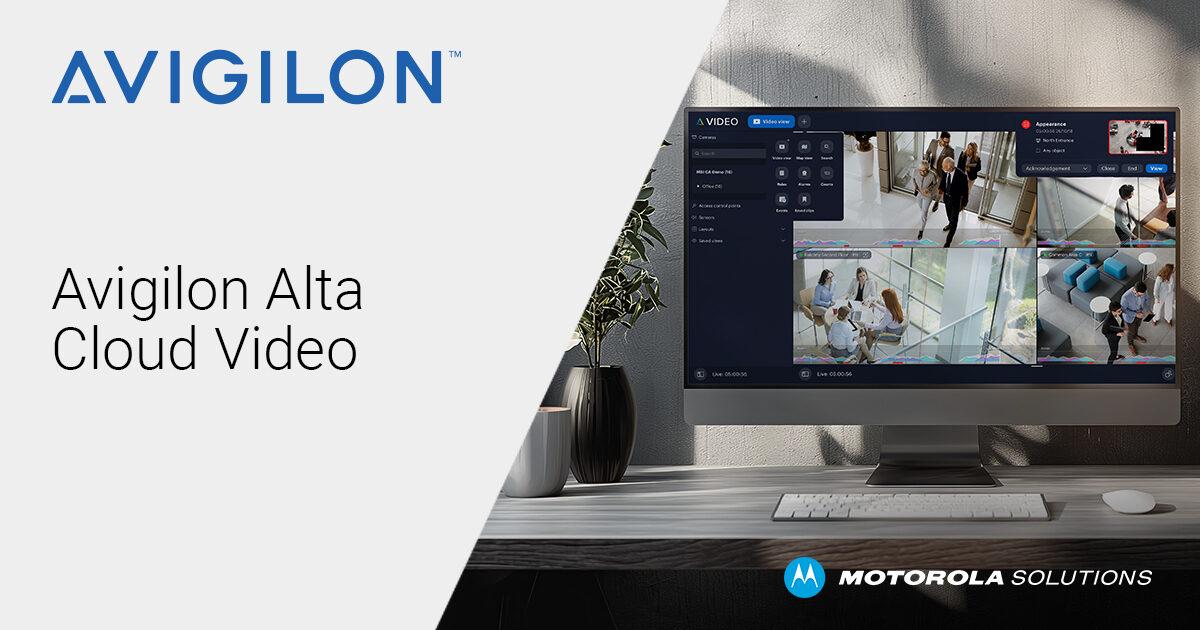
Avigilon describes Alta Video as a cloud video management system, with Alta cameras and supported paths for existing cameras through Cloud Connectors. Unity Video is presented as an on-premise video system with cloud-managed capabilities. Those descriptions are useful starting points, not complete bills of materials.
Ask for a diagram of the proposed design under each option. Show the cameras, recording and management components, network paths, and remote user access. Identify what remains at each site and what is supplied through the service. The diagram should match the actual quotation rather than a generic product architecture.
Do not equate on-premise with no remote management or cloud with no local equipment. Those shortcuts can exclude a suitable option for the wrong reason. Compare the supported arrangement that would actually be deployed, including any connector or recording appliance and its maintenance responsibilities.
Define retention before comparing storage costs
Write the required recording period and the quality needed for the intended task. Identify which cameras need continuous recording and which use another approved policy. Keep incident preservation separate from routine rolling retention so an export workflow is not mistaken for the complete archive design.
Ask each proposal to show how those requirements are met. Record the equipment capacity, configuration assumptions, and recurring services involved. If a quality adjustment or recording schedule is necessary to meet the period, make that visible to the person approving the policy.
A hypothetical company with a few quiet offices may have a different recording workload from a distribution operation with active docks. The camera count alone does not settle the comparison. Use the actual scene roles and operating hours, then verify the result after representative activity has been recorded. Keep estimates labeled as estimates until the intended archive can be inspected.
Test connectivity assumptions at each location
Describe what the business must do during an internet interruption. Local recording, local review, remote viewing, administration, and access to an off-site copy are different tasks. Have the proposed design explain which remain available, under what conditions, and how recovery is verified.
Evaluate the upstream connection and other workloads at each site. A national headquarters may have an operating environment very different from a small branch. The decision should not assume that because one pilot location has ample connectivity, every location can support the same remote-review and backup pattern.
Use an approved test to examine the required interruption scenario. Record the exact equipment and configuration, what the operator could do, and any recovery limitations. The camera installation checklist can help gather those site requirements before architecture choices become fixed purchasing commitments.
Treat existing-camera reuse as a tested project scope
Inventory the cameras the business wants to keep, including exact model, firmware, current role, and required functions. An existing camera may be valuable because of its placement or a specific workflow, not merely because it still displays video.
Ask the proposed Alta or Unity design to identify the supported connection method and any required intermediary equipment. Verify the functions the operator depends on: recording, playback, export, event handling, and camera controls where applicable. Do not assume that a supported stream implies identical access to every feature.
Choose a pilot that includes materially different camera types and operating tasks. A representative sample can reveal a need to replace some devices while retaining others. Keep those exceptions in the cost comparison. A migration that reuses most cameras can still require specific replacements, and the final proposal should make that result understandable rather than describe reuse as an all-or-nothing decision.
Compare the operator’s work, not only the demonstration
Give both proposals the same review scenario. An authorized staff member should locate a test event, follow it across relevant views, inspect the recording, and export the agreed material. Use the role and device that person will actually have after deployment.
Observe where the workflow depends on a particular permission, camera capability, or additional component. A demonstration performed by an expert with unrestricted access can conceal the steps an ordinary manager will need. Include the person who will train or support those managers in the review.
Use a short evaluation record:
- The task and the footage used for the demonstration.
- The account role and client device used by the reviewer.
- The steps that worked and any manual workaround required.
- The exact configuration or license on which the result depended.
This turns an attractive presentation into evidence that can be compared. It also provides the first draft of the training material the business will need after installation.
Price ownership and migration on the same basis
Compare hardware, licenses, storage, installation, support, and the work required to maintain the selected arrangement over the evaluation period. Use current written proposals and distinguish a recurring service from a one-time component. Do not substitute a generic online price for the configuration that passed the review.
Include the migration itself. Historical footage, existing user accounts, parallel operation, training, and equipment retirement can create work outside the new-system purchase. Decide which recordings must remain available and how authorized users will reach them after the change.
Record the conditions for future expansion or exit. Ask how additional cameras and locations are added, what changes would require new equipment, and how the organization can preserve required incident material. These questions do not predict that the business will leave the platform; they make the ownership decision more complete before a long-term operating pattern is established.
Make the selection conditional on the remaining evidence
Finish with a short recommendation that connects the chosen design to the organization’s requirements. State which operating responsibilities it fits, which review tasks were demonstrated, and which site dependencies remain. A clear conditional recommendation is more useful than a confident brand verdict that ignores an unresolved network or compatibility issue.
For a nationwide rollout, identify the site types covered by the pilot and the exceptions that need another design review. Use a common acceptance record while preserving those differences. The selected platform can provide consistency without requiring every location to have the same hardware or recording role.
Assign an owner to each unresolved item and define the evidence needed before ordering or rollout. The final decision should be understandable to the people who inherit the system later, including why an alternative was not selected and which tradeoffs the business knowingly accepted.
The takeaway
The Alta-versus-Unity decision is strongest when it begins with operating responsibility and the intended recording workflow. Compare the proposed architectures, prove the important tasks, and include the actual site conditions and existing cameras. Broad product labels help organize the discussion, but the selected design must do the work.
Keep the ownership and migration costs visible alongside features. A business should leave the evaluation knowing who maintains the system, how footage remains useful, and what happens when a location or requirement changes. That is a more durable basis for selection than a platform ranking detached from the organization’s needs.
Define the camera project before choosing the platform
BlueHouse Telecom’s security camera installation overview can help organize coverage goals, recording requirements, and site information for locations nationwide.
FAQ
Is Alta always the better choice for multiple locations? No universal rule applies. Compare the proposed architecture, connectivity, operating responsibilities, and review workflow across the actual sites. Demonstrate the functions the organization needs before deciding.
Does Unity rule out cloud-managed capabilities? Avigilon describes Unity Video with cloud-managed capabilities. Confirm the exact proposed configuration and services instead of treating on-premise as a complete description of every management option.
Can existing cameras be retained? Evaluate the exact inventory and supported connection paths. Reuse should be accepted through the required recording and review tasks, with any missing functions or replacement needs documented.
Should the comparison include the old video archive? Yes. Decide which historical recordings must remain accessible, for how long, and through which supported workflow. Camera migration and preservation of the previous archive are separate tasks.