
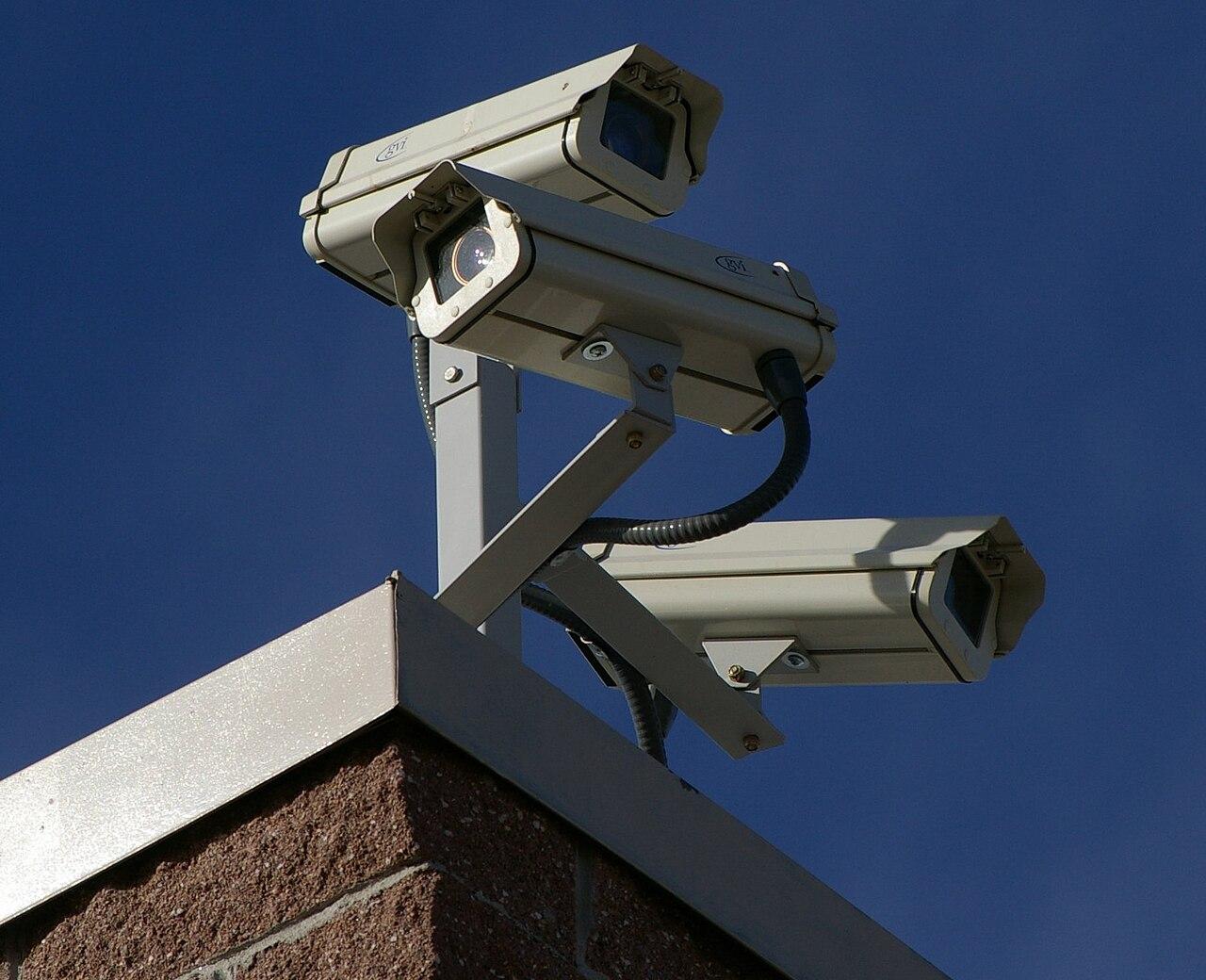
A wide camera view does not guarantee identification
Choose camera views around the evidence you need, then test distance, angle, movement, and lighting before accepting the installation.
Quick answer: An overview camera helps explain activity across a scene; a more targeted view may be needed to examine the person or object involved. Define the evidence you need at a specific location, then test the recorded result at that distance under realistic movement and lighting.
A parking area can look perfectly covered on a monitor while leaving a person at the far edge too small to evaluate. The picture is not necessarily faulty. The camera may be doing exactly what its broad view allows, while the buyer expects a different job.
That mismatch starts before installation, usually with a request to “see everything.” The request is understandable, but it needs to be divided into observable tasks. Deciding what an overview should show and where detail matters is more useful than choosing the largest megapixel number on a product page.
Describe the decision the recording must support
Start with a sentence about the work somebody will do after an event. “Review the sequence of a delivery” is a useful overview requirement. “Examine the face of a person using this doorway” asks for a more specific view. “Read a label on a moving package” introduces another task with its own distance and motion concerns.
The Axis discussion of pixel density distinguishes detection, observation, recognition, and identification as separate operational requirements. Those terms help expose an ambiguous request. They should not be treated as an automatic guarantee that a recording will answer every question about a person or event.
Write the target task on the drawing at the place where it must happen. A doorway can be the detail point while the surrounding lobby remains an overview area. Once those roles are explicit, it becomes easier to explain why two carefully placed views might be more useful than one broad image covering a larger floor area.
Follow the pixels into the actual scene
The camera's total resolution describes the image, not the amount of detail assigned to every object within it. Spread that image across a wider scene and each small subject occupies less of the frame. Enlarging the playback window does not create the information that was never recorded.
Distance also matters. A person near the camera and a person at the far boundary of the scene can occupy very different portions of the same image. A coverage sketch that shades the entire floor with one color hides that difference. Ask for the intended detail area to be marked separately from the area where activity is merely visible.
Use a test subject or object at the actual point of interest during commissioning. Review the recording on the device the customer will use. This simple step changes the conversation from an attractive live picture to the specific evidence the system is expected to preserve.
Choose the lens after the viewing task
Axis explains lens selection in terms of field of view, focal length, and sensor size. A longer focal length narrows the view for a given sensor. That can help allocate more of the image to a distant target, but it also means less surrounding activity fits in the frame.
The tradeoff should be deliberate. A camera aimed tightly at a service entrance may provide the desired detail at that doorway while missing the route someone took across the yard. An overview camera can supply that context. Neither view should be judged against a task it was never designed to perform.
A variable lens can make positioning more flexible, but adjustment still needs an acceptance target. Keep a reference image and a note about the intended boundary after commissioning. Otherwise, a later adjustment made to include one new shelf may quietly reduce detail at the doorway that originally justified the camera.
Mounting height changes more than coverage
A convenient ceiling location can produce an inconvenient view of the subject. At an entrance, a steep angle may show the top of a person's head more clearly than the face the customer hopes to examine. At a counter, a shelf or hanging sign can block the relevant exchange even though most of the room remains visible.
Walk the intended path while reviewing the camera position. Consider the moment when the person or object is best presented to the lens. That moment may occur before the doorway, after it, or at a natural pause in the workflow. A useful mounting location should be connected to that movement rather than chosen only because cable installation is easy there.
Record the practical restrictions too. The mount must suit the surface, remain serviceable, and avoid creating an obstruction. Placement is a coordination problem between the viewing task and the building; a drawing alone cannot settle all of those conditions.
Test movement and changing light together
A still person in a well-lit doorway is a limited test. The real recording may involve someone walking, turning away, carrying a box, or passing through a bright background. Repeat the task under the conditions that are material to the business, including closing time if that is when the view matters.
Use a compact test plan:
- Walk the normal route at normal speed rather than posing for the camera.
- Repeat at the near and far boundaries of the agreed detail area.
- Include the lighting conditions that are difficult at that location.
- Inspect saved footage and an exported clip, not only the live display.
Do not assume that one setting improves every part of the scene. If an adjustment helps the doorway but weakens another required area, record the tradeoff and revisit placement or camera roles. Acceptance is the time to discover that the single-view requirement was too ambitious, before an actual event makes the limitation consequential.
Keep the overview when adding detail
Detail and context are complementary. A narrow doorway view might show a person clearly while failing to explain what happened elsewhere in the room. The broad view can establish movement and sequence, then direct the reviewer to a second recording for closer examination.
In a hypothetical warehouse, an overview camera could show a pallet arriving at the receiving area. A separate view could focus on the handoff location where staff routinely pause. This is an illustration of design logic, not a promise that any two cameras will capture every package marking or person. The actual distances and operating conditions still need testing.
Name the cameras so the relationship is obvious. “Receiving overview” and “Receiving handoff” are more useful to a remote reviewer than two serial-number labels. The camera installation planning guide can help connect these viewing roles with the rest of the recording and network requirements.
Preserve the accepted view after installation
A camera can remain online after its useful view changes. Seasonal displays, stacked materials, parked trailers, and a moved sign can all alter what the customer can see. Include a reference image in the handover and identify the area that must remain unobstructed.
Review that reference when the space changes. If a stockroom becomes a packing area, the original camera task may no longer be the right one. The response might be a small adjustment, a different lens position, or another viewpoint, but the decision should begin with the new workflow.
Keep records of intentional changes. The business needs to know why a camera was repositioned and whether the earlier acceptance task still passes. This is especially useful across multiple locations, where a remote administrator may otherwise see only that a device is healthy and assume its coverage remains appropriate.
The takeaway
A wide view and an identification task should not be treated as interchangeable. Start with the decision a person will need to make from the recording, identify where that decision depends on detail, and assign an observable task to each view. Resolution is one part of that discussion, not the complete answer.
Then test the installed recording with real distances, normal movement, and relevant lighting. Preserve the accepted framing as part of the handover so later changes can be evaluated. A smaller view that performs its assigned job can be more useful than an impressive panorama with an unclear purpose.
Plan the views before the equipment list
BlueHouse Telecom’s security camera installation overview provides a starting point for documenting locations, intended coverage, and the conditions a site review should confirm.
FAQ
Does a higher-resolution camera always identify people farther away? More image detail can help, but the result still depends on framing, angle, lighting, motion, and recording settings. Evaluate the intended task in the actual scene instead of treating resolution as a complete answer.
Can digital zoom fix a view that is too wide? It can enlarge recorded content for inspection, but it cannot recover scene detail the original recording did not contain. Test the exported recording before deciding that enlargement meets the requirement.
Should every camera be aimed for identification? No. Some cameras are intended to provide context across a broad area. Assign detail tasks where they matter and keep overview coverage where it helps explain the sequence of events.
When should camera placement be reviewed again? Review it after changes to shelving, traffic routes, lighting, or the use of the space, and during planned maintenance. Compare the present recording with the original acceptance task rather than checking connectivity alone.