
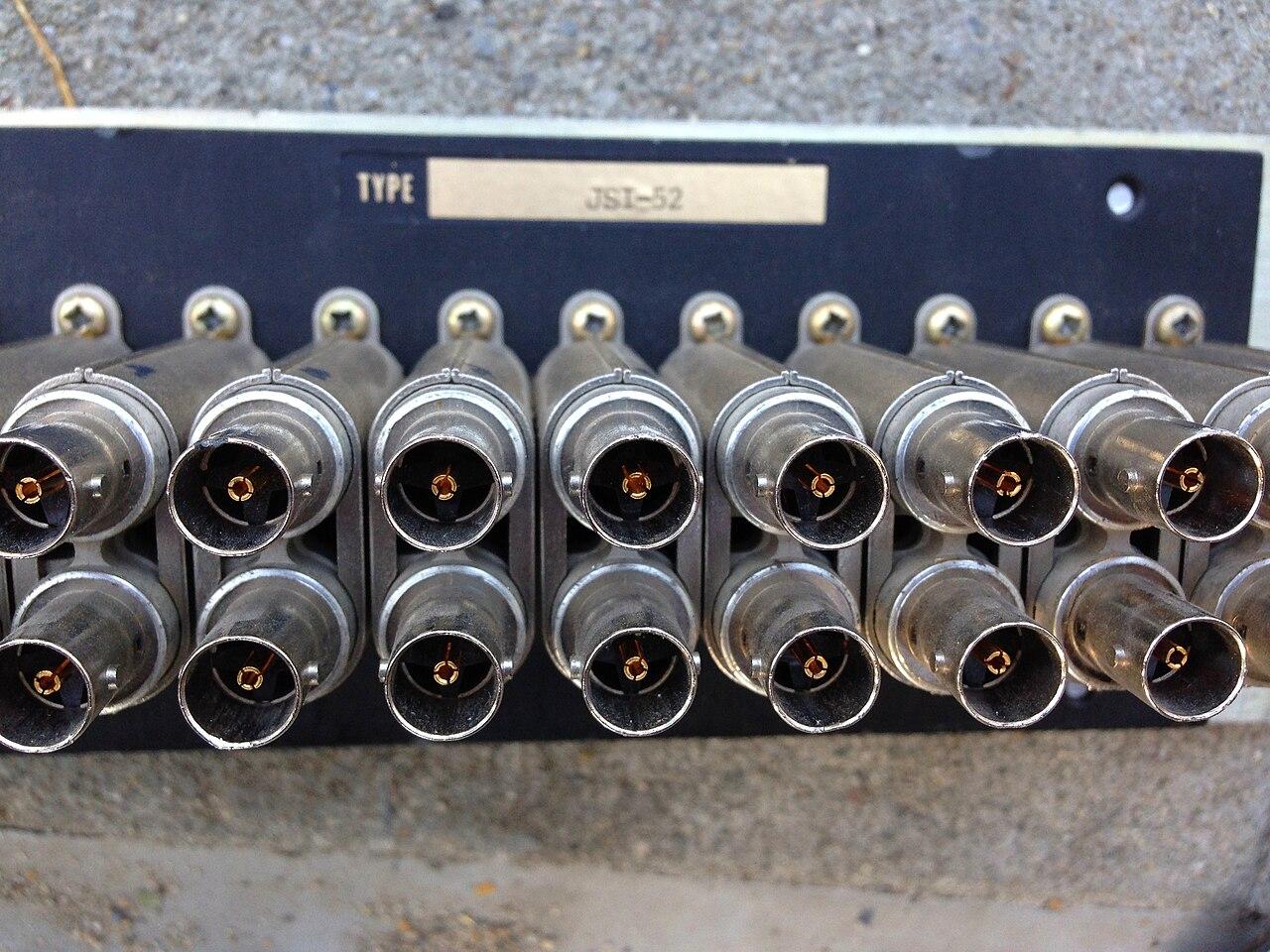
Reusing camera cable: prove the path before pricing the saving
Evaluate existing camera cable by route, condition, test evidence, power demand, and the complete installed recording path.
Quick answer: Reuse camera cable only after the proposed path, equipment, power requirements, and acceptance evidence are defined. A working old camera or a continuity result does not establish suitability for a different camera system. Compare verified reuse with a scoped replacement option, including the cost of identifying, testing, repairing, and supporting the retained infrastructure.
An existing cable can be a useful asset or an expensive assumption. The difference is often invisible in a floor plan: an undocumented junction, a damaged outdoor section, or a route that reaches yesterday's camera position but misses the view the business now needs.
The reuse decision should therefore start with the new camera's job and work backward. Avoid allowing the location of an old connector to dictate the entire design. A modest cabling saving loses its value when the resulting image cannot answer the question the camera was purchased to address.
Start with the required camera position
Mark the proposed view and mounting location before deciding which cables to retain. Identify the subject, distance, lighting conditions, and any practical restriction on where the camera can sit. The correct endpoint is the one that supports the intended image, not necessarily the old mounting hole.
Compare that endpoint with the existing cable termination. A nearby route may be adaptable through an approved design, but the proposal needs to include the actual work. Do not describe a cable as reusable merely because it reaches the same side of the building.
Include access for installation and later maintenance. A cable that ends above equipment or inside a restricted area may require a carefully scheduled visit. The cost comparison should include those conditions instead of treating all retained cable as immediately available at no labor cost.
Use the camera installation checklist to connect the view requirement with the physical survey. That keeps the reuse discussion attached to the business outcome rather than turning it into a separate exercise in preserving every old component.
Establish what the cable actually is
Have the qualified cabling team identify the cable type, endpoints, visible markings, termination arrangement, and known route. Distinguish copper network cable, coaxial cable, fiber, and separate power conductors. Similar-looking connectors or a handwritten label are not a substitute for identifying the installed path.
Look for records from earlier work, but compare them with what is present. Renovations, device moves, and undocumented repairs can leave a drawing partly correct. Note which portions were observed and which remain concealed or uncertain; uncertainty should remain visible in the proposal.
Confirm ownership and permission to reuse the route. A tenant may recognize the camera without owning every cable or cabinet serving it. Obtain the relevant property coordination before altering an unidentified circuit, shared pathway, or connection that could still support another system.
I would keep an unknown run provisional until the installer can state what it is and where it goes. That is a more useful purchasing position than either automatically replacing everything or accepting a blanket promise that all existing wiring will work.
Choose evidence that answers the reuse question
Ask which test will demonstrate the required capability and what its result means. Fluke Networks distinguishes qualification from certification: qualification addresses support for a particular network application, while certification checks a link against specified cabling standards. These are different claims about the evidence.
The proposed test scope should match the project's acceptance requirements. A simple wiring check may help identify a fault, but it should not be presented as a complete performance report. Conversely, a standards report should identify the selected limits and the exact link tested.
Request a result that can be matched to the camera position and patch-panel endpoint. A folder of unnamed pass screens is difficult to use when the wrong camera disconnects later. Keep the link identifier consistent across the drawing, test record, and equipment schedule.
Also distinguish cable evidence from application evidence. A suitable physical link does not prove that the correct network permissions, recording settings, or storage destination are configured. Those checks follow after the physical path has been accepted for its stated purpose.
Assess power through the retained path
A replacement camera may have a different power requirement from the device it replaces. Have the designer assess the actual camera, active functions, power source, and retained path together. Do not assume that successful video from the old unit proves the new unit's operating envelope.
Include any adapters, extenders, injectors, or remote power supplies in that assessment. Their presence changes what must be installed, protected, and supported. A cable reuse option can still be sensible, but the equipment needed to make it work belongs in the comparison.
The PoE planning guide provides a way to separate port capability from the overall switch budget. For reused cabling, add the physical-path evidence and the camera's specified operating conditions to that network review.
Ask how the system will be checked when relevant functions are active. Daytime viewing alone may omit conditions that increase demand. The appropriate test method and limits should come from the selected equipment and qualified design, not from a generic wattage rule applied to every camera.
Treat coax conversion as an equipment design
Existing coax does not become ordinary network cabling simply because an IP camera is attached nearby. Axis's coaxial product description explains a paired-adapter arrangement in its T864 series, with equipment at the camera and network ends. That is a specific migration approach to evaluate.
Confirm the exact adapter models, cable conditions, power arrangement, and supported camera requirements for the proposed installation. Keep model-specific limitations with the design. The existence of a product family is not proof that every coax run, connector, or powered camera combination will be suitable.
Account for where the extra components will be mounted and how someone will service them. A neat main rack does not solve an inaccessible device at the far end. Include environmental suitability and access in the survey without assuming that every adapter belongs outdoors.
Compare this route with replacement cabling on a common scope. The useful question is whether the complete retained-path design provides an acceptable outcome at a justified cost. An adapter price alone cannot answer the labor, maintenance, and future-change questions.
Price uncertainty separately from known work
Ask the proposal to distinguish confirmed reusable runs, runs requiring repair, and runs still awaiting evidence. Give each category a clear next step. That makes it possible to approve investigation without confusing it with approval of an unverified final design.
A practical reuse comparison should identify:
- The proposed camera location and retained link identifier.
- The inspection and test scope, with the acceptance basis.
- Included adapters, repairs, terminations, and mounting work.
- The replacement alternative and the condition that would trigger it.
Discuss how discovered conditions affect the schedule and commercial scope. A concealed defect may require additional work, but the process for making that decision can be agreed beforehand. Avoid a vague allowance that leaves the buyer unable to tell what has already been priced.
For a hypothetical warehouse, some accessible interior runs might qualify for reuse while a damaged loading-area run requires replacement. A mixed decision is entirely reasonable. The site does not need one universal answer simply to make the equipment list look more uniform.
Verify recording after the physical work
Once the retained path is accepted and connected, test the actual camera function. Confirm the intended view, stable operation under agreed conditions, and recording retrieval. The camera should be identifiable in the software using the same location name that appears in the installation records.
Investigate any fault with the full path in view. A dropped stream could involve the cable, power source, adapter, switch configuration, or recording system. Preserve the relevant evidence rather than repeatedly exchanging cameras without identifying which condition changes the result.
Include a supported restart or recovery check if it is part of the acceptance scope. Equipment that works only until the first scheduled reboot has not demonstrated a maintainable installation. Keep testing controlled so it does not unexpectedly interrupt other cameras sharing the infrastructure.
Record the accepted configuration and the remaining limitations. If a run was retained for the current camera only, do not label it suitable for any future device. Later changes need their own assessment against the equipment and capability being introduced.
Make retained infrastructure supportable
Provide readable endpoint labels and an updated route record at the level the survey can establish. Identify any intermediate equipment and where it receives power. The next technician should not have to rediscover the entire migration design before investigating a single view.
Clarify the support boundary for retained components. New camera coverage, adapter coverage, and responsibility for an old cable may differ under the proposal. Have those terms explained directly so the business knows whom to contact and which work was included.
Preserve test results alongside the final camera schedule. That evidence helps distinguish a later change from an original condition. It also makes an eventual expansion easier to evaluate without assuming that every inherited run received the same treatment during this project.
Review reuse decisions when the layout or camera requirement changes. The right answer today may no longer fit a moved entrance or a higher-demand device. Reuse is an assessed option, not a permanent status that survives every alteration to the system.
The takeaway
Existing camera cabling can reduce unnecessary work when its identity, condition, and required capability are demonstrated. Begin with the intended image, then evaluate the complete physical and powered path that will support it.
Compare verified reuse and replacement with the same acceptance expectations. The useful saving is a system that remains understandable and serviceable after installation, with evidence showing why each retained run belongs in the design.
Assess your existing camera infrastructure
Discuss camera locations and cabling scope with BlueHouse Telecom.
FAQ
Does a working old camera prove its cable is reusable? It establishes limited evidence about the previous arrangement. Identify the new equipment and have the retained path assessed and tested for the capability the replacement design requires.
Can an IP camera use an existing coax run? Some supported designs use compatible adapters over suitable coax. Confirm the exact equipment, cable conditions, power, and installation limits rather than assuming any coax connection will support the proposed camera.
Is a cable qualification report the same as certification? No. Qualification assesses support for a stated application; certification evaluates specified cabling-standard requirements. Ask which evidence the project requires and what the supplied report actually establishes.
Should every camera cable receive the same reuse decision? No. Different routes and conditions can justify different outcomes. Keep each decision linked to the camera position, test evidence, included work, and the agreed replacement alternative.