
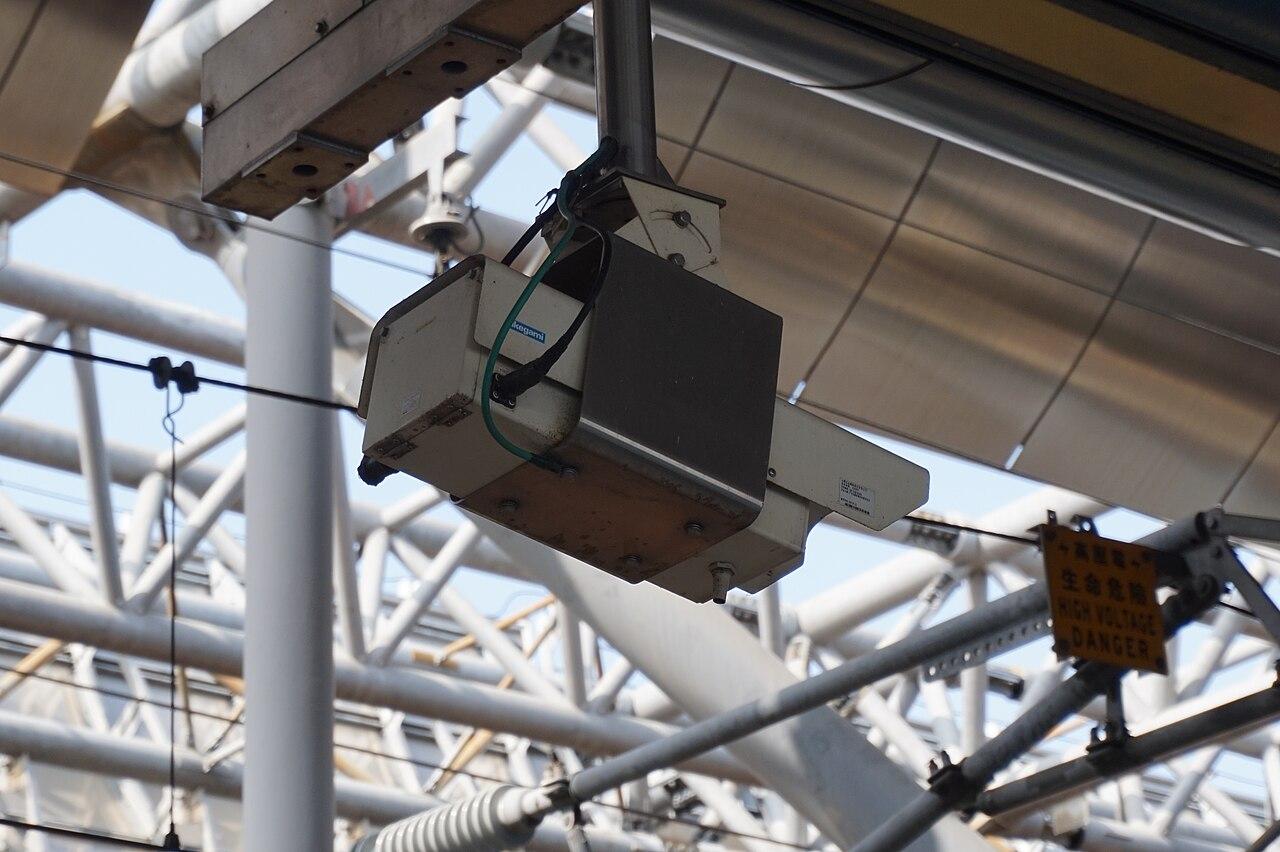
Inventory inherited camera systems after an acquisition
Map inherited cameras, recordings, accounts, and contracts before deciding which systems to keep, combine, or replace.
Quick answer: Inventory an acquired camera system as a working service, including its devices, recording destinations, accounts, and commercial obligations. Verify a sample of the inventory against the physical site and actual playback. Preserve required footage and authorized control before reorganizing accounts or replacing equipment.
An acquisition can deliver a spreadsheet of cameras without delivering the ability to use them. Device names may reference a former tenant, recordings may sit in an account controlled elsewhere, and an invoice may cover equipment that no longer exists. Counting lenses does not resolve those gaps.
The first useful output is a map of what the business has inherited and what remains uncertain. This article proposes a discovery process for an authorized acquisition team. It assumes the appropriate business and data owners have defined access to the acquired systems; a purchase announcement alone is not an instruction to reset accounts or inspect every recording.
Separate the physical asset from the service it provides
Create one device record for each camera and connect it to its site, mounting position, and intended view. Record the model and identifier that distinguish it from another similar unit. Keep the original label as an alias if the new business will use a different naming convention.
Then trace where that camera sends recordings and how authorized staff review them. A camera, recorder, management application, and storage subscription may have different owners or support arrangements. Link these components without compressing them into one vague entry called the security system.
Include devices that are installed but currently disconnected. Mark their observed state and the date of the observation. An offline device may be an intentional spare, a failed unit, or a camera supporting a requirement nobody has recently checked. Do not assign a reason until someone can substantiate it.
Gather several inventories and keep their disagreements
Collect the approved equipment schedule, current platform inventory, relevant invoices, and available maintenance records. Give each source a date. Older records can explain why an item exists, but they should not silently become the current equipment list.
For applicable Axis environments, AXIS Device Manager's security guide describes device-list export and inventory information such as model, status, and software-support lifecycle. That can contribute useful technical evidence. It does not establish the business's ownership of every discovered asset or identify every separately managed recording service.
Keep discrepancies in a working queue. If the platform shows twelve devices and the acquisition schedule lists fourteen, preserve both counts until the difference is explained. Replacing the larger number with the smaller one produces a neat spreadsheet while potentially losing two unresolved responsibilities.
Verify the site instead of trusting familiar labels
Have an authorized local participant connect device records with physical locations and actual views. Use a controlled walk-through with the system administrator. Check that the loading-door label really opens the loading-door view, particularly where old departments or tenants used different room names.
The camera installation checklist provides a useful starting point for reviewing each view's purpose. In an acquisition, also ask whether that purpose still exists. A camera positioned for a former production line may no longer answer the new operator's question.
Do not turn discovery into an unapproved redesign. Record obstructed views, unused locations, and missing evidence, then route them to the responsible owner. The immediate task is to describe the inherited state accurately enough to support a decision, including which observations require a specialist visit rather than a remote assumption.
Establish who controls accounts and support relationships
Identify the organization or console containing each system and the business role authorized to administer it. Document the supported recovery route and the approved custodian of recovery information. Keep credentials out of the general acquisition workbook.
Review the current support arrangements with the commercial owner. A familiar equipment brand does not establish who is entitled to open a support case or whether an agreement transfers with the transaction. Ask for the actual agreement and provider confirmation where needed, instead of inferring coverage from a service sticker.
Have the receiving business administrator demonstrate the intended access through an approved, nondestructive check. Confirm visibility of the relevant locations and the functions their role requires. A screenshot from the outgoing team proves what that account could see at that moment, not what the new authorized account can operate.
Preserve recording responsibilities before making changes
Ask the responsible business, legal, and data owners about existing preservation requests and approved retention requirements. Identify the systems containing relevant recordings and the authorized person responsible for maintaining access. Keep unresolved retention decisions visible before anyone schedules a platform change.
Check actual historical playback using approved samples. Record the camera, date range, quality observed, and any gaps. Treat the result as an observation for that sample, not a guarantee about every recording or a complete forensic examination.
If a system will eventually be retired, begin a supported preservation and export plan separately. Do not delete a device or cancel its service simply to simplify the inventory. Account changes can have product-specific consequences, and a migration decision needs to include the records the business must continue to retrieve afterward.
Sort findings by the decision they prevent
An inventory becomes useful when its open questions lead to specific work. Group findings by the decision they block: business control, continued recording, evidence retrieval, supportability, or the proposed future design. This is more actionable than an undifferentiated list of missing fields.
A compact acquisition review should flag:
- Devices whose physical location or recording destination remains unverified.
- Accounts without a confirmed authorized business administrator.
- Footage or records requiring a preservation decision before changes.
- Contract or support questions that affect continued operation.
Give each issue a next action and a person able to resolve it. Avoid assigning every technical unknown to the acquisition coordinator. Some answers require the outgoing system owner, others require the provider, and some require observation at the building. The record should make those dependencies obvious.
Decide between retention, integration, and replacement
Evaluate the inherited system against the new business's approved requirements. Keeping a functioning installation can be reasonable where it supports the necessary tasks and can be administered and maintained. A new corporate standard does not by itself prove that immediate replacement is the best sequence.
Consider a hypothetical acquisition with six locations. Four have verified playback and clear administration, while two lack a confirmed recording owner. Treat the two unresolved sites as a discovery priority; do not assume all six need identical replacement projects. The example illustrates prioritization, not a conclusion about any actual acquired business.
Compare integration proposals using exact products, versions, and required workflows. A statement that cameras can connect to a different platform needs verification for the functions that matter. Basic viewing alone may not settle the business's needs for search, export, administration, or retained historical access.
Give the final inventory a maintenance owner
Preserve a dated acquisition baseline and create a current operating record from the verified results. Keep unresolved issues attached to the relevant asset or account until resolved. Do not make uncertainty disappear by filing the acquisition folder and declaring the transition finished.
The handover should explain where new additions and replacements will be recorded. A device changed after the acquisition needs a link between its old and new identifiers, its accepted view, and its recording arrangement. Otherwise the careful discovery work starts decaying as soon as ordinary maintenance resumes.
For a nationwide portfolio, use a common minimum record while allowing site-specific details. The multi-site rollout guide can help carry the verified baseline into later projects. Keep the inventory a description of the actual business, rather than a forced assertion that every inherited location already matches one standard.
The takeaway
An inherited camera system includes equipment, footage, accounts, and obligations. Build the acquisition inventory around those connections, verify representative observations, and preserve disagreements until the right party resolves them. A clean count is useful only when the business can explain what the count represents.
Use the findings to choose a sequence of work. Establish authorized control and recording responsibilities before reorganizing or replacing platforms, then maintain the verified record through the transition. That gives the next project a factual starting point without pretending that every inherited system is either acceptable or obsolete.
Review your inherited camera systems
Discuss an acquisition inventory and camera project scope with BlueHouse Telecom.
FAQ
Is a device export enough to inventory an acquired system? It contributes technical evidence but does not settle physical ownership, account authority, contracts, or the location of every recording. Reconcile it with the site and the relevant business records.
Should we reset every camera immediately after acquisition? Do not use resets as a discovery shortcut. Have authorized administrators assess access and supported transition procedures, including recording and recovery consequences, before making changes.
Can we keep different camera platforms across acquired locations? Evaluate that option against administration, support, evidence retrieval, and the business's approved requirements. The answer depends on the actual installations and operating model, not on brand consistency alone.
What should happen when a camera's owner is unclear? Mark ownership as unresolved, preserve the observed identifiers, and assign the question to the parties able to establish authority. Avoid transferring, deleting, or repurposing the device based only on its physical presence.