
Test access control through network and power outages
Build an approved access control outage test that separates internet loss, controller communication, power, and recovery.
Quick answer: Test internet loss, controller communication loss, and loss of normal power as separate conditions under an approved site procedure. For each condition, document expected door behavior, supported credentials, administrative limitations, and recovery checks before scheduling the test.
“Works offline” is an incomplete requirement. A door may accept a previously synchronized card while an administrator cannot issue a new one. A local controller may continue operating while remote event review is unavailable. A network feature cannot keep equipment running after its power source has been exhausted.
An outage test should separate those conditions instead of grouping them under one reassuring phrase. The aim is to give facilities and IT a shared account of what remains available, what changes, and who responds. That account is especially valuable when a remote team supports doors across several locations.
Define the outage before defining the test
Draw the components involved in one representative opening: reader, controller, locking hardware, power source, network path, and management service. Identify which parts are shared with other doors. A test affecting one switch could affect more of the building than the test name suggests.
Describe each failure condition precisely. Loss of an internet connection is different from loss of communication between a controller and its local management host. Both are different from loss of normal electrical supply. If several conditions happen together in a realistic scenario, plan that combined scenario after the individual behaviors are understood.
Record the exact equipment models and current configuration used for the test. A result from one controller does not automatically establish the behavior of a different model at another branch. The test report should make it possible to explain which systems are covered by the result and which require their own review.
Agree on normal and degraded operation in advance
Before scheduling a disruption, document the approved sequence of operation for the opening. Include normal entry, normal exit, door position reporting, and any required interaction with other building systems. The responsible door-hardware and life-safety professionals should resolve questions about release behavior and the test boundaries.
Allegion’s power-failure discussion explains why the hardware’s response to loss of power is a distinct design consideration. Do not assume that an access controller remaining online determines the entire opening’s behavior. The locking arrangement and other connected components also matter.
Write the expected outcome for each planned condition in ordinary language. Which approved users should still enter? Which remote actions are expected to be unavailable? What should staff do if the actual behavior differs? Defining those expectations first prevents a convenient result during testing from being accepted merely because nobody recorded a better requirement.
Check existing credentials and pending changes separately
Use a controlled test identity with a known permission set. Verify normal operation before the outage, then evaluate the credential under the planned degraded condition. Keep the test focused on the agreed opening and record the result without exposing real credential values in a broadly shared report.
Ubiquiti’s Access reliability guidance states that previously synchronized credentials can operate locally on a powered hub when the console connection is unavailable. It also distinguishes new credentials that have not yet synchronized and identifies model-specific event synchronization exceptions. That is a useful reminder to test the exact model and credential workflow rather than promise that every offline function is identical.
Evaluate a pending change as a separate case through the supported administrative procedure. Document what the administrator sees, what the local device has received, and how completion is confirmed after reconnection. A saved change and an applied change may be different stages of the workflow; the operating plan needs to recognize the distinction.
Treat backup power as a defined operating period
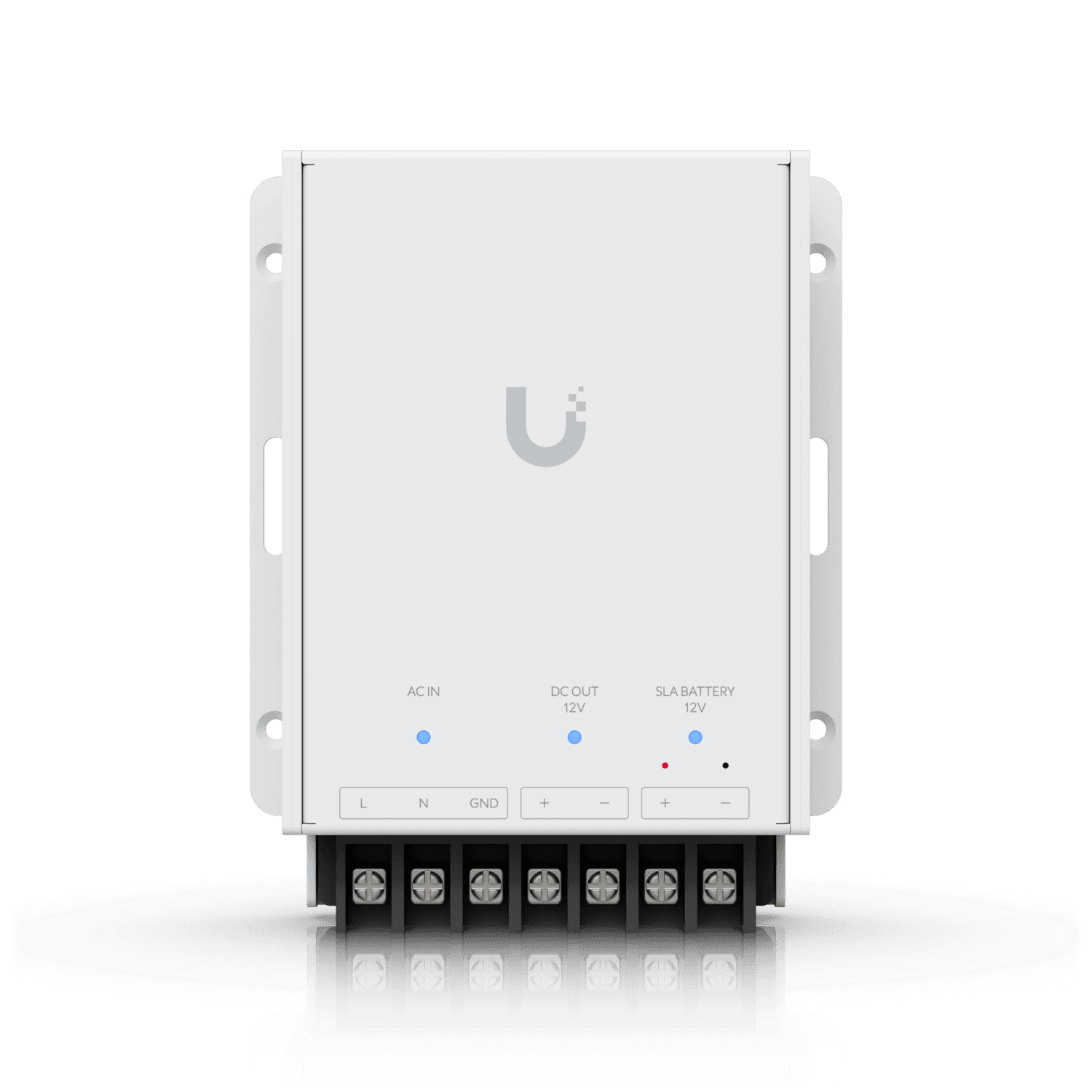
Identify every load that must remain available for the intended outage behavior. Depending on the design, that may include controllers, readers, locking components, network equipment, and management hardware. A backup device serving one cabinet does not automatically cover equipment elsewhere in the path.
Ask for the actual load assumptions and the method used to establish the expected operating period. Keep that expectation tied to the installed configuration and battery condition. An advertised runtime under a different load is not proof of the runtime of this opening or building.
Power testing should follow an approved procedure performed by the responsible personnel, with suitable arrangements for occupancy and restoration. This article is a planning framework, not an instruction to disconnect building circuits or emergency interfaces. The useful record states what was tested, the observed result, the stop condition, and the remaining uncertainty. An untested duration should remain an estimate in the documentation.
Give staff a response that does not depend on the dashboard
A remote administrator may lose visibility at the same time the site needs help. Identify an on-site contact and a communication path that remains practical during the planned scenario. The person should know how to report the opening, observed behavior, and immediate operational impact without improvising changes to the hardware.
Prepare a compact response sheet:
- The opening identifier and local responsible contact.
- Expected behavior for the tested outage condition.
- Approved interim procedures and the person who authorizes them.
- The escalation contact and information needed to investigate.
Store that information where the relevant staff can access it without relying exclusively on the affected system. Do not include sensitive credentials in a general incident sheet. The access control survey guide provides a useful starting record for the opening identifiers and component ownership that this response depends on.
Verify recovery as carefully as the outage
A test is not finished when connectivity returns. Check that devices reconnect, current permissions reach the intended equipment, and the opening resumes the approved operating behavior. Review any event gaps or synchronization limitations against the documentation for the exact installed model.
Verify time and event ordering where the system supports that review. If staff depend on matching a door event with video, perform an agreed test event after recovery and review the resulting workflow. Do not assume that two healthy dashboards prove the combined sequence is usable.
Close temporary test arrangements and remove test identities or permissions through the normal process. Record any configuration changed during the exercise and whether it was restored or intentionally retained. Recovery records should make the final state clear to the next administrator, particularly when the test crosses a shift change or involves a remote support team.
Turn one test into a maintained site record
Capture the start and end of each condition, including when the system reported recovery and when staff verified actual operation. Those timestamps make the results easier to compare with device events. They also distinguish the duration of an interruption from the time the team spent completing the wider acceptance procedure.
Save the test date, participants, equipment versions, conditions, expected results, and observed outcomes. Separate a passed check from an issue that was accepted temporarily or remains unresolved. Assign each issue an owner and the evidence needed to close it.
For a nationwide portfolio, group sites by actual architecture rather than brand alone. Two sites using the same software may have different controllers, power arrangements, and network dependencies. A common form helps compare the results, but each materially different configuration needs a justified test scope.
Review the plan after changes that affect the assumptions: a controller replacement, additional powered hardware, a revised permission workflow, or a changed network path. The objective is not to repeat disruption for its own sake. It is to keep the documented behavior aligned with the system the business now operates, rather than the one accepted several years earlier.
The takeaway
An access control outage plan should describe specific conditions and observable behavior. Separate internet availability, controller communication, and power, then test the supported credential and administrative workflows under approved conditions. That produces information staff can use when a real interruption occurs.
Include recovery and ownership in the same plan. A system that returns online still needs its permissions, events, and normal operation checked. A clear record of what was verified, what remains an estimate, and who responds is more useful than a blanket statement that the doors work offline.
Put outage behavior into the project scope
Use the business door access control guide to connect operating requirements with hardware selection, administration, installation, and acceptance.
FAQ
Does internet loss always stop card access? No universal answer applies. Some systems can evaluate previously synchronized credentials locally while powered, but the result depends on the exact hardware, credential method, and configuration. Verify the manufacturer’s documentation and test the installed arrangement.
Can a new permission take effect while a controller is disconnected? It depends on the communication and synchronization design. Record the distinction between an administrator saving the change and the intended device receiving it, then verify completion through the supported process.
Is backup power testing an IT-only task? It may involve facilities, electrical, door-hardware, and other responsible teams as well as IT. Agree on the scope and approved procedure before affecting occupied openings or connected building systems.
How often should the test be repeated? Set a schedule appropriate to the organization and review it after material changes to equipment, power, networks, or operating requirements. Record why a prior result still applies rather than assuming that an old test covers every later change.