
Fiber & Cabling / Interactive field guide
Single-Mode vs. Multimode Fiber for Business Networks
Compare single-mode and multimode fiber by application, route length, optics, existing infrastructure, cost, and testing before a business installation.
What you’ll leave with
Create a fiber decision brief covering the application, route, optics, and acceptance requirements.
- Evaluate the complete link, not cable alone.
- Reach depends on the application and selected components.
- Compare installed cost and a specific expansion plan.
The right fiber choice depends on the complete link: the network application, route length, optics, connections, and existing cabling. Single-mode is not automatically the answer to every new project, and multimode is not automatically unsuitable for high-speed traffic. Both need to be evaluated against a specific design.
This guide helps a business owner or IT team prepare that decision. It does not replace equipment specifications or a link design. The most useful result is a documented combination of cable and electronics that meets today's requirements and an identified expansion plan.
Put this guide to work
Prepare your fiber selection brief
Identify the information needed to choose a complete optical link. This helper does not infer a fiber type from distance alone or replace the transceiver specifications.
0 of 3 decisions entered
Choose an answer to each question to generate your brief.
Keep your project brief
Complete choices above to create a brief. You can copy the guide link now.
Entries stay in this page’s memory. They are not saved to an account or sent in a quote request. Reset or reload clears the tool; downloaded or copied text remains wherever you keep it.
1. Understand the difference without oversimplifying it
Single-mode fiber has a smaller core and supports one propagation mode; multimode fiber has a larger core and supports multiple modes. Belden explains how those differences affect applications and reach. CommScope notes that multimode can support high data rates, with reach that depends on the application and fiber type.
Avoid using a single distance or speed as a universal dividing line. The permitted link length changes with the transceiver, network standard, fiber grade, and connection losses. Ask for the specification that supports the exact link being proposed, rather than a general statement that one cable is 'faster.'
2. Gather the inputs for a real comparison
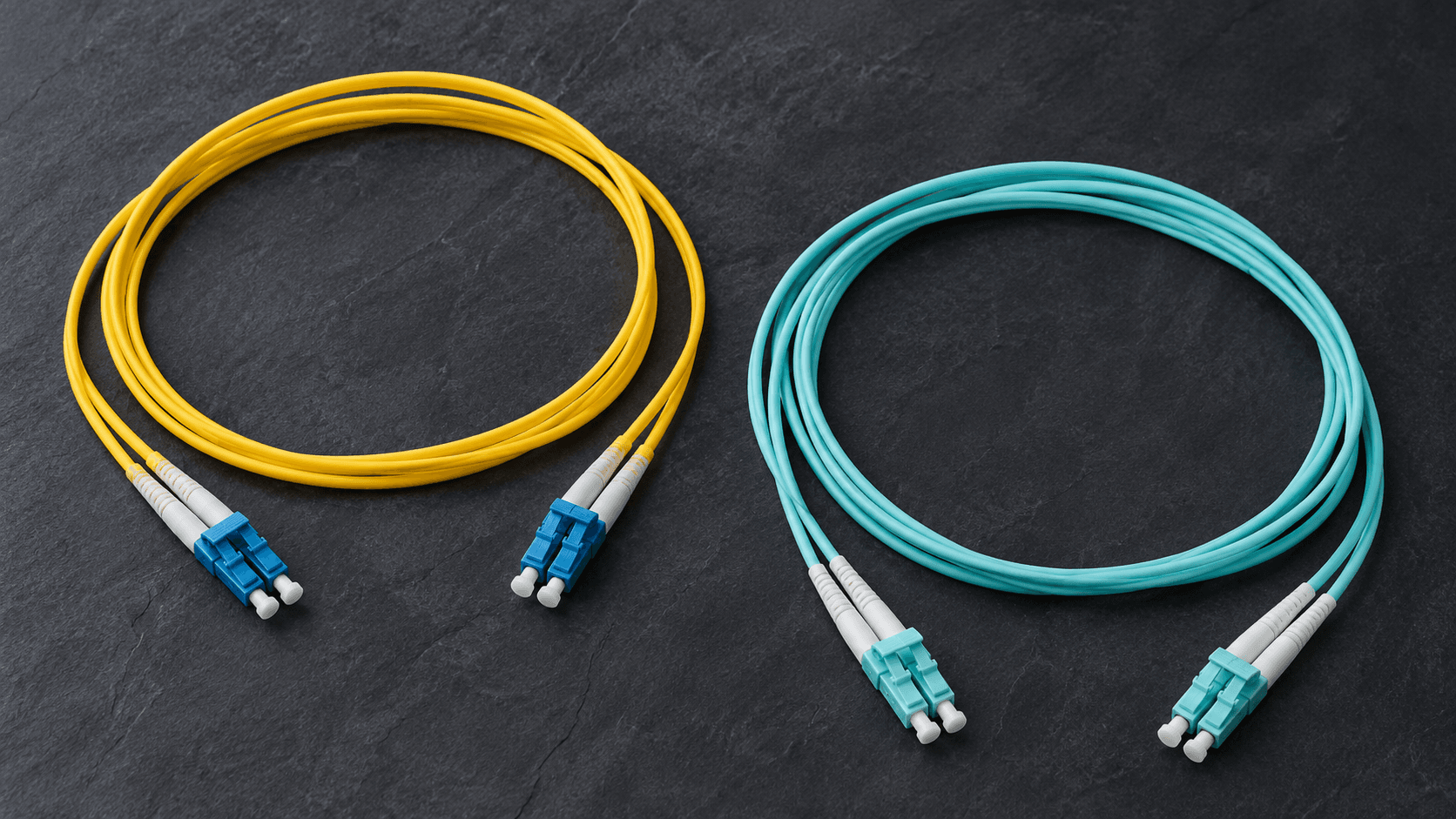
Keep unknowns marked as unknown. Jacket color, connector shape, or a handwritten label can help an investigation but should not be the sole evidence for an existing link's specification. Retrieve installation records or arrange appropriate verification before basing an upgrade on reuse.
| Input | Why it matters | What to record |
|---|---|---|
| Application | Different network interfaces have different optical requirements. | Current equipment, target data rate, and planned changes. |
| Route | Installed length and connections affect the complete link. | Actual pathway, endpoints, intermediate panels, and splices. |
| Existing plant | Reuse depends on identified cable and supported performance. | Fiber grade, strand count, connectors, and test records. |
| Electronics | The optical modules must match the application and fiber. | Switch/platform compatibility and exact transceiver specification. |
3. Select optics and cable as one system
Confirm the required optical module at each end, the connector interface, and the intended transmit/receive arrangement. A port that accepts a module physically does not by itself establish support for that module or application. Record the equipment manufacturer's compatibility requirements alongside the cabling proposal.
Corning provides both single-mode and multimode fiber products. CommScope and Belden also publish enterprise fiber guidance and product information. A manufacturer preference can be included in the scope, but the exact fiber specification, connectors, and components still need to be named. Brand selection alone does not guarantee link performance.
4. Compare installed cost and a defined expansion plan
Compare cable, optics, termination, panels, labor, testing, and any pathway work together. A small difference in cable price may be less important than access conditions or replacing equipment. Do not assume either option is always cheaper without pricing the actual design.
Describe the anticipated next step: another building, additional strands, a different interface, or a higher-capacity link. Ask what would need to change under each option. This gives 'room to grow' a concrete meaning and helps avoid buying unnecessary capacity while still planning sensible spare space and fiber count.
5. Specify installation and acceptance separately
- Name the fiber type, strand count, cable construction, route, and endpoint hardware.
- Identify connector interfaces, patching, labeling, and any splice locations in the design.
- Agree on test methods, wavelengths, reference setup, and pass/fail criteria appropriate to the link.
- Match test records to cable and strand identifiers so future changes can be traced.
- Verify the intended equipment configuration after the passive cabling has been accepted.
References
6. Keep a one-page decision record
Record the chosen application, fiber, optics, route assumptions, expansion target, and acceptance requirements. Note why the alternative was not selected for this project. That brief becomes useful when a new IT team inherits the network or a future quote proposes changing only one part of the original design.
Common questions
Is multimode always slower?
No. Supported data rate and reach depend on the fiber grade, application, optics, and link design.
Can jacket color confirm existing fiber?
Treat color as a clue. Verify specifications and records before committing to reuse.
Sources & accuracy notes
Source information reviewed . Confirm compatibility, availability, and commercial terms for the proposed equipment. Planning tools organize your assumptions; the site survey and agreed design establish the final scope.
- Belden: single-mode and multimode differences
- CommScope: multimode fiber fact file
- Corning: optical fiber products
- Belden: choosing transceivers
- Corning: fiber system testing guidance
Have a correction or a project question? Contact BlueHouse Telecom.