
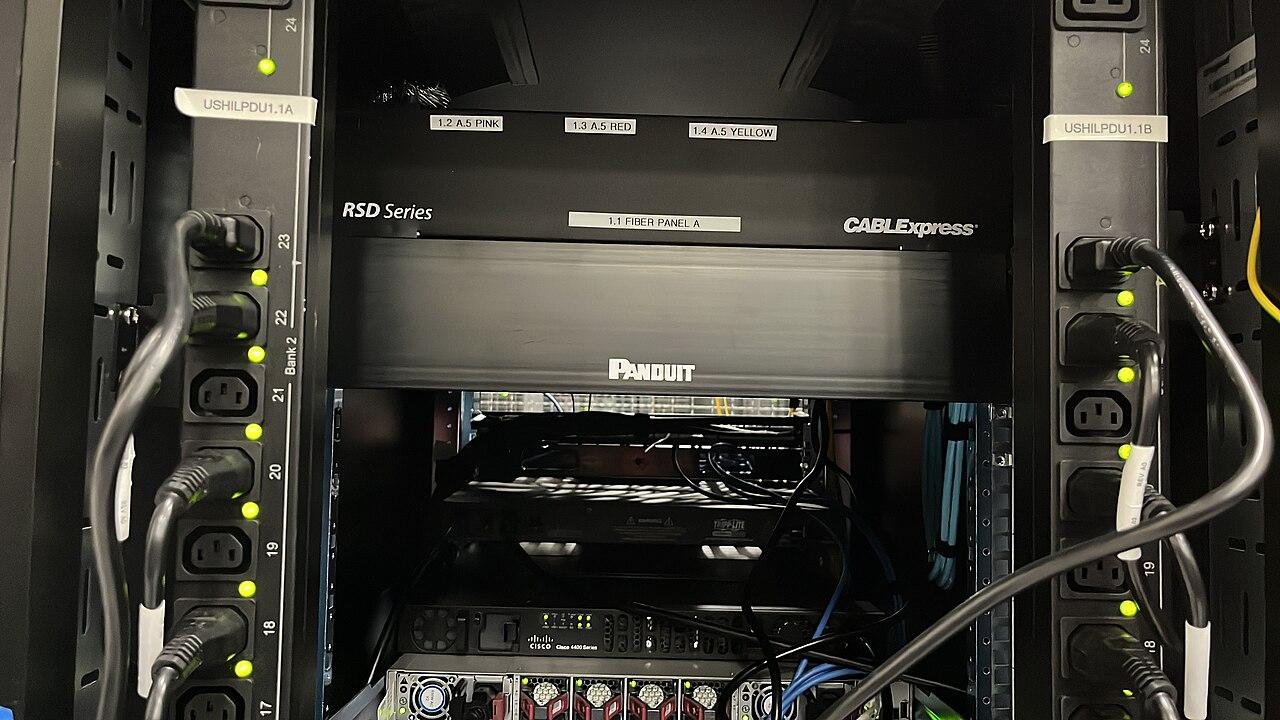
Test camera backup power through the complete recording path
Build a camera UPS test around powered cameras, switches, recording storage, and footage retrieval under approved outage conditions.
Quick answer: Test whether the complete camera-to-recording path remains usable under the approved power-interruption scenario. Include switches, recording hardware, storage, and any network equipment required by the chosen architecture. Use a qualified power design and manufacturer-approved test method; a UPS indicator alone does not prove continuous recorded footage.
A camera can remain powered while its recording destination shuts down. A recorder can remain powered while the switch feeding the cameras goes dark. Either arrangement can look reassuring when the equipment is checked one device at a time, yet fail the business's actual objective.
Backup-power acceptance should follow a piece of footage from capture to later retrieval. That makes the test useful to the buyer without requiring the buyer to design an electrical installation. The technical and facilities teams can then select and verify the equipment against a clearly stated outcome.
Define the recording task that needs continuity
Identify the cameras and recording functions the business expects to preserve. Some projects require all planned views for a stated period; others prioritize specific entrances or operating areas. Make that choice explicit before selecting equipment or repeating a runtime figure from a supplier's brochure.
State whether staff also need live viewing or remote access during the interruption. Those functions may introduce additional dependencies beyond recording. A system can meet a narrowly defined recording requirement while a remote reviewer cannot reach the footage until another service returns.
Describe what should happen when the planned duration is exceeded. The operating procedure may involve an approved shutdown, a different power arrangement, or a known recording limitation. The design should explain that condition rather than imply that battery support is indefinite.
Keep the requirement tied to the site. A small office with one recording room and a distributed property with several powered cabinets have different dependency maps. Camera count alone does not describe the work a backup-power arrangement must support.
Trace every powered device in the recording path
Draw the path from each selected camera to its recording destination. Include the PoE source, intermediate switches, any converters, recording host, and storage needed by the design. If recording crosses an internet connection, include the relevant local network equipment and the limitations of that external dependency.
Check where each device physically receives power. Two items in the same rack may be connected to different circuits or power arrangements. A remote switch in another building can be easy to overlook if the equipment list focuses on the main recorder cabinet.
The PoE camera network planning guide helps connect camera requirements with switches and network paths. For the power review, carry that diagram through to the actual supported equipment rather than stopping at the camera's Ethernet port.
Keep the diagram readable. The buyer needs to see which failure interrupts the intended function and which equipment the proposal covers. Detailed wiring and electrical design remain with the qualified professionals responsible for the actual installation.
Give the power designer the relevant load conditions
Schneider Electric's UPS selection guidance uses expected load and required runtime as separate inputs. It explains that runtime depends on the supported load and the particular UPS's characteristics. A capacity label by itself is therefore not a runtime promise for a camera system.
Provide the equipment configuration and the operating conditions that matter. Cameras may use different power when lighting, heaters, movement, or other supported functions are active. The designer should assess the actual devices rather than applying a universal watts-per-camera allowance without explanation.
Axis's camera-power paper distinguishes typical and maximum conditions and states that its camera figures exclude Ethernet cable loss. That reinforces the need to distinguish power consumed by a camera from the complete load presented to the supporting equipment.
Ask how the design accounts for the switch itself, downstream powered devices, storage, and other included loads. The proposal should state its assumptions clearly enough that later additions can be assessed against the same basis.
Separate transfer testing from runtime verification
A short test can show whether equipment continues operating when the approved power source changes. It does not establish how long the arrangement will support the intended workload. Treat transfer behavior and runtime as different acceptance questions.
Agree with the responsible specialists on the appropriate verification method. That may combine manufacturer runtime information, the assessed load, and an authorized functional test. If a full-duration test is part of the project, define its conditions and safeguards before it occurs.
Do not improvise a test by disconnecting building power or altering electrical connections. Coordinate the work with facilities, the network administrator, and the people responsible for affected operations. Use the equipment's supported procedures and the site's approved work process.
Record precisely what was demonstrated. A report saying the camera system operated through a brief transfer is useful evidence. Calling that same exercise proof of an entire night of recording would overstate what the test established.
Stage visible activity and inspect the resulting footage
Use a benign action that can be found clearly in the recording, such as an authorized person moving a test object through the selected view. Capture activity before, during, and after the approved test interval. Avoid relying solely on device status indicators or a live image left open on a screen.
A useful observation checklist includes:
- Confirm the recording mode and the cameras included in the test.
- Note the approved interruption and restoration times.
- Observe relevant equipment status without changing the agreed procedure.
- Retrieve the staged activity from the actual recording destination.
- Identify any gap, restart, quality change, or delayed availability.
Inspect the recorded sequence using the normal review workflow. A display can show an image while a recording service has a separate problem. Conversely, remote viewing may pause even though footage continues to be stored through the intended local path.
If a gap appears, identify the affected layer before buying more equipment. The issue may be an overlooked device, an unsupported load assumption, or a recording configuration. Let the responsible team diagnose it and repeat the relevant check after the approved correction.
Include recovery and resumed recording in acceptance
Restoring ordinary power is part of the test, not the end of observation. Confirm that devices return to the intended state, the recording service remains healthy, and the selected views continue to record. Check for alerts or conditions requiring follow-up under the manufacturer's procedure.
Where equipment shuts down or restarts as part of the approved scenario, observe how recording resumes. Do not assume every component returns in the order the system needs. The design team should explain supported recovery behavior and any staff action required.
Check that the time context remains understandable across the test. A sequence with unexplained timestamp changes can complicate interpretation even when the images are present. Use the same time reference and camera identifiers in the power-test notes and footage review.
For a hypothetical branch office, recording might continue during the battery-supported interval but stop when an unprotected storage device restarts after restoration. That finding concerns the complete recovery path. It should remain open until the responsible team has established the accepted operating result.
Keep the power scope current as the camera system grows
Adding cameras or changing a PoE switch can alter the supported load. So can moving recording storage or enabling functions that change operating demand. Revisit the power assessment when the configuration changes instead of assuming the original runtime estimate still applies.
Assign monitoring and maintenance responsibilities according to the selected equipment and the company's procedures. Identify who receives a power alert, who reviews a reported problem, and how the business learns that the arrangement is no longer meeting its planned purpose.
Keep the accepted equipment list and test evidence together. The next administrator should be able to determine which devices were included and which were excluded. A UPS purchase receipt does not explain the intended recording outcome or the conditions used to assess it.
For nationwide installations, use a common acceptance method but verify the local dependencies at each site. Identical cameras do not guarantee identical runtime when switch loads, storage arrangements, environmental conditions, and supporting equipment differ.
The takeaway
Camera backup power should be judged by the complete recorded result. Define the required views and duration, trace the powered path, and give the qualified design team an accurate load and operating requirement. Then verify transfer, recording, and recovery through an approved procedure.
Keep the evidence proportional to the test. A short successful transfer is valuable, but it is not a full-runtime guarantee. Clear assumptions and a repeatable footage check make it easier to maintain the arrangement as equipment and business requirements change.
Include power dependencies in the camera proposal
Discuss the recording objective and affected locations with BlueHouse through our nationwide security camera installation service.
FAQ
Is protecting the recorder enough? Only if the complete required path is also supported as designed. Cameras, PoE sources, intermediate equipment, storage, and relevant network devices may all affect whether footage is recorded.
Can a short outage test establish battery runtime? A short test establishes only the behavior and duration actually observed. Runtime assessment needs the relevant load, specific equipment characteristics, and any additional approved verification required by the project.
Should the test use the camera's idle power draw? The design should consider the operating conditions the system must support. Functions such as lighting or heating can change demand, and the complete source-side load includes more than a camera's idle consumption.
When should backup power be reviewed again? Review it when cameras, switches, storage, operating functions, or required duration change. Follow the equipment's maintenance guidance and investigate alerts or observed recording gaps through the responsible team.