
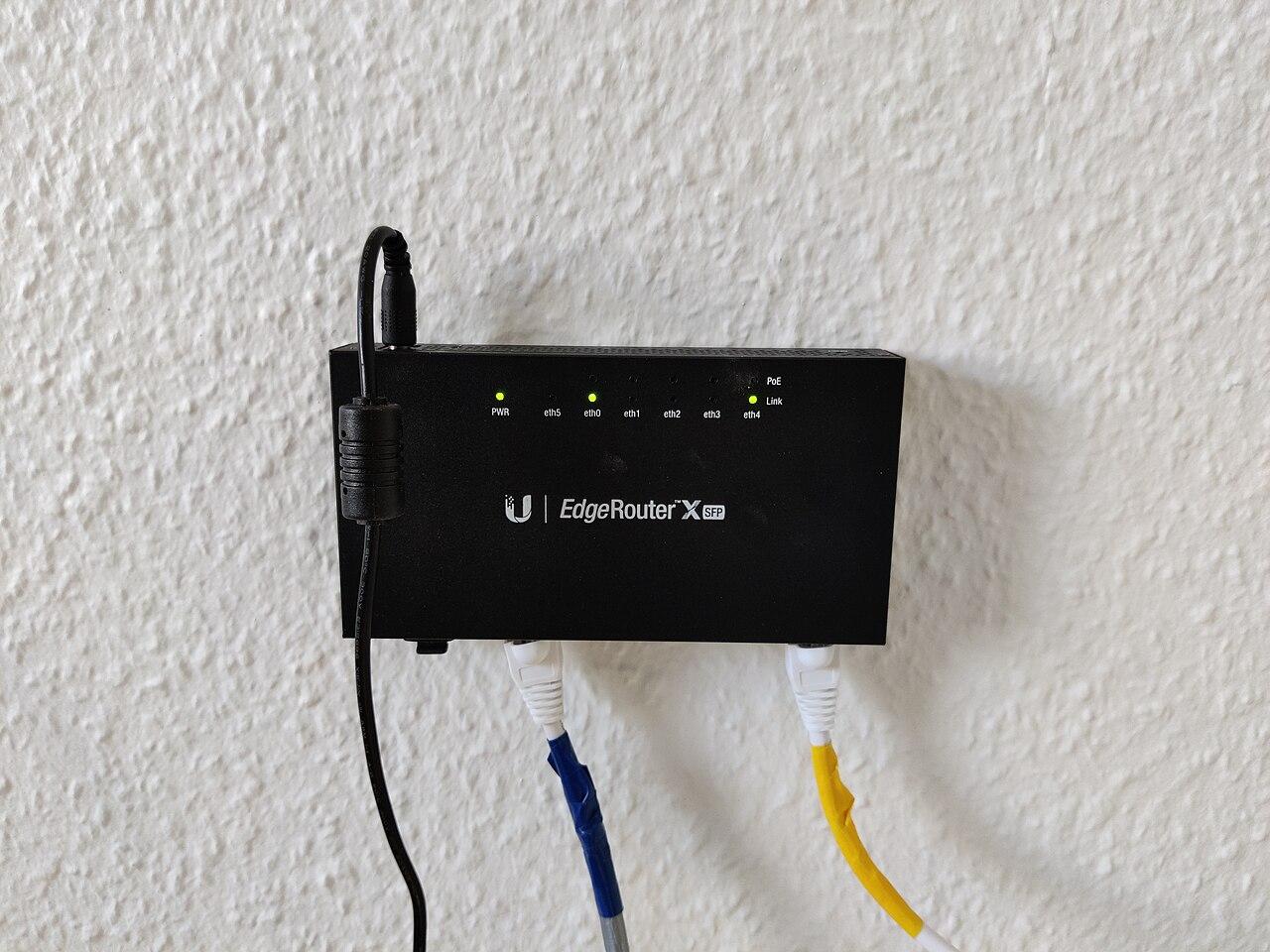
Check IPv6 readiness before changing business internet
Confirm carrier addressing, gateway behavior, application support, security rules, and failover before enabling IPv6 on business internet.
Quick answer: Ask how the proposed internet service delivers IPv6, then confirm that your gateway, local networks, applications, and security controls support that exact arrangement. Test IPv4 and IPv6 separately during acceptance and failover. A provider's statement that IPv6 is available does not prove that every business workflow will use it correctly.
An internet change can introduce a second working address family without anyone adding it to the test plan. Browsing may appear normal while a vendor connection, monitoring tool, or backup path behaves differently from the old service.
The purchasing team does not need to design IPv6 from scratch. It does need a clear answer from the carrier and the people managing the business network. The goal is to avoid discovering a configuration dependency during the cutover when the previous connection is already being removed.
Ask what the carrier actually supplies
Request an address-assignment description for the exact product and location. Ask whether IPv6 is included, which configuration method is required, and what information the carrier will provide before activation. Keep the answer with the order rather than treating a broad product-page statement as the complete design.
Verizon's Fios Business Internet FAQ, for example, describes IPv4 and IPv6 dual-stack support for dynamic-IP customers and cautions that not all routers support IPv6. That is a useful capability statement, but its customer and product scope matter. It should not be generalized to every Verizon service or every addressing option.
Ask how the service provides addressing for the networks behind your gateway. The answer may involve prefix delegation or a specified static arrangement. Your IT team should confirm the supported method, usable allocation, and any conditions relevant to multiple local networks.
Also ask what changes after a gateway replacement, reconnection, or service migration. Stable addressing requirements should be explicit. If a vendor depends on a particular address or network range, have that vendor explain how the dependency will be maintained under the proposed service.
Check the gateway against the deployment method
A gateway's IPv6 checkbox is not a complete compatibility assessment. Identify the model, software version, and required configuration. Then compare those details with the carrier's instructions. Keep any planned firmware or hardware change separate from the assumption that the current device can simply be reused.
Ubiquiti's UniFi documentation illustrates the choices involved. It describes several IPv6 WAN methods, including SLAAC, DHCPv6, and static configuration, and explains how delegated prefixes can be used for local networks. The correct choice depends on the provider's service, not on which option appears first in a menu.
Have the network administrator describe the intended path from carrier handoff to gateway to local networks. If multiple routers are involved, identify which device receives the carrier's addressing and which device manages the internal network. Unclear responsibility between those devices is a reason to resolve the design before activation.
Consider management access as well. The team should know how it will inspect the active configuration, collect useful diagnostics, and recover if the change disrupts remote administration. That recovery plan should use an approved method and should not depend solely on the connection being modified.
Map the applications that could behave differently
Start with important workflows rather than every device in the building. Identify cloud applications, remote-access tools, monitoring services, hosted phone functions, and systems that use address-based restrictions. Ask each responsible vendor whether IPv6 changes any supported configuration or troubleshooting requirement.
A public website loading successfully is only one test. The business may still depend on a separate identity service, file-transfer endpoint, payment integration, or vendor support connection. Include those dependencies where they affect the workflow rather than assuming that one successful login proves the entire application is ready.
For a hypothetical distribution office, the warehouse application may work through a browser while a separate integration sends shipping records to another system. Testing only the browser leaves the integration unexamined. The acceptance exercise should follow a representative transaction through its important steps using appropriate test data.
Ask for specific vendor answers. Supported with the current application version and this access method is useful. We support modern networks is not enough to determine whether an existing address restriction, DNS dependency, or connection policy needs adjustment.
Review security and visibility for both families
Have the security administrator review IPv4 and IPv6 together. The intended access policy should apply to the actual traffic paths in use, and the team should understand how its gateway implements the relevant rules. Avoid assuming that an older IPv4 rule automatically expresses the same policy for IPv6.
This review should include logging, monitoring, and incident investigation. If a device communicates using IPv6, the support team needs a way to associate the observed address with the correct device and time. An inventory containing only an old IPv4 address may be insufficient for that investigation.
Do not use a connectivity problem as a reason to broadly open access. Diagnose the required flow with the application vendor and network administrator, then apply the approved configuration. The objective is a supported business workflow with a clear security boundary, not merely a green connection indicator.
The network hardware buying guide is useful when the existing gateway cannot support the required arrangement. Replacement decisions should include management and security needs alongside raw throughput, so the new device remains supportable after installation.
Run a test that can distinguish the failure
Plan tests that show which address family and path were used. Your IT team can choose the appropriate tools; the business owner should require results clear enough to distinguish a successful IPv4 fallback from a successful IPv6 connection. Otherwise, a test can appear to pass while leaving the new configuration unverified.
Build the acceptance list around these checks:
- Confirm the carrier's addressing method and the gateway's active configuration.
- Verify representative local networks receive the intended connectivity.
- Exercise important applications and their dependent transactions.
- Check approved remote access and address-based restrictions.
- Confirm relevant security logs and monitoring can identify the test traffic.
- Repeat the required workflows on the backup connection.
- Record the conditions that would trigger a rollback or vendor escalation.
Use a controlled test window and appropriate data. Capture timestamps, affected devices, and concise results that can be shared with the responsible vendor. Avoid collecting unnecessary sensitive application information simply to demonstrate that a network test occurred.
If one family fails while the other succeeds, preserve that distinction in the ticket. It helps the carrier, gateway administrator, and application vendor investigate the right layer instead of treating the incident as an unexplained general internet outage.
Include the backup path in the decision
The secondary connection may provide a different addressing arrangement from the primary service. Confirm its capabilities independently. Buying both from the same carrier does not establish identical behavior, and buying from different carriers does not by itself explain how failover will work.
Ask what happens to active sessions and any address-dependent connections during a switch. The answer depends on the network design and application behavior. Do not promise uninterrupted sessions simply because both services can reach the internet under normal conditions.
A hypothetical office might use a wired primary service and a cellular backup. Its routine browsing could continue during a failover while a vendor's permitted-address rule prevents a separate business function from working. That is a testable dependency, not proof that the backup service is defective.
Use the business internet failover guide to define the required fallback workflows. Keep IPv6 in that plan where applicable, and document any intentional limitation so the people operating the business know what remains available during an outage.
Make the support handoff specific
At completion, keep the carrier's service details, the gateway configuration reference, and the application's support answers together. Sensitive configuration data belongs in the organization's approved system, with appropriate access controls. The project summary can point to it without exposing credentials or full configuration exports.
Identify who handles each type of problem. The carrier may confirm address assignment at the handoff, while your network administrator handles local routing and the application vendor handles a service-specific restriction. A useful support map tells the first responder what evidence to gather and where to escalate.
Record what was actually tested and any outstanding limitation. If a workflow was not available during the acceptance window, say so and schedule its verification. Avoid turning an incomplete test into a blanket statement that the site is IPv6 ready.
Review the arrangement after later gateway changes, carrier migrations, or application-policy updates. The original acceptance result remains useful history, but it does not certify every future configuration. Keep the review proportional to the change and the business workflows affected.
The takeaway
IPv6 readiness is a coordination task across the service, gateway, local networks, applications, and support process. A carrier capability statement starts that discussion; a representative test closes it with evidence.
Ask for the exact addressing arrangement, validate the important workflows on primary and backup paths, and preserve results that identify which path worked. That makes the internet change easier to support without turning the purchase into an unnecessary protocol redesign.
Review the internet change before cutover
BlueHouse Telecom helps businesses compare internet services nationwide, including handoff requirements, addressing questions, and practical activation planning.
FAQ
Does IPv6 support mean I can remove IPv4 immediately? No. That decision requires a design and application review. Confirm the requirements of your devices, vendors, remote-access methods, and backup connection before changing the address families in use.
Will any IPv6-capable router work with my provider? Confirm the exact model, software, and deployment method. The gateway must support the service's required addressing arrangement and your local-network and security requirements.
Why test IPv4 and IPv6 separately? A successful application session may use one family while the other is misconfigured. Separate checks help demonstrate what actually works and make any failure easier to assign to the appropriate support team.
Should the backup connection have the same addressing behavior? It needs to support the required fallback workflows. Identical behavior may not be available or necessary, but differences must be understood and tested before relying on failover.