
Review an Openpath system before planning an Avigilon Alta change
Separate a brand-name update from a real access control migration, then verify hardware, credentials, accounts, and the change window.
Quick answer: An Openpath label on an existing reader does not, by itself, define a replacement project. First identify the installed system and distinguish a naming update from changes to hardware, credentials, subscriptions, or administration. Plan and test only the changes the business actually needs, with a clear way to verify access before the project closes.
A facilities team may inherit an office with Openpath names in the equipment inventory, Avigilon names in newer documents, and employee instructions written by someone who has left. It is reasonable to ask whether everything needs to be migrated. The useful answer comes from identifying the current installation, not from assuming that different names describe incompatible equipment.
The review is especially valuable during an office expansion, ownership change, or contract renewal. Those events can introduce real requirements that are unrelated to branding. Treat the exercise as a controlled comparison between the current operating system and the desired outcome, then turn the differences into a proposal the business can evaluate.
Establish the product family before discussing replacement
Avigilon's brand transition FAQ maps the former Openpath offering to Avigilon Alta, while Access Control Manager belongs to the Unity family. That historical naming information helps interpret older records. It does not establish today's compatibility, support status, subscription terms, or the correct login route for a particular customer.
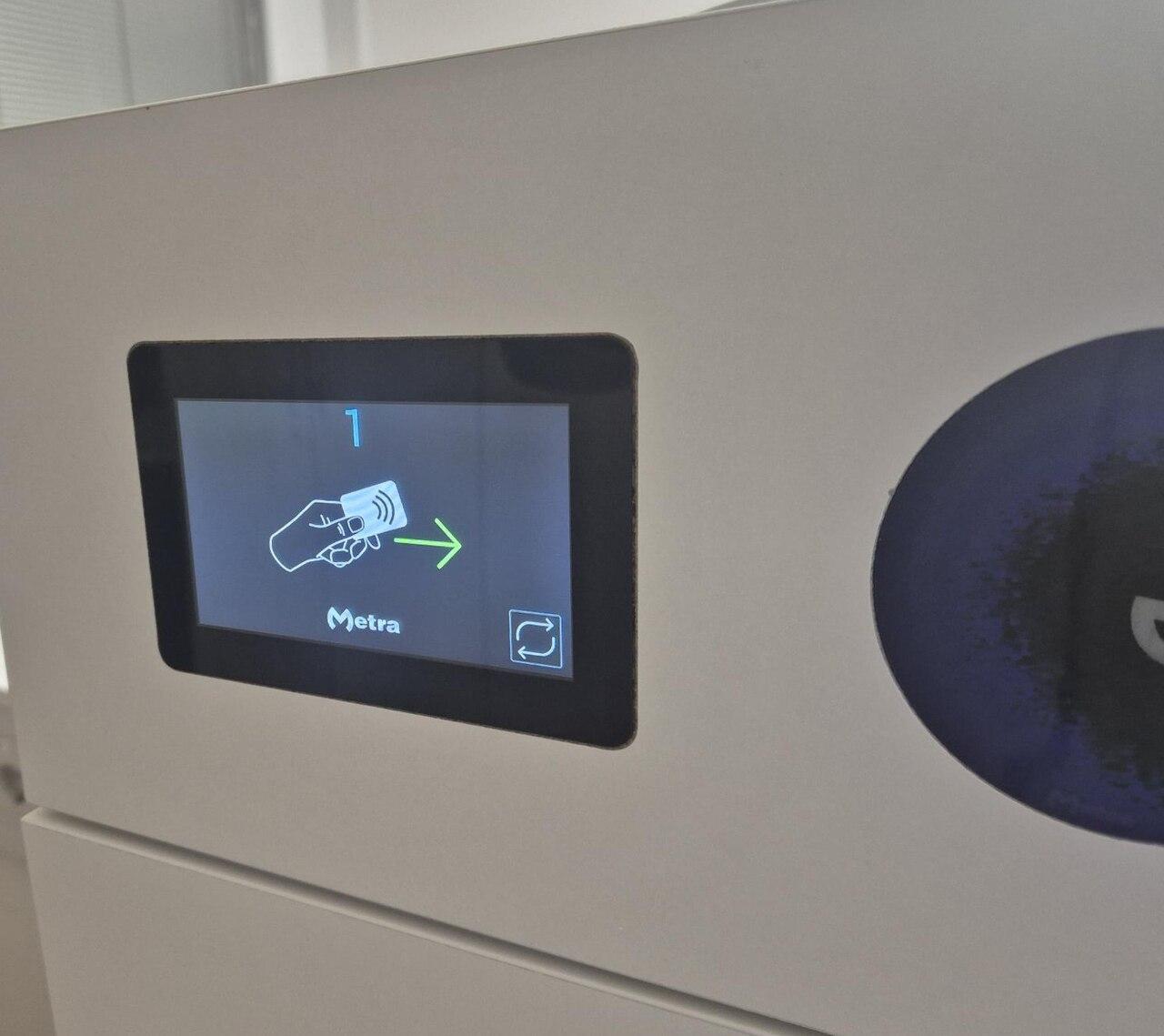
Gather the existing agreement, hardware inventory, current administrator documentation, and information available through the business's authorized account. Record actual model numbers rather than transcribing the logo on the wall reader. Keep account identifiers and sensitive configuration details in a controlled project record, with a simpler summary available to stakeholders who only need to approve scope.
Ask the person proposing the work to identify what is changing. Is this an inventory cleanup, a new administrator, a door addition, a credential change, a software feature request, or a replacement of physical equipment? More than one can apply, but each should have its own reason and acceptance test. A proposal titled migration should explain those concrete differences.
Describe the business problem in observable terms
Start with the inconvenience or risk the business is trying to address. Perhaps administrators cannot explain which group opens a storage room, a newly leased floor needs access, or departing employees remain listed in several systems. These are different problems, even if all arrive in the same request to update the access control platform.
Write the desired result without specifying a product feature too early. For example, a hypothetical business might require the office manager to issue an approved visitor credential for one meeting room and confirm that it expires after the visit. That is more useful than asking for modern visitor access, because the team can demonstrate the complete result.
Separate essential outcomes from preferences. The existing system may already support an essential workflow after configuration and training. Conversely, keeping every existing component may prevent a required experience. A good review allows either conclusion and explains the evidence rather than treating hardware replacement or hardware reuse as the default answer.
Build a door and account inventory together
The physical inventory should identify each controlled opening, its reader, controller association, lock arrangement, power source, and known operating issues. The account inventory should identify the business owner, authorized administrators, applicable agreements, integration owners, and where current instructions are stored. Reviewing only one side leaves important dependencies hidden.
Do not combine doors with similar names until someone confirms which physical opening each name represents. A lobby entry on a drawing and a main entry in the application may refer to the same door, or they may not. Resolve that uncertainty during the survey so test results and support tickets can identify a location unambiguously.
Use a small evidence set to keep the review practical:
- A labeled floor plan connecting each door name to its physical location.
- Model and configuration records for components proposed for reuse or replacement.
- A list of current credential methods, with samples reserved for controlled testing.
- Named owners for administrator access, subscriptions, identity integrations, and building approvals.
- Known faults and unverified assumptions, kept separate from confirmed capabilities.
An unknown item is a reason to investigate, not a reason to silently assume the most convenient answer. The door survey checklist provides a starting structure for recording the physical side of that investigation.
Test credentials as a complete permission journey
Avigilon's credential overview describes multiple access methods and identity-provider integration options. A product-level list should lead to a compatibility conversation about the installed deployment. It should not become a promise that every existing reader supports every method shown on that page.
Choose representative test users and follow their whole lifecycle: approval, enrollment, door use, role change, and removal. Include more than the most convenient employee account. A visitor, a person using a physical card, and someone moving between sites can expose different dependencies. Record the intended permission before testing so a successful unlock is evaluated against the correct expectation.
If the proposal changes credentials, define whether old and new methods coexist during a transition and who decides when that period ends. Check what happens to a replacement credential and to the original one. A person being able to enter with the new credential does not establish that the old credential has been properly retired.
Review integrations without assuming they transfer unchanged
List the systems that create users, assign groups, receive events, or support reception workflows. Identify the owner of each connection and what business process depends on it. An integration that has been running quietly for years may have no obvious owner until a change interrupts onboarding or removes an expected event from another application.
For each proposed change, ask whether the integration needs a configuration update, a new permission, a supported connector version, or a separate agreement. Have the responsible team confirm the answer through current documentation and a test environment or controlled pilot where available. The access installer should not be asked to guess how an unrelated department uses exported information.
Keep identity matching explicit. The business should know which record is authoritative for an employee and how duplicates or changed email addresses are handled. Test an approved role change as well as a new hire. A connection that creates users correctly can still require attention when a person changes department or leaves the organization.
Use a change window with a concrete return decision
A change window needs more than a date and a technician arrival time. Define the affected doors, expected employee impact, contacts with decision authority, and the evidence required before normal operation resumes. Coordinate any work affecting door safety with the qualified parties responsible for the opening and applicable local requirements.
State the conditions that would stop or reverse the proposed change, where reversal is technically available and approved. A failed test on an essential employee entrance, unresolved credential rejection, or missing administrator access may justify a different response from a cosmetic naming issue. Decide those priorities before the team is under pressure to finish.
Keep users informed through a channel they can access if the door system is unavailable. Explain where to enter, who can assist, and when instructions will change. After work finishes, use the agreed test users and routes again. The absence of a support call in the first hour is weaker evidence than recorded results from the scenarios the business approved.
Close the review with decisions the business can maintain
The final review should distinguish confirmed reuse, approved replacement, configuration work, training needs, and items still awaiting evidence. Give each unresolved item an owner and a consequence for the project. This prevents a vague migration recommendation from becoming a purchase order that leaves the difficult questions for installation day.
Update employee instructions and administrator records to match the finished arrangement. Preserve old names only where they help connect historical records to current equipment, and identify which instructions are current. Archive superseded project documents according to the business's normal records practice so staff are not following two conflicting enrollment procedures.
For a company with offices nationwide, use the same review categories at every site while recording local differences. A consistent decision record allows the organization to see why one office reuses hardware and another requires changes. It also gives the next administrator an explanation that survives staff turnover and future product naming updates.
The takeaway
An Openpath-to-Alta review should begin by identifying the existing system and the reason for change. Historical brand names help locate the right records, but the proposal must be based on current equipment, account ownership, credential requirements, and verified dependencies. Naming alone is not an installation scope.
The strongest outcome is a short set of supported decisions: what remains, what changes, how the change is tested, and who operates the result. That approach gives the business room to retain useful equipment while still addressing real gaps in employee access and administration.
Scope the access control changes you need
BlueHouse Telecom helps businesses plan access projects nationwide. Start with the business door access guide and bring the existing equipment list and desired workflows into the site review.
FAQ
Does an Openpath logo mean the reader must be replaced? The logo alone does not answer that question. Identify the model, current system, desired features, and supported configuration, then obtain a project-specific reuse or replacement recommendation based on those facts.
Is changing the product name the same as migrating the system? No. A naming update and a change to equipment, accounts, credentials, or software arrangements are different activities. Ask the proposal to describe the actual work and the reason each change is necessary.
Can existing cards remain in use? That depends on the credential details and the proposed reader and controller arrangement. Preserve samples for an authorized compatibility test, and verify issuance, door behavior, and revocation before making a broad commitment to reuse.
What should a business check before approving the change? Confirm the installed inventory, account ownership, required user journeys, integration dependencies, change-window plan, and acceptance results. The proposal should also identify unresolved assumptions and the person responsible for resolving each one.