
Plan the first UniFi Access door before ordering hardware
Choose a representative pilot door and define hardware, credentials, power, ownership, and acceptance before expanding UniFi Access.
Quick answer: Use the first UniFi Access door to prove a repeatable operating design, not just a successful reader demonstration. Select a representative opening, confirm its hardware and hub requirements, define the credential workflow, and document acceptance before deciding what to repeat at other doors.
A first door can become the model for an entire building. If it is chosen only because it is close to a network switch, the project may prove that installation is possible while leaving the harder operating questions unanswered. The next door can then expose requirements that were absent from the pilot.
A useful pilot is deliberately small but representative. It should involve the people who will manage access, the kind of opening the business expects to repeat, and the credential method staff will use. The result is a tested project pattern with explicit exceptions, rather than an assumption that every opening works like the first one.
Choose a pilot that represents the intended rollout
List the openings planned for the project and group them by relevant differences. A normal staff entrance, a pair of exterior doors, and a gate are not interchangeable pilot candidates. Select a first opening that covers an important and repeatable part of the scope while allowing a controlled installation and acceptance process.
Record what the pilot will not establish. If the chosen door is indoors, it does not prove an outdoor mounting arrangement. If it uses a particular existing lock, it does not establish compatibility with every lock in the building. These boundaries help the business understand which later doors need additional design work.
Ask the local staff to describe the busiest and most awkward parts of the door’s routine. Deliveries, shift changes, and after-hours access can expose requirements missed during a quiet walkthrough. A representative pilot should test those needs where they are within the approved scope, rather than treating an empty-building demonstration as the complete operating case.
Match the hub to the opening’s required functions
Ubiquiti’s hub-selection guide distinguishes models by opening type, inputs, outputs, reader arrangements, and power methods. Choose against the required function list for the actual door. Do not select a hub from door count alone and discover later that an important input or output was never included.
Have the responsible installation team confirm the existing hardware and the approved sequence of operation. Record the lock arrangement, normal exit method, door position sensing where required, and any interface with other building systems. Questions about emergency behavior should be resolved through the appropriate building and life-safety review before the pilot changes an occupied opening.
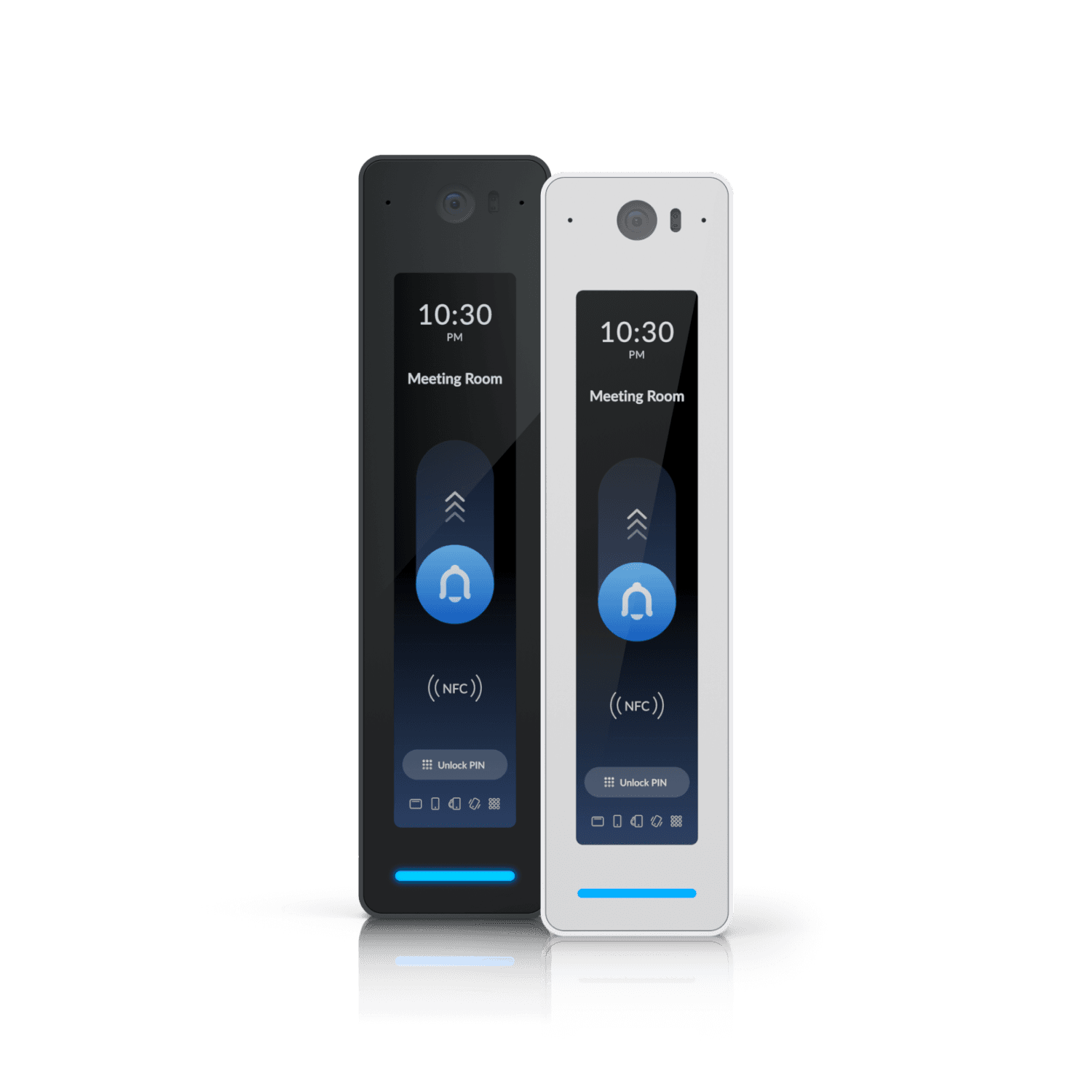
Keep a complete bill of materials for the approved arrangement. Include mounting, power, and connection components, not just the reader shown in the product photograph. If the pilot depends on reused equipment, identify that equipment and the evidence supporting reuse so the next installation does not inherit an unexplained assumption.
Pick the credential workflow before picking the reader
UniFi’s unlock-method documentation describes several methods and their device requirements. Confirm the exact reader and software support for the method the business intends to deploy. The existence of a feature somewhere in the product family does not establish support in every proposed reader.
Describe the user experience from approval to first entry. Who enrolls the person, how do they receive the credential, and who helps if enrollment is incomplete? A mobile method should be tested with the supported devices the business actually uses. A physical card process should include issuance, replacement, and removal responsibilities.
Provide a defined alternative for users whose approved situation requires it. Do not let the pilot depend on every employee having the same phone or being available for setup at the same moment. The mobile credentials and key cards guide can help the business compare those operating choices before a preferred reader becomes a fixed purchase decision.
Establish power and network ownership as part of the pilot
Identify where the selected hub receives power and how its network connection reaches the management environment. Use the requirements for the exact equipment, including the chosen power method and any supported backup arrangement. A spare Ethernet socket should not be treated as proof that the entire requirement is met.
Assign responsibility for addressing, network access, equipment updates, and account ownership. The facilities team and IT team should know which parts they maintain and which changes require coordination. If the pilot uses an existing console or network, confirm who owns it and how the access application will be managed.
Document the intended behavior during an interruption before scheduling an approved test. Distinguish a lost internet connection from lost local communication or power. The first door is a good opportunity to create a readable response record, but it should not be used for improvised disruption of building systems or changes to emergency interfaces.
Build schedules from the door’s actual working day
Write a simple operating schedule in ordinary language before converting it into settings. Identify staffed hours, credential-controlled periods, and any approved exceptions. Confirm the time zone and the people responsible for holiday or special-event changes.
A hypothetical office might allow public access through reception during staffed hours while requiring a credential at the staff entrance throughout the day. If the pilot is the staff entrance, it should not automatically define the future reception schedule. Similar hardware can support different business rules, and the project record should preserve that distinction.
Use a compact schedule review:
- Who should enter during the normal work period?
- Which approved users need access outside that period?
- Which dates or events require a different schedule?
- Who approves and verifies a schedule change?
The questions should produce decisions, not merely a list of software features. If the business cannot agree on a rule, keep it open rather than allowing the installer to invent an operating policy.
Prove administration and physical operation together
Acceptance should cover both sides of the system. Confirm the door completes its physical cycle as intended, and confirm the authorized user can perform the approved entry task. Then review what the administrator sees and whether the event information supports the expected operating process.
Test through the roles that will be used after handover. The local manager should be able to complete their assigned task without relying on an installer’s fully privileged account. A separate controlled check should confirm that an excluded permission remains excluded. Document the result without placing sensitive credential values in general project notes.
Include a supported credential change and its verification. The pilot should show how the business knows a new assignment is ready and how it confirms removal when access ends. A successful first tap is useful, but the ongoing work consists of many changes after that first tap. Those changes deserve acceptance evidence too.
Decide what can be repeated and what remains an exception
At the pilot review, compare the observed results with the original objectives. Record the accepted hardware arrangement, credential process, schedules, administrative roles, and documentation package. Identify any defect that must be corrected before the next doors are ordered.
Create a reusable installation brief from what was actually proved. Keep site-specific assumptions visible rather than copying them into a national standard. The same reader and platform may be appropriate at another location while the power arrangement, lock hardware, or operating schedule requires a separate decision.
The business door access control guide can help organize the wider rollout requirements. Use the pilot record to improve that scope: which survey details prevented mistakes, which instructions staff needed, and which acceptance task caught a problem. A small pilot earns its value when those lessons change the next installation.
The takeaway
The first UniFi Access door should prove a complete, manageable workflow. Choose a representative opening, match the exact hub and reader to its requirements, and include the people who will issue credentials and maintain the system. That turns a hardware trial into evidence the business can use for an expansion decision.
Repeat the accepted elements with care and preserve the exceptions. A pilot is successful when it makes the next project clearer, including the work that still needs site-specific review. It should leave the business with ownership, operating instructions, and an acceptance record alongside the installed equipment.
Prepare a door-by-door project scope
BlueHouse Telecom’s access control installation service can help frame the openings, credential goals, and operating requirements for business locations nationwide.
FAQ
Should the easiest door always be the pilot? Ease of access can help, but the pilot should also represent the planned rollout. Record which opening types and operating conditions it covers and which need their own review.
Can one UniFi reader support every credential option? Do not assume that. Check the current documentation for the exact reader, hub, and software combination, then test the method the business intends to use.
Does an existing UniFi network mean the access project is ready? It provides context, but the door hardware, selected equipment requirements, network ownership, power, and operating policy still need confirmation. Treat those as explicit project inputs.
What should be delivered after the pilot? Retain the opening schedule, final equipment list, account ownership, credential process, accepted settings, test results, and unresolved items. The next installer and administrator should be able to understand what was proved.