
Security Cameras / Interactive field guide
Security Camera Footage Export and Handover Guide
Plan camera installation acceptance around footage search, export, timestamps, staff permissions, and handover. Build a checklist and request a quote.
What you’ll leave with
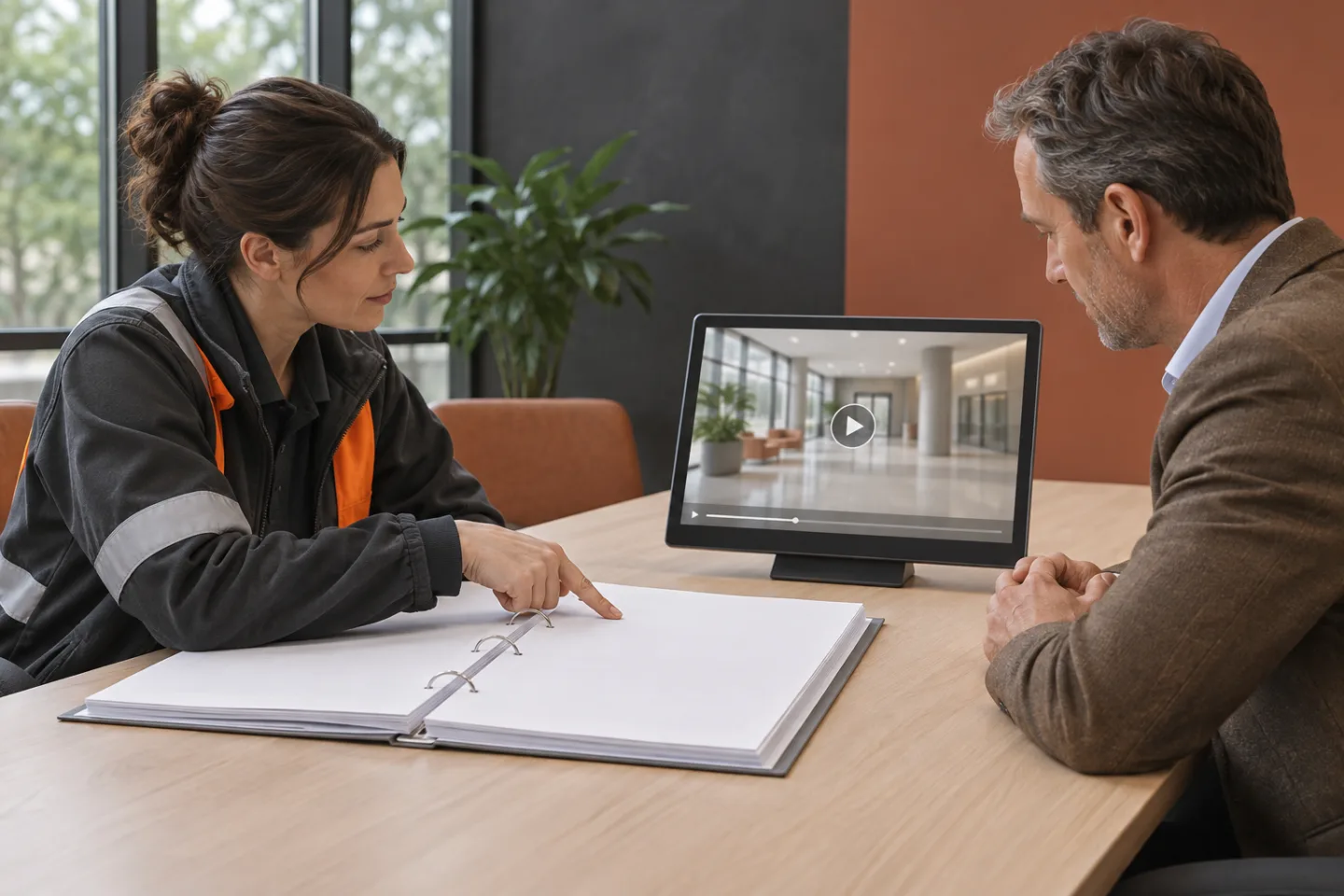
A camera handover brief naming the staff, sample footage, playback checks, and records required for installation acceptance.
- Ask ordinary staff to find and export approved sample footage on the devices they will use.
- Agree on a readable time reference, export format, and recipient playback check before acceptance.
- Include permissions, privacy review, staff training, and the installation records in the quote.
A camera system is ready for everyday use when the people responsible for it can find a recorded event, understand its time reference, and provide an approved copy to the right recipient. Include those tasks in the installation scope alongside the cameras and recording equipment. A short supervised demonstration can reveal missing training, an unsuitable work device, or an export format that the intended reviewer cannot open.
Use this guide when buying a new security camera installation, replacing a recorder, or coordinating a rollout across business locations. Prepare a fictional event for the demonstration and assign people to approve the workflow. The resulting handover brief gives each bidder the same tasks to price and gives your team a practical way to accept the completed work.
Put this guide to work
Review camera footage export and project handover
Prepare the authorized review, playback, documentation, and support decisions to include in installation acceptance.
Name the business roles that can request, review, approve, and receive footage. Have the organization agree on privacy and retention requirements for the intended use.
Ask the supplier to use fictional accounts with the roles quoted for staff. Confirm who can review a staged recording and who approves its export or sharing.
Use an authorized participant or fictional test material in an approved demonstration. Agree on the time reference and sample content the operator should retrieve.
Have the supplier demonstrate the export and playback workflow on the intended recipient's ordinary device. Identify any player, format, or license requirements in the handover record.
Request the installed equipment inventory, relevant software and license records, approved recording requirements, and the accepted test results. Assign ownership of open exceptions.
Have staff rehearse the approved review and export tasks with staged content. Record the support contact and which team handles equipment, accounts, and subscriptions.
Confirm which existing records need continued authorized access, who handles them, and when old equipment or services can be retired after the accepted transition.
0 of 7 items reviewed
0 documented. 7 need review or work.
Your project brief
Complete the choices above to prepare your brief.
Your entries stay in this tab. If you add the brief to a quote, you can edit or remove it before submitting. BlueHouse receives the project notes you submit. Reloading clears unsent entries.
1. Define who requests, approves, and handles footage
Start with the requests your business expects to handle. A site manager may review a staged delivery, a regional team may help with an approved workplace investigation, and a designated owner may respond to external requests. Give each type of request a business approver and a person who carries out the review. Include who covers the task when the usual person is away so a request does not depend on one employee's memory.
Describe the permitted task for each role before choosing an account type. One person might need live viewing at a location, while another needs access to selected recordings or the ability to export a clip. Ask the proposed provider to demonstrate those tasks with the intended role. Axis documents separate controls for device access and functions such as recorded playback and video export in Camera Station Pro. Confirm the exact privileges and scope on the platform being quoted.
Keep the approval process short enough for staff to use. Record the purpose of the request, who approved it, which location and period are in scope, and who will receive the resulting material. Use your approved internal process to exchange detailed camera identifiers or real footage. Include reception, facilities, IT, and the business owner where their responsibilities overlap. Give the installer one contact who can resolve unanswered workflow questions before commissioning.
2. Agree on the time reference people will use
A request often arrives with a time from an appointment, delivery receipt, or another business system. Decide how staff will interpret that time when searching the camera platform. Record the site time zone and ask the provider to show what the viewing application and exported result display. A team reviewing several locations should be able to explain which time belongs to which site and how it relates to the request.
Have the network or system owner verify the time configuration as part of commissioning. Axis's Camera Station Pro manual describes time synchronization and shows UTC time and device-to-server offset in its management view. Use the relevant vendor documentation for the proposed equipment and ask the owner to document the accepted result. Put future time review under a named responsibility, especially if equipment, site ownership, or the management application changes.
Use a staged sample event with an agreed date and time that the test participants can independently record. Have the operator locate it and explain the displayed reference without relying on the installer to translate it. If the organization works across daylight saving changes, have the provider explain how its quoted system distinguishes repeated local times. Include an example in the staff instructions and record any unresolved interpretation question as part of the handover.
3. Specify the exported file and the recipient's playback needs
Ask the provider which export formats the proposed recording platform supports and what accompanies the file. Include any required player, notes, camera identification, time information, and approved handling instructions. Have the intended reviewer open the sample on a work device that represents their actual environment. Record the operating system and player used for the check. A file saved successfully at the source still needs a recipient who can understand and review it.
Vendor formats and options vary. Verkada documents downloading an archived historical clip from Command as an MP4. The Camera Station Pro manual lists ASF, MP4, and MKV export options and identifies playback support through AXIS File Player. The same manual describes format-specific limitations, including audio formats that are excluded from MP4. If approved audio belongs in your project, ask the bidder to demonstrate the complete exported result on the intended recipient device.
Agree on which copy the organization retains, which copy it shares, and where each belongs after handoff. Request a documented way to associate the export with its approved request and source footage. If a vendor offers a verification feature, have the supplier demonstrate the feature and explain the information it reports. Ask the organization's responsible reviewers to determine any additional requirements for a particular use. Keep those requirements in the project scope so the proposal includes the necessary software and training.
4. Plan privacy and the activity record
Give the owner of personal information a place in the workflow review. Discuss what the sample should include, who sees it, where an approved export is stored, and how long the business keeps it. The Federal Trade Commission recommends knowing what personal information a business holds, limiting what it retains, and controlling access to what it keeps. Apply the organization's approved policy to footage and exported copies as part of the project review.
Ask which actions the proposed platform records and who can review those records. Verkada documents audit logs at organization and camera levels, with user and device activity tied to the account performing it. Have the provider show a harmless sample action and the corresponding record for the proposed role. Confirm the available fields, reporting period, export option, and subscription or permission requirements instead of assuming every activity will appear in one universal report.
Make the handoff record usable by the person receiving the material. It can identify the approved request, the authorized operator, the chosen interval, the file name, the transfer date, and the recipient's confirmation that the clip opened. Keep any sensitive business details within the approved record system. Agree on who handles a request that needs more review and who can authorize broader sharing. Train staff with fictional identities and staged footage so the exercise stays within its agreed scope.
5. Work through a fictional three-location handover
Imagine a business installing cameras at three locations with one trained local reviewer at each site and a central team approving exports. The project owner arranges a four-minute staged event at each location, using volunteers and an approved activity. Two cameras at each site record the same event. The demonstration therefore includes six camera clips, totaling 24 camera-minutes of selected footage. Those clips describe the same three staged events from two views each.
Each local reviewer uses their normal work account to find the agreed event, confirm the interval, and prepare the approved export. The central reviewer checks that each of the six clips opens and that the site, time reference, and corresponding request are understandable. The central team also reviews one sample activity record per site. The acceptance worksheet has six playback rows and three activity-record rows, for nine documented checks in this example.
Have the provider repeat any failed check after correcting the relevant issue and keep the original issue open until the responsible owner accepts the result. If an agreed format needs a different player or a role needs a different permission, update the proposal records and training instructions. The three local staff then repeat the workflow using a second fictional request. Include the actual results and the date of completion in each site's handover package.
| Example check | Quantity | Who accepts the result |
|---|---|---|
| Recorded event located and interval confirmed | Two camera clips at each of three sites | The local reviewer and project owner |
| Recipient playback and time reference | Six exported clips, each four minutes | The central reviewer on the intended work device |
| Sample activity record reviewed | One record at each of three sites | The authorized reporting owner |
| Acceptance worksheet total | Six playback rows plus three activity rows = nine checks | The site and central owners together |
6. Hand over the records and train the people who use them
Schedule training with the staff who will do the work after the installation crew leaves. Use the proposed work devices and ordinary account roles. Have each participant complete a sample search, explain the time reference, prepare the permitted export, and follow the approved handoff process. Give them a short operating record they can keep in the organization's documentation system. Include the contact for routine support and the owner who approves changes to the workflow.
Ask for an inventory of the installed cameras, recording or management products, relevant licenses, and the support arrangements that the business has purchased. Agree on how the installer transfers account ownership and project records through approved channels. The handover should identify who maintains user access, who reviews renewal dates, and who handles equipment service. Keep the people who perform the export and the people who maintain the system aware of their respective responsibilities.
Review the workflow when a new location, recording platform, export format, or business reviewer is added. Use another staged event if the change affects playback or permission scope. Keep the completed sample file and the accepted instructions where the authorized staff can retrieve them. When a staff member leaves or changes role, have the responsible administrator review the account through the organization's normal access process and give the new reviewer a supervised exercise.
7. Put footage handover in your installation quote
Tell bidders how many locations and camera groups need operator training, which work devices are in scope, and the workflows staff need to complete. Ask for the same staged acceptance exercise in every proposal. Price recording and management components, required licenses, installation, user setup, training, export playback checks, and project records. Identify any follow-up visit needed to review footage after the required recording history has accumulated.
BlueHouse Telecom can help define a security camera installation project for business locations nationwide. Share your site count, existing platform if known, approximate camera count, and target date. Include the people who will retrieve footage and the handover outcomes they need. Use the checklist to prepare a short project brief, then request an itemized quote that includes the camera installation and the work required to put the system into everyday use.
Common questions
What should a security camera handover include?
Request the agreed equipment and license inventory, ownership and support contacts, staff training, permissions, accepted sample exports, and installation records. Give a named business owner responsibility for accepting each item.
Can exported camera footage play on any computer?
Playback depends on the file, codec, and player. Have the intended recipient open an approved sample on a representative work device before accepting the installation. Include any required player and handling instructions in the scope.
Should every camera user be able to export footage?
Assign permissions according to the tasks the organization approves. Some staff may need live viewing, others selected recorded footage, and designated reviewers export access. Have the provider demonstrate each proposed role with sample footage.
How do we verify timestamps during installation?
Stage an approved event at a known date and time, then have the operator locate it and explain the application's and export's time references. Ask the responsible system owner to document the accepted time settings and who reviews future changes.
Sources & accuracy notes
Source information reviewed . Confirm compatibility, availability, and commercial terms for the proposed equipment. Planning tools organize your assumptions; the site survey and agreed design establish the final scope.
- Axis Camera Station Pro user management and permissions feature guide
- Axis Camera Station Pro manual for time synchronization and exported recordings
- Verkada documentation for archiving and downloading recorded footage
- FTC guidance on protecting personal information held by a business
- Verkada Command audit log documentation
Have a correction or a project question? Email BlueHouse about this guide.