
Security Cameras / Interactive field guide
Analog to IP Security Camera Upgrade Guide
Plan an analog CCTV to IP camera upgrade. Compare camera and cable reuse, recording options, phased installation, testing, and a complete migration quote.
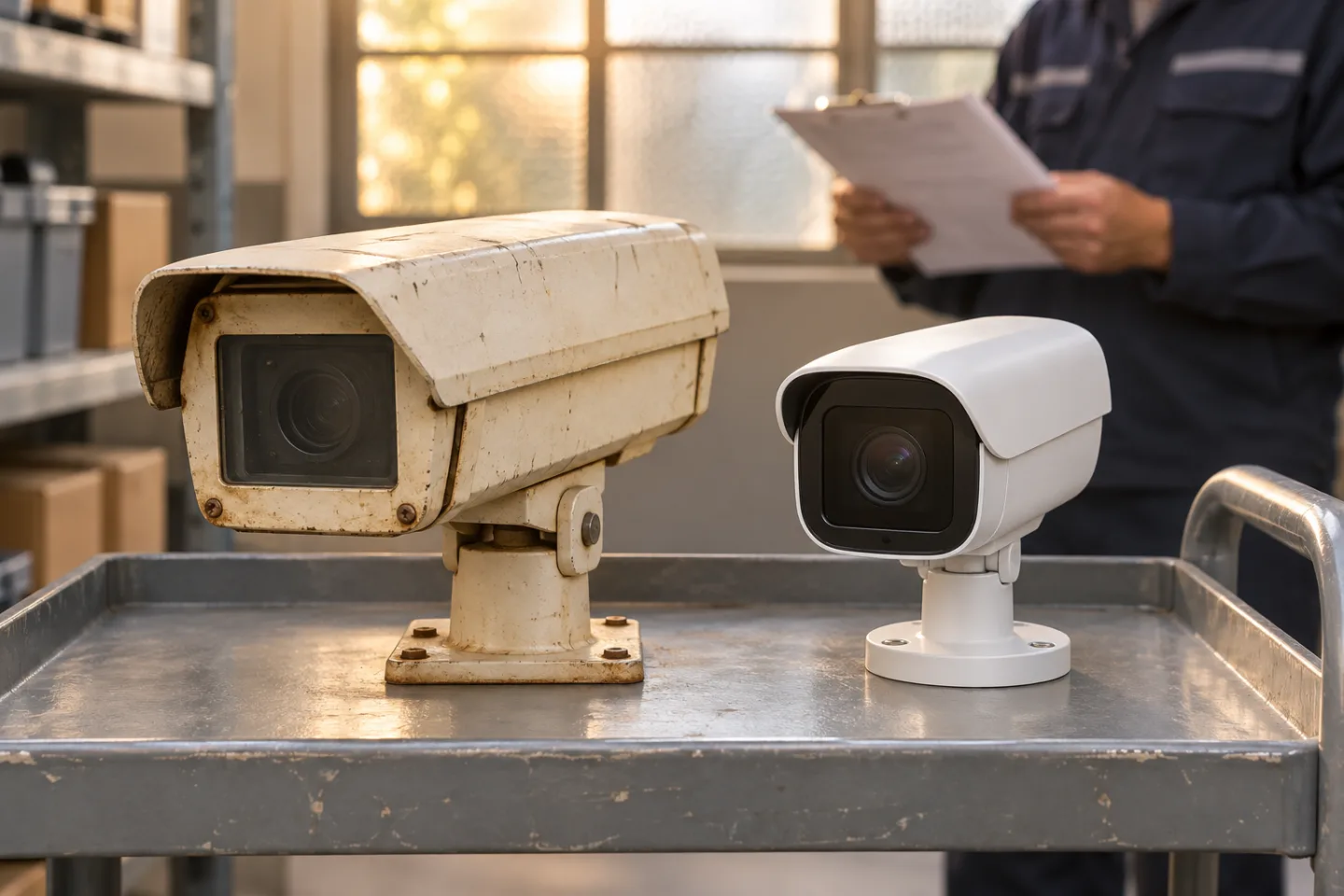
What you’ll leave with
A camera migration brief with proposed reuse groups, a representative pilot, comparable installation scopes, and an acceptance owner.
- Record the exact existing cameras, recording platform, and support position before choosing what to retain.
- Compare retaining supported analog cameras with replacing cameras and qualifying an existing cable path.
- Price the complete installed system and repeat approved acceptance checks before expanding the rollout.
An older CCTV system can have several reasons for needing an upgrade. Staff may find the recorder hard to use, replacement parts may be getting harder to source, or the business may want to bring several sites into a common management platform. Start by identifying which daily tasks need to improve. The resulting project could retain some equipment, replace selected cameras, or refresh the whole system over several installation phases.
This guide helps business buyers prepare an analog-to-IP camera migration quote. It covers how to inventory the current system, compare reuse options, and ask for a representative demonstration before purchasing at scale. You can use the same approach for a single property or a nationwide program. Keep detailed site records inside your approved project process and use a short summary of camera counts, platform names, and goals when making an initial inquiry.
Put this guide to work
Plan an analog CCTV to IP camera upgrade
Prepare the inventory, reuse, and pilot decisions that make a phased camera migration quote comparable.
0 of 3 decisions entered
Choose an answer to each question to generate your brief.
Your project brief
Complete the choices above to prepare your brief.
Your entries stay in this tab. If you add the brief to a quote, you can edit or remove it before submitting. BlueHouse receives the project notes you submit. Reloading clears unsent entries.
1. Build an inventory your bidders can verify
Ask the current system owner to assemble an equipment register that identifies camera models, recorders, software, and any intermediary devices already in service. Mark the approximate age, known support status, and the team that owns maintenance. If the records are incomplete, include a survey in the scope. A manufacturer name or a total number of channels gives the bidder a starting point, but the proposed combination needs more specific confirmation.
Have authorized operations staff describe what works well and what they want improved. Examples include finding a staged recording, limiting who can export it, adding an approved user, or reviewing several business sites from a common interface. Give each requested task an owner and a priority. Agree on which camera uses and retention requirements have organizational approval before translating those tasks into equipment quantities.
Separate installed assets from paid services. Ask accounting or procurement for recorder and software subscriptions, current support agreements, renewal dates, and any obligations tied to equipment financing. Ask who will retain access to the agreed historical records during the transition. Keep the inventory, operating requirements, and contract dates together so the migration quote describes both the replacement work and the responsibilities that continue during the project.
For a portfolio with several locations, group sites by actual equipment and operating needs. An acquisition may have brought in a different recorder even when the camera count resembles another branch. Choose representative sites from each group for survey and estimating. Request individual exceptions where lease terms, building access, or equipment support differ. Those exceptions give procurement a way to compare the promised rollout scope with the actual work needed at every location.
2. Compare two different kinds of reuse
One approach retains a supported analog camera and brings its video into the proposed network video system through an encoder. Axis's video encoder whitepaper describes this migration approach. Ask the provider to verify the exact camera signal, encoder model, recording software, and required features. Retaining an existing camera preserves the capabilities of that camera within the supported combination. Judge the recorded result against the approved business task.
Another approach replaces the analog camera with a network camera while evaluating whether the installed coaxial path can serve the new design through supported equipment. Axis markets its T8640 adapter kit for this type of migration. Ask the qualified installer to establish whether the specific cable path and proposed devices support the quoted installation. Record any verification or remedial work in the price and have the supplier document the configuration it accepts.
A third option is new cabling and a new camera at the planned endpoint. Compare it where reuse is uncertain, where the business already has a building project underway, or where new equipment requirements justify the work. Give each option the same approved recording and operator requirements. Ask the bidder to explain what it includes for survey, materials, installation, testing, and future support so the alternatives can be priced on equal terms.
| Proposed group | What may remain | Evidence to request |
|---|---|---|
| Analog camera with encoder | Supported camera and its existing connection | Exact compatibility and an accepted sample recording in the proposed platform |
| New IP camera on a qualified existing path | A verified cable path with the proposed supporting equipment | Survey result, supported equipment combination, and installed acceptance records |
| New IP camera with new cabling | Only assets explicitly named in the new design | Complete material and work schedule with an agreed handoff |
3. Confirm the recording platform and supported features
Ask for a device-by-device compatibility schedule against the proposed recording system. Avigilon offers an analog video encoder as one example of equipment for bringing analog video into its video ecosystem. That product example gives buyers a category to investigate. Have each bidder name the specific device and supported software release it proposes, which functions are included, and who maintains the combination after installation.
For products relying on ONVIF interoperability, check the exact device and client in the official conformant product database. ONVIF states that conformance is tied to the listed firmware or software version. Give the supplier a list of the features your organization actually needs and have it demonstrate those features with the quoted combination. Keep the version, licenses, demonstrated results, and any limitations in the procurement record.
Decide how staff will work while the platform changes. A mixed system may need more than one application for part of the project. Ask the operator to show the agreed workflow for a retained camera and a new camera, including finding and exporting a staged sample. Decide which accounts and permissions will be handed to the business, who approves changes, and what documentation will help the next team support the system.
4. Price the network and recording requirements
Give the network owner a summary of proposed devices, the recording architecture, and the staff access requirements. Ask who supplies network equipment, who verifies its readiness, and whether the proposed hardware and software add ongoing management work. Set an owner for each boundary between the camera installation, the business network, and any managed service. Quote any necessary changes as explicit line items.
Document the approved retention period, recording schedule, and the tasks operators need to perform. Ask each supplier to show its capacity assumptions for the proposed camera settings and operating model. A change in camera type, stream settings, or recording architecture can affect the estimate. Have the bidder revise the relevant figures when the pilot changes the design, then compare equivalent proposals using the same retention requirement.
Include the cost of operating a transition. Ask whether the business will pay for both old and new services, who maintains retained equipment, and what work is needed to keep agreed historical records available under policy. Decide when the old system can be retired after authorized acceptance. Price record handling, equipment disposal, account handoff, and any agreed post-installation support where those tasks belong in the project.
5. Work through a twenty-channel migration example
Imagine a fictional property with twenty existing camera channels. After a qualified survey and a review of the approved uses, the buyer considers eight retained analog cameras with encoders, five replacement IP cameras on verified existing cable paths, and seven replacement IP cameras with new cabling. The three groups add to twenty channels. The quantities describe this hypothetical project and need confirmation against its actual scene requirements and equipment support.
The buyer chooses a four-channel pilot that represents two retained cameras, one replacement on a reused path, and one replacement on a new path. Each approved test uses staged activity and ordinary operator roles. The owner records the recording result, the ability to retrieve the sample, the agreed export task, and the delivered support information. A result requiring design changes returns to the supplier for review before the buyer approves the broader installation.
After those four channels pass the agreed review, sixteen remain in the example. The balance is six retained analog cameras, four replacements on existing paths, and six replacements with new cabling. The buyer can place those remaining groups into installation waves that fit site access and staff capacity. The same acceptance record follows each installed channel so the final handoff reconciles all twenty without losing track of an unresolved exception.
| Migration group | Whole project | Pilot | Remaining after accepted pilot |
|---|---|---|---|
| Retained analog cameras with supported encoders | 8 | 2 | 6 |
| New IP cameras on verified existing paths | 5 | 1 | 4 |
| New IP cameras with new cabling | 7 | 1 | 6 |
| Total channels in this example | 20 | 4 | 16 |
6. Define acceptance for each installation phase
Use the pilot findings to finalize the equipment schedule, the agreed recording settings, and operator instructions. Have the people responsible for privacy, facilities, IT, and the business use review the parts relevant to them. Record changes to the original scope and their effect on price or schedule. The project owner should be able to explain which channels are accepted, which have open issues, and which have yet to move.
Ask for an installed inventory, the software and license details, the agreed test records, and a support contact for each service. Train ordinary users on the system they receive, including the permitted review and export tasks. Have an authorized administrator confirm the business's ownership of its accounts and records. Include a date for reviewing the initial invoice and checking it against the accepted equipment and service schedule.
Set a short review period after each completed phase with the person supervising the users. Ask whether staff can complete the approved tasks and whether the support process reaches the right owner. Record the issue and the agreed follow-up if the outcome differs from the pilot. For a project that moves several sites, incorporate accepted corrections into the next site's scope before more equipment is ordered. Keep a dated record of the final configuration and responsibilities.
7. Request a quote for the migration you need
Share the location count, approximate number of cameras, current recorder or platform if known, and the improvements the business wants to buy. Indicate which equipment the site hopes to retain and which items need a survey. Tell the proposal team about target dates, building work, and any operating windows the project must coordinate. Use the interactive brief to capture the broad scope and keep detailed site information in the approved project exchange.
BlueHouse Telecom can help scope commercial security camera upgrades nationwide. Ask for separate pricing for survey, retained and replacement equipment, cabling, recording, licensing, training, and handover. Request a representative pilot when reuse or workflow fit needs proof. A clear record of installed quantities, accepted tasks, and recurring obligations helps your business compare options and prepare the next site or phase.
Common questions
Can existing analog cameras work with an IP video system?
Some supported combinations use video encoders to bring analog video into a network recording platform. Verify the exact camera signal, encoder, software version, and required features, then review a representative recording and operator workflow.
Can we keep our coaxial cable when installing IP cameras?
Some vendors offer equipment for supported network camera installations over existing coax. Have the installer verify the actual path and device combination and price any required work before assuming reuse.
Do we have to replace every camera at once?
A phased migration can work when the proposed recording platforms support the agreed retained and new equipment. Ask for a pilot, an operating plan for each phase, and a clear acceptance record for every channel.
What belongs in an analog CCTV upgrade quote?
Include the survey, equipment schedule, proposed reuse, cabling and network work, recording and licensing, operator training, acceptance tests, and handover. Identify ongoing charges and any planned old-system overlap.
Sources & accuracy notes
Source information reviewed . Confirm compatibility, availability, and commercial terms for the proposed equipment. Planning tools organize your assumptions; the site survey and agreed design establish the final scope.
- Axis whitepaper on video encoders and analog-to-network migration
- Axis T8640 product information for network camera migration over coax
- Avigilon Analog Video Encoder product information
- ONVIF authoritative database and version-specific product conformance
Have a correction or a project question? Email BlueHouse about this guide.