
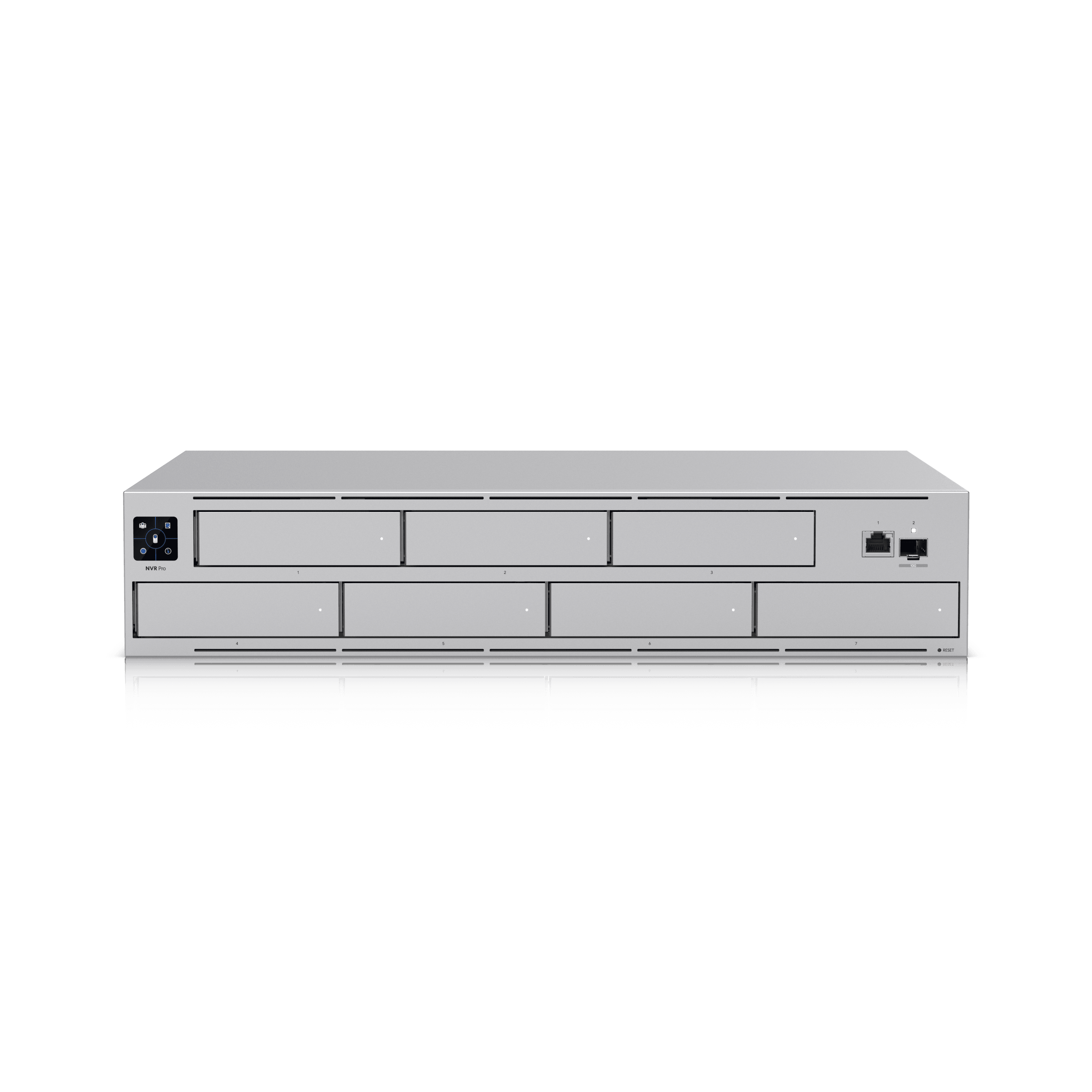
Sizing a UniFi Protect recorder for the cameras you need
Size UniFi Protect around camera workload, usable storage, retention quality, and operator activity before choosing an NVR.
Quick answer: Size a UniFi Protect recorder against the proposed camera mix and viewing workload, then calculate the usable storage needed for the required recording quality and duration. Camera capacity and storage capacity are separate checks; passing one does not establish the other.
A recorder can have room for more drives while already carrying a demanding camera workload. It can also have enough processing capacity for additional cameras while retaining fewer days than the business expects. Both situations can be missed when the buying decision starts with the number of drive bays.
For a business installation, the useful starting document is a camera schedule paired with a retention requirement. The recorder follows from those inputs. This approach also gives a future expansion an honest basis: you can see which part of the design has spare capacity and which assumption would need to change.
Build the camera schedule before comparing recorders
List the cameras that will be installed now, their proposed resolution and recording settings, and the viewpoints they serve. Mark any camera whose settings are still undecided. A receiving entrance that needs detailed review should not be silently treated as the same workload as a modest overview view just to make a recorder fit the budget.
Separate committed expansion from a vague possibility. If a second building is already planned, include its expected camera schedule as another scenario. If the business merely wants room to grow, state the allowance as a planning choice rather than an undocumented promise of unlimited expansion.
Record which users and displays will interact with the system. A facility with several people reviewing video and persistent wall displays presents a different operating pattern from a small office where one manager opens recordings occasionally. The schedule should describe the system people will actually use, not just the cameras that will be connected on installation day.
Check current host capacity for the planned workload
Ubiquiti’s supported-camera guidance describes recommended capacity estimates, including the effect of active users, Viewports, and storage health. Its current resource tools and model guidance are the right place to check the proposed host. A remembered capacity figure from another project is a weak basis for a new purchase.
Save the model and assumptions used in the evaluation with the proposal. This matters when an equipment substitution occurs: a different recorder should trigger another capacity check, even if it has the same number of drive bays. Product names and storage layouts alone do not establish equivalent performance.
Include the planned expansion scenario in that review. If the initial design is already close to the recommendation under normal use, describe the expansion path explicitly. The answer might be another recorder or a different host selection. It should not depend on discovering the limitation after the additional cameras have been installed.
Calculate footage volume with visible assumptions
A storage estimate needs a bitrate assumption, recording duration, and camera count. For continuous recording, convert the total bits per second into bytes, multiply by recording time, and use the same decimal units throughout. The purpose is a traceable estimate, not a claim that every camera scene will produce an identical bitrate.
Consider a hypothetical eight-camera system averaging 4 Mbps per camera, recording continuously for 30 days. The resulting footage volume is about 10.368 TB before any extra planning allowance. If the design keeps 20 percent of usable capacity free, the target becomes 10.368 divided by 0.8, or 12.96 TB. That is a capacity-reserve calculation, not an additional 20 percent added to the footage total.
The camera storage planning calculator makes these assumptions adjustable. Replace the illustrative bitrate with an appropriate estimate for the planned settings, and revisit it using observed recording behavior after commissioning. A spreadsheet result is only as sound as the assumptions that produced it.
Keep raw drive capacity separate from usable space
Adding the capacities printed on drive labels gives raw capacity. The space available for video depends on the recorder’s configuration and any storage protection arrangement. Ask the proposal to show both figures so the retention calculation uses the capacity that will actually be available.
Check the selected drives against Ubiquiti’s storage requirements, including the requirements for the exact host. Record the drive model and quantity in the equipment schedule. A substitution should be reviewed against those requirements rather than accepted because the replacement has the same advertised capacity.
Also decide what happens when storage needs attention. Who receives the alert, who checks the condition, and who can arrange a replacement? A storage design needs an operating response, not just a larger total. Keep a separate process for preserving an important incident outside routine rolling retention; a capacity allowance does not create that workflow by itself.
Define the quality that must survive the retention window
“Thirty days of video” is incomplete if people expect every day to retain the same detail. Specify the required quality as well as the duration, and identify any cameras with different requirements. The business should understand the tradeoff before a setting is used to stretch retention.
Ubiquiti’s retention documentation explains that Enhanced Retention can reduce older recordings to lower quality and that this reduction cannot later be reversed. If that mode is proposed, review the older footage as part of acceptance. Do not assume a current high-quality sample represents the entire archive.
Motion-based or scheduled recording introduces a different question: which events might fall outside the saved period? Review the actual operating hours and test representative activity. Reducing the amount recorded may be a reasonable decision, but it should be tied to an accepted recording policy rather than used as an invisible substitute for the storage originally requested.
Size the surrounding installation as a system
The recorder needs an appropriate location, power arrangement, and network connection. Check rack space, access for service, and the conditions required by the selected equipment. Put responsibility for the physical location into the project scope rather than assuming the nearest available shelf is suitable.
The camera network also needs its own capacity review. Count ports, confirm the maximum power allocation for the selected cameras, and identify the uplinks carrying their traffic. Recorder sizing does not prove that the existing switch can support the design. Keep these checks separate so one favorable number does not conceal a different constraint.
Use a short purchasing review:
- Confirm the current host recommendation against the actual camera mix.
- State raw capacity, usable capacity, and the reserved free portion separately.
- Document the required quality and duration of retained recordings.
- Identify the owner of storage alerts, updates, and incident exports.
These records make a later service conversation much more specific than “the NVR should be big enough.”
Validate the estimate after normal activity is recorded
Commissioning should capture the system’s settings and its observed behavior. Check that all intended cameras are recording, that playback responds acceptably for the expected users, and that the storage information is consistent with the design. Investigate differences while the installation assumptions are still easy to reconstruct.
Allow enough representative activity to evaluate the estimate. A quiet weekend is not a complete sample for a busy receiving area. Compare the observed recording pattern with the scenes and schedules used in the calculation, and document any setting changes before deciding that the recorder is undersized.
Schedule a later review of the retained archive. Confirm that the intended duration and quality are available and that an authorized user can export a test clip. For a multi-site business, repeat the check at each location rather than assuming one branch’s results establish every other branch’s retention.
The takeaway
Choose a UniFi Protect recorder by checking workload and storage as separate requirements. The camera schedule establishes what the host must manage; the recording policy and usable capacity establish what the business can expect to retain. Both should be visible in the purchasing record.
Keep the estimate tied to current manufacturer guidance and then compare it with real operation. A documented reserve, a defined response to storage alerts, and a tested export process make the recorder easier to own after installation, particularly when more cameras or locations are added later.
Build the installation brief
Use the UniFi Protect installation guide to connect recorder sizing with camera placement, network readiness, and handover requirements.
FAQ
Does a larger hard drive increase the recorder’s camera capacity? It can increase available storage, but it does not by itself establish a higher recommended camera workload. Check the selected host against the current manufacturer guidance separately from the retention calculation.
Can the same retention setting produce different results at two sites? Yes. Different camera mixes, recording schedules, scene activity, and quality settings change storage demand. Treat each site’s estimate as a separate calculation and verify the actual archive after installation.
Should spare storage be added as a percentage? State the method clearly. Reserving 20 percent of total usable capacity means dividing expected footage by 0.8; adding 20 percent to footage produces a different result. Neither percentage is a universal manufacturer requirement.
Is Enhanced Retention appropriate for every camera? That depends on the required evidence quality over time. Review the current feature behavior and examine older footage before accepting it for a camera whose detail must remain available throughout the retention window.