
Plan Mobile Hotspot Capacity for a Traveling Team
Estimate hotspot data, simultaneous application demand, device limits, and travel-day support before sending a team on the road.
Quick answer: Plan hotspot service in two dimensions: how much data the team uses over the billing period and how much upload and download capacity it needs at the same time. Then check the device's connection limits, power arrangements, coverage, and the plan's behavior after any high-speed threshold. Validate the estimate with a representative work session.
A portable hotspot can make a traveling team much more flexible, but head count alone is a poor sizing method. Four people answering email create a different workload from four people joining separate video meetings while synchronizing large project folders. Both groups may say they “just need internet.”
The right deliverable is a short usage plan tied to the itinerary and the work. It should explain what the connection is expected to support, what can wait for another approved network, and who responds if the service becomes unusable. That makes the equipment and plan comparison much more concrete.
Describe a normal travel day before selecting an allowance
List the team's activities by duration and frequency. Include meetings, browser-based systems, document transfers, remote desktop sessions, and any large project files. Identify which activities happen on the phone itself and which use the shared hotspot connection.
Ask employees for examples from recent trips rather than relying on a generic estimate per person. A designer may upload a large revision once a day, while a project manager spends several hours in meetings. Background applications can contribute traffic even when the employee is working in a lightweight browser tab.
Separate unavoidable work from flexible transfers. A customer demonstration may have a fixed time, while an approved software download can be completed before departure. This is not a reason to postpone security updates indefinitely; coordinate update timing with IT so the travel plan preserves the organization's requirements.
Calculate data volume with visible assumptions
A useful estimate states its inputs and units. For a constant combined upload-and-download rate, decimal gigabytes are approximately megabits per second multiplied by hours and by 0.45. The factor comes from seconds per hour, eight bits per byte, and decimal gigabytes. Real applications vary, so this is a planning calculation rather than a billing prediction.
Consider a hypothetical team whose combined traffic averages 4 Mbps during a two-hour working session. The estimate is 4 × 2 × 0.45, or 3.6 GB. Repeating that session on ten travel days gives 36 GB before other activity. Here, 4 Mbps represents the total of both directions; counting each direction again would double the estimate incorrectly.
Add separately identified file transfers and a stated allowance for uncertain usage. Use measured data from a pilot to improve the inputs. Do not present a precise-looking total as evidence that every future trip will remain below a carrier threshold.
Evaluate simultaneous demand in both directions
Monthly data is a volume. Capacity is the ability to carry the team's activity at a particular moment. A plan with a large allowance does not establish that the available connection can support several simultaneous uploads or meetings at the destination.
Use application documentation as a starting point. Zoom's desktop requirements distinguish meeting formats and video modes and describe adaptive bandwidth use. Select the guidance that matches the actual workflow, then test the team arrangement rather than treating one published figure as a universal requirement.
Look especially at upload demand when employees send files, share video, or collaborate remotely. Record concurrent activities and the observed behavior. If a meeting degrades whenever another laptop starts a transfer, the response might involve scheduling or traffic controls as well as a different service option.
During the pilot, record the conditions behind the result:
- How many users were active at the same time.
- Which applications were uploading and downloading.
- Where the hotspot was placed and which service it used.
- Which business task slowed, failed, or required a retry.
Read the hotspot terms for the exact plan
Confirm whether the quoted allowance applies to a smartphone hotspot feature or a dedicated hotspot device. Ask whether data is counted by line, shared across a group, or subject to another structure. Obtain the behavior after the relevant threshold: reduced speed, additional charges, or other terms should be explicit.
Verizon's business mobile plan details show why the exact plan matters: hotspot products have stated high-speed thresholds and subsequent data behavior. Other carriers and business agreements may differ. Keep the actual quotation and applicable terms with the team's travel records.
Check the geographic scope separately. Domestic use, roaming, and international travel should not be treated as interchangeable. If a trip crosses a border, ask the provider to confirm the applicable service and charges before departure. The business cellular audit guide can help organize these plan requirements.
Check the sharing device and its operating conditions
A device's ability to create Wi-Fi does not mean it can support an unlimited number of clients. Apple notes that Personal Hotspot connection limits depend on the carrier and iPhone model. For a dedicated hotspot, inspect the current manufacturer's specifications and confirm the required number and type of connections.
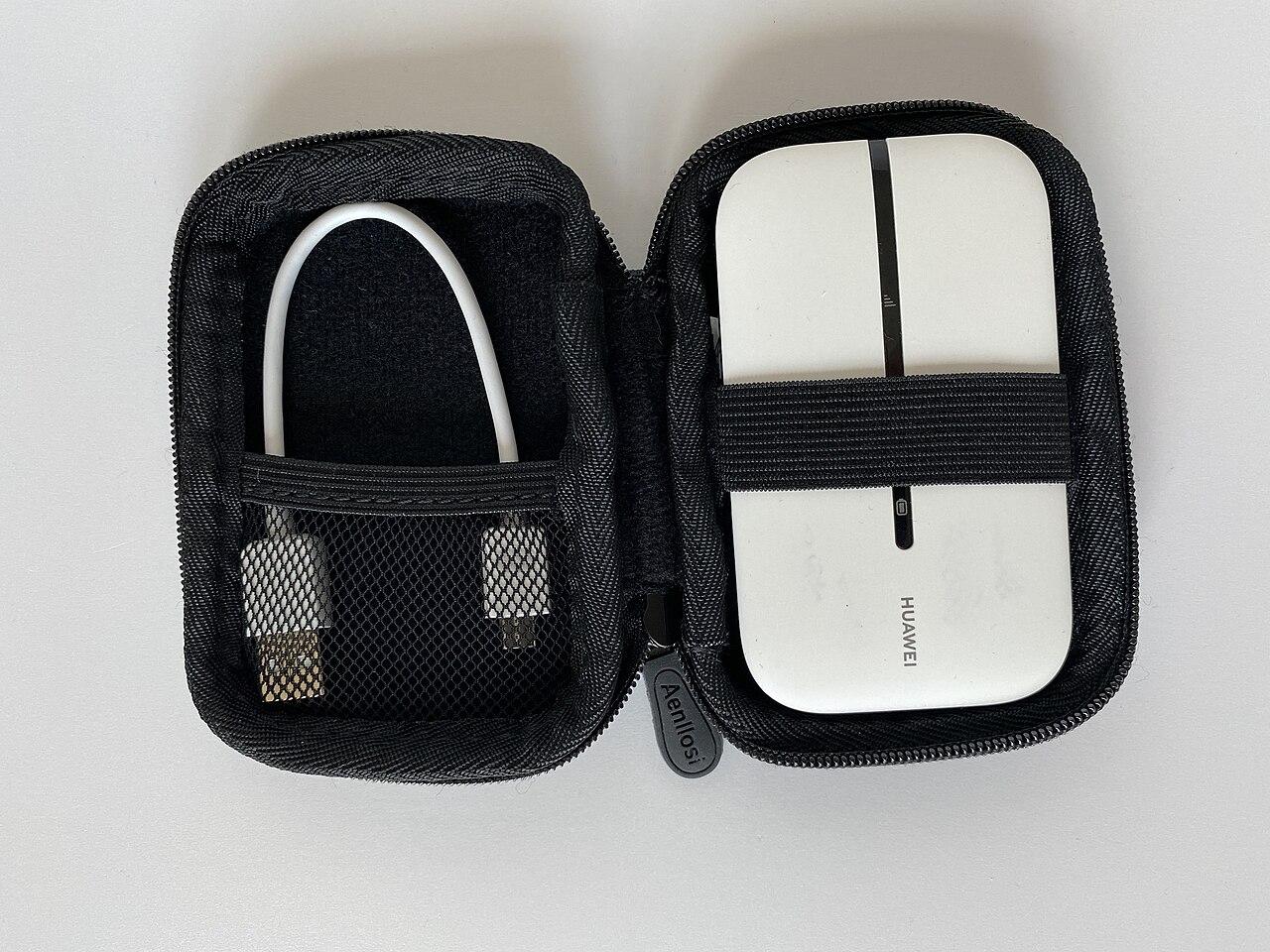
Plan the physical arrangement. The device needs a suitable location, power, and a way for authorized users to connect without continually asking one employee to troubleshoot it. Check charging accessories and manufacturer operating guidance before relying on a long work session.
Decide whether the equipment is assigned to a person or checked out to a team. Label it, record its service identifier, and keep the support information available without exposing account credentials. A technically capable hotspot is less useful if nobody knows which account it belongs to when a problem occurs.
Prepare laptops so the first connection is predictable
Have IT review the travel configuration before the equipment leaves. Confirm required security software, access controls, VPN behavior where used, and the applications employees need. Test authentication and any device-management dependencies using the proposed hotspot arrangement.
Review background transfers with the responsible team. Large synchronization jobs or operating-system downloads may consume a meaningful share of the connection. Apply approved settings appropriate to a metered or constrained network, and document how essential updates and backups will still occur.
Use a realistic test session with the actual laptops. A single browser test on a spare device does not reveal whether four managed computers can complete their normal work. The network hardware planning guide is useful when a traveling setup grows beyond a simple hotspot into shared routers or other equipment.
Assign an owner to usage alerts and degraded operation
An alert has little value if it reaches a person who cannot act. Name the person who reviews usage during a trip, the person authorized to change the plan, and the support contact for the equipment. Confirm how the carrier reports usage and whether the data is current enough for the intended decision.
Define what the team does if the connection becomes constrained. It might prioritize a customer call, pause a nonurgent transfer, or move to another approved location. Avoid making public Wi-Fi or an employee's personal service the undocumented default; the business should decide which alternatives meet its operating requirements.
For a hypothetical conference team, the planned fallback might be an approved venue connection for large uploads while the hotspot remains available for essential coordination. Record that arrangement before arrival. A second device on the same service path may add convenience without providing the independence the team expects.
Reconcile the trip and improve the next estimate
After the trip, compare the forecast with actual usage and the team's observations. Distinguish ordinary work from unusual setup activity or a one-time transfer. Check for roaming or optional-service charges that were not part of the original assumption.
Ask users where the connection worked, where it struggled, and which tasks were affected. Preserve the equipment model, location, and timing so the next trip can benefit from the evidence. A broad complaint about “slow internet” is less useful than knowing that uploads failed from a particular meeting room.
Update the standard kit and plan only when the evidence supports a change. The goal is a repeatable travel arrangement, not a larger allowance after every complaint. If the workload becomes a persistent site requirement, review a fixed wireless business connection rather than assuming the travel kit should scale indefinitely.
The takeaway
Hotspot capacity planning starts with actual work: the data transferred over time, the applications running together, and the conditions at the destination. A monthly allowance, a device connection limit, and an observed speed each describe only part of that picture.
Make the assumptions visible, run a representative session, and assign support and usage ownership. After the trip, compare the results with the plan. That cycle produces a more dependable business tool than selecting a hotspot solely from its advertised maximum speed or the word “unlimited.”
Plan mobile connectivity for your team
BlueHouse Telecom works with businesses nationwide on business cellular requirements. Share your team size, itinerary, devices, and application mix to organize a practical service review.
FAQ
How much data does a video meeting use? It varies with the application, mode, duration, and network adaptation. Use the current vendor guidance and a measured session on your equipment instead of assuming one fixed amount per meeting.
Can one phone support the whole team? Possibly for a limited workload, but confirm its supported client count, plan terms, power needs, and real performance. Also consider whether the team can depend on that phone remaining present.
Does a larger data plan make the connection faster? Not necessarily. Review the plan's terms and the actual location performance. An increased allowance does not by itself solve weak coverage or simultaneous-demand problems.
Should we buy a second hotspot as backup? First identify the failure you need to survive. A spare device can address equipment failure, while another connection on the same underlying service may share coverage or network limitations.