
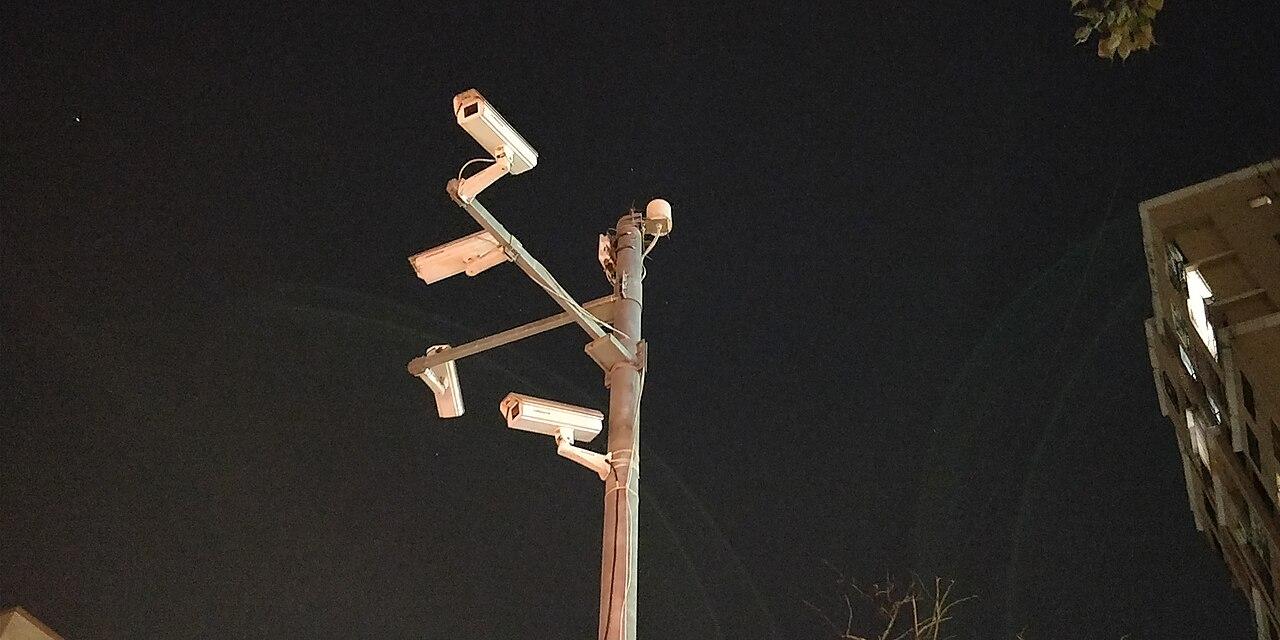
Name cameras so a remote team can find the right view
Build camera names that help remote teams find the right view, preserve device history, and keep site records usable during changes.
Quick answer: Give each camera view a stable site reference, a recognizable area, and a useful direction or purpose. Keep the physical device identifier in the asset record rather than relying on the display name alone. Test the naming scheme with someone who has to find footage without knowing the building.
A camera name should survive the departure of the person who invented it. “Mike's camera” may be perfectly clear to one office today, but it gives a nationwide support team little help after a manager changes or a building is acquired. The problem usually appears when somebody needs footage quickly.
I would treat naming as an operating requirement before the first installation is accepted. The name does not need to contain every fact about the device. It needs to lead an authorized person to the right view, while the supporting register preserves the details needed for maintenance and replacement.
Start with the question a remote reviewer will ask
Ask a reviewer to describe how they locate an incident. They may begin with a site, an approximate time, and a receiving entrance. A naming scheme built around those inputs is more useful than one arranged by the sequence in which cameras were connected to a recorder.
Consider the vocabulary used by the people in the building. If operations calls an entrance the west receiving door, a camera labeled rear door creates avoidable translation. Confirm directions against a shared site reference, especially where different buildings or departments use different meanings for front and back.
The name should help identify the view without promising more than the image shows. A wide overview of a parking area should not be named as though it reliably identifies every vehicle registration. Use the camera installation checklist to connect each view with its actual purpose and acceptance evidence.
Give every location a stable reference
Choose a site reference that remains unique across the business. A city alone may be insufficient when the company has a branch, a warehouse, and a temporary office in the same market. The reference should connect to the location register used by the people responsible for support and changes.
Decide how that reference behaves when a business relocates or closes a site. Keeping a code attached to an address and keeping it attached to an operating unit are different policies. Either can work if the organization records the choice and avoids quietly assigning the same identifier to unrelated locations.
Keep names understandable without turning them into address books. A short site code can lead to a controlled register containing the full address and authorized contacts. Including personal phone numbers or other sensitive information in every camera name creates unnecessary exposure wherever names appear in notifications, screenshots, or exports.
Separate the view from the physical device
A camera view and a camera asset are related but different records. The business may replace a failed device while retaining the same intended view. If the display name changes to a new serial number, people searching for the familiar receiving entrance may think the view has disappeared.
Maintain the device model, serial number, installation reference, and current view association in the asset record. Record replacement dates and the reason for the change. That allows someone investigating an older support case to understand which physical device was present when the case was opened.
Also record meaningful changes to the view itself. Moving a device to another entrance or changing its framing may justify a different view identity even when the hardware stays the same. Preserving a familiar name without recording that change can mislead a reviewer about what historical footage should contain.
Use a small pattern people can apply consistently
Agree on a short pattern with the operations and technical owners. A site reference followed by area and viewing direction may be enough. Add a view number only when it helps distinguish genuinely similar cameras, rather than because every possible field was available in a spreadsheet.
A proposed naming record can contain:
- The stable site reference and the local name for the area.
- The view's direction or business purpose, expressed in ordinary language.
- A link to the separate device record and any previous display names.
Check the actual platform's naming capabilities before finalizing the format. AXIS Camera Station Pro documentation includes editing camera and view names. That supports managing these labels in that product; it does not make a particular naming convention an Axis requirement or establish identical limits in every other video system.
Keep aliases when names change
A rename can improve clarity while still creating confusion for people using older plans. Preserve the old name as an alias in the controlled register, with the effective date and the reason for the change. Include enough context to distinguish a rename from a relocation or hardware replacement.
Review the places where a name may have been copied. Floor plans, maintenance tickets, incident procedures, and training documents can retain outdated labels after the live camera list has changed. Assign an owner to update the important references instead of assuming the platform will update documents outside its control.
Avoid bulk renaming immediately before a period when the business expects heavy incident review. Plan the change, communicate the new convention, and retain the mapping. The multi-site rollout guide provides a broader framework for controlling site differences and acceptance records across a national project.
Test names with someone outside the project
Give an authorized reviewer a realistic locating task using approved sample footage. Describe the site and the business area without supplying the camera number. Observe whether the person can identify the intended view and distinguish it from nearby views without help from the installer.
A failed test may reveal more than a bad label. The site register may be incomplete, the floor plan may use different terminology, or permissions may hide the expected camera. Record the actual cause before changing the naming scheme. A longer name will not fix missing access or an outdated drawing.
Repeat the test with a maintenance task. Ask the support contact to connect a reported view problem to the correct physical device record. Reviewers and technicians need different details, but both should arrive at the same camera without relying on somebody's memory of the installation day.
Define who can approve an exception
Unusual buildings will expose limitations in a simple naming pattern. A shared loading area, several floors with identical room numbers, or a temporary construction entrance may require additional context. Document a useful exception instead of allowing every site to invent an unrelated local system.
Assign responsibility for approving those exceptions and maintaining the register. The decision belongs with a role that can consider both local operations and nationwide support. A naming document without an owner is easy to ignore when a replacement technician needs to finish a job under time pressure.
Review exceptions during expansion planning. Several similar exceptions may indicate that the original pattern needs a controlled revision. Change it deliberately, preserve the mapping, and test the new version. Consistency should make the system easier to operate, not force people to use labels that obscure the building's actual layout.
Include naming in acceptance and later changes
At acceptance, compare the live camera list with the approved register and site plan. Confirm that the labels identify the views actually delivered, including any changes made during installation. An approved design name should not remain attached to a camera that ended up covering a different area.
Include the naming record in the handover package with its owner and revision date. State where future changes will be recorded. A spreadsheet saved only in the original project email may be difficult for a new administrator to find, even if every entry was correct when the project closed.
Use ordinary maintenance and expansion reviews to catch drift. Check newly added cameras, replacement devices, and renamed areas against the convention. The objective is a reliable connection between a business question, the current view, and its supporting records. It is not a naming project that consumes attention without improving the work.
The takeaway
Useful camera names help people locate the right view while the asset register preserves the device history. A stable site reference, recognizable area, and controlled record of changes usually do more for that purpose than a long string of technical identifiers in the display name.
Test the convention with the people who will use it under real operating conditions. If they can find the view, understand its purpose, and trace the associated device without local guesswork, the naming work has earned its place in the project.
Plan a multi-site camera project
Request a BlueHouse Telecom project review to discuss camera coverage, site records, and a consistent installation handover across your business locations.
FAQ
Should a camera name contain its serial number? Keep the serial number in the device register. Use the display name to help authorized people locate the business view and connect it to that record.
Can two sites use the same area name? Yes, if each view also has a distinct site reference. “Receiving” alone may be ambiguous in a nationwide camera list.
Should names change when hardware is replaced? The view can retain its identity when its purpose stays the same. Update the device association and preserve the replacement history in the supporting register.
Who should maintain the naming convention? Assign an operating owner with input from site staff and technical support. Record exceptions and require the current register to be included in project handover.