
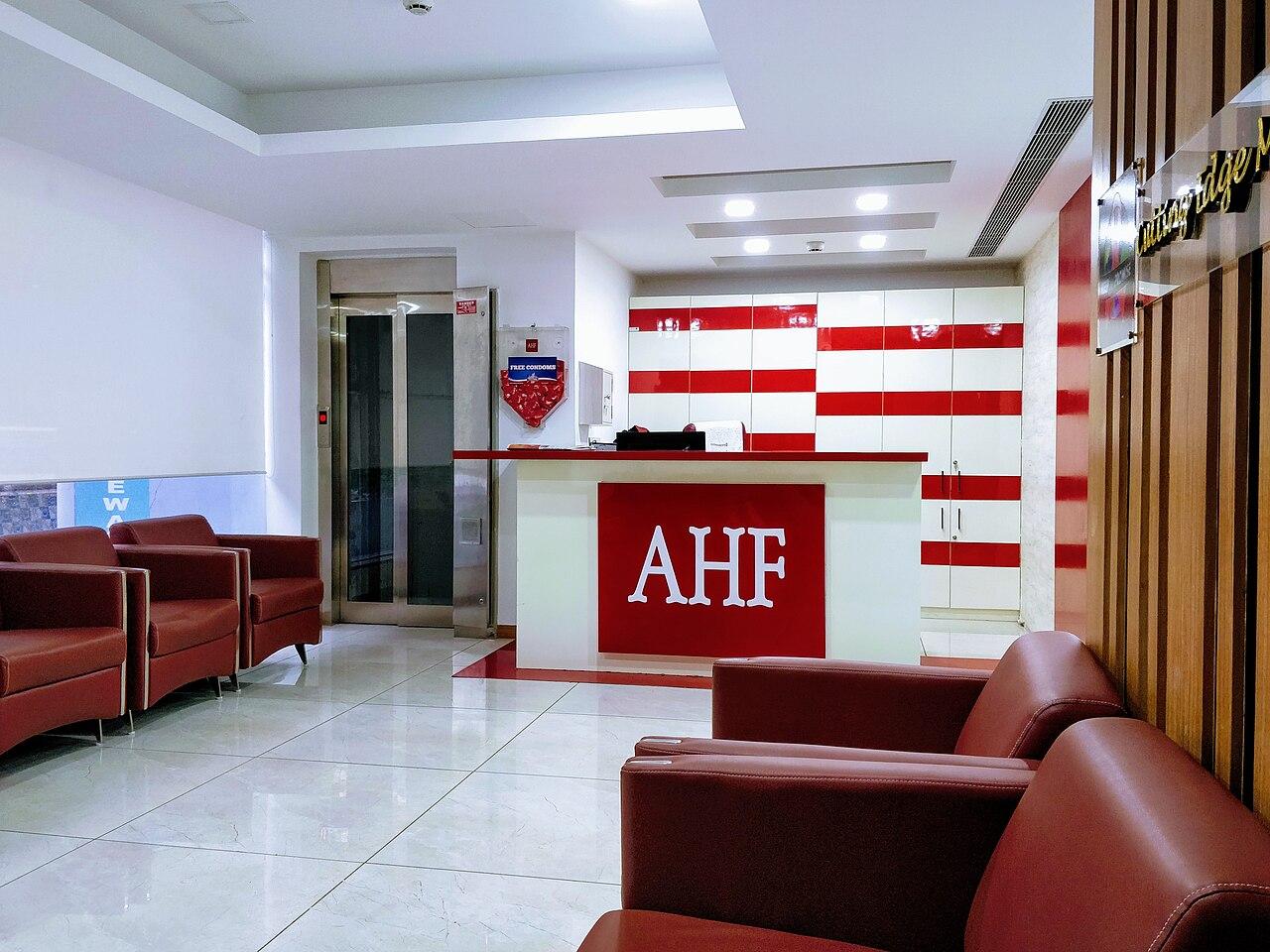
Clinic cameras: plan the public view before the hardware
Scope clinic entrance and reception cameras around defined events, with careful views, restricted access, and a practical review process.
Quick answer: Start a clinic camera project with the specific public-area event you need to review, then exclude unnecessary patient information from the view. Assess the image from the entrance, desk, and waiting area before selecting hardware. Restrict recording access and test the actual review and export workflow with the clinic's approved policies.
A clinic entrance camera can unintentionally see much more than arrivals. An open reception screen, a clipboard passed across the counter, or a door briefly opening toward a treatment area can change the information in the frame. Calling the area public does not remove the need to examine that view carefully.
The strongest project begins with restraint and a clear purpose. A useful arrival sequence may need less of the waiting room than a first camera sketch suggests. This planning article addresses installation and operating decisions; it does not establish clinical monitoring requirements or promise compliance with healthcare privacy rules.
Define the event without making the camera a clinical tool
Describe the business question in ordinary terms. The clinic may need to review an entrance disturbance, establish the sequence of a package delivery, or understand access to a staff-only corridor. Those are different tasks from observing treatment or making a clinical decision, and the proposal should preserve that boundary.
A hypothetical clinic concerned about after-hours deliveries might need a view of the public entrance and delivery shelf. A camera aimed across every waiting chair could collect substantially more activity without improving the delivery record. We would start with the narrower view and expand it only if a specific, approved task requires the additional area.
Have the clinic's operational and privacy representatives review the purpose together. This prevents the technology discussion from drifting toward a feature simply because a manufacturer demonstrates it. Audio, analytics, and additional recording areas should each require a stated reason; they should not arrive as unnoticed defaults in a broadly described camera package.
Walk the view with the reception desk in normal use
Empty-room photographs are useful for rough placement, but they hide the details that matter once a clinic opens. Arrange a demonstration using blank forms and harmless screen content. Look at the check-in surface, document handoff, payment position, and routes from the public entrance to staff-controlled areas.
Evaluate the camera from several ordinary conditions:
- A visitor standing at the counter while another person waits behind them.
- A receptionist moving a screen, clipboard, or printed document.
- A staff door opening toward the camera's field of view.
- A delivery cart or temporary sign occupying the entrance area.
Use the test to change placement before depending on software to hide a poor angle. A physical adjustment that removes a desk screen from view is often easier to understand than a privacy mask that must remain aligned after every camera move. Neither approach should be judged only from a thumbnail on a phone.
The same exercise can reveal a coverage gap. A high, wide camera may show that someone arrived while providing insufficient detail for the intended entrance task. Test the event in the recorded image and compare alternative positions without assuming maximum resolution solves an unsuitable angle.
Verify what privacy controls actually save
Axis's privacy documentation distinguishes fixed-area masking from export redaction. It also explains that selected dynamic-masking arrangements can deliver separate masked and unmasked streams. The relevant question is therefore what this installation records and exposes to each account, not simply whether the product includes a privacy feature.
Ask for a demonstration of the saved recording, normal live view, alternate streams where applicable, and exported file. If a protected area appears hidden in one interface but visible elsewhere, the clinic needs to understand and approve that difference. Do not let a reassuring preview substitute for checking the actual data path.
A mask also needs to survive ordinary changes. Moving the camera, changing its lens setting, or rearranging a check-in station can alter the relationship between the excluded area and the frame. Include those changes in the clinic's facilities process so the privacy boundary does not gradually become a historical assumption.
Limit who can review recordings during a busy day
A receptionist may need to see whether somebody is at the entrance. A designated manager may handle incident review. A technology contact may maintain the recorder. These tasks can overlap, but they should not automatically receive identical privileges. Keep the permission discussion tied to real work rather than seniority alone.
Verkada's role documentation provides one example of separate live-only, recorded-video, and administrative access, with inherited permissions affecting the result. Whatever platform is selected, test the effective rights of the clinic's intended accounts and any group membership that can broaden them.
Consider the viewing workstation as well as the account. A perfectly restricted login can still display a live image on a monitor visible to visitors. Choose where routine viewing occurs and how the workstation is secured when unattended. A camera system should not solve an entrance question by creating an unnecessary public display of the waiting room.
For a clinic group, decide whether central staff need all sites or only assigned locations. A regional manager's convenience is not a complete explanation for giving unrelated reception staff access to other clinics' recordings.
Make incident review workable without casual browsing
A staff member reporting an event should be able to provide the location, approximate time, and reason for review without opening the recorder. An authorized reviewer can then locate the relevant sequence and determine what happens next under the clinic's approved process. This avoids turning a legitimate concern into an invitation to browse unrelated activity.
Preservation and sharing deserve separate decisions. The clinic may need to retain a sequence while it determines whether and how it may be disclosed. Define who can make those decisions and how urgent requests reach that person, especially outside office hours or while the regular manager is away.
Practice with an arranged delivery example rather than real patient activity. Verify that the reviewer can find the event, preserve the needed context, and prepare a permitted export that opens on the intended review device. The security camera installation checklist can help translate that exercise into acceptance questions for the proposal.
Fit the cameras into the clinic's network and operations
Camera traffic and management should be discussed alongside existing clinic systems. Ask the network owner how the proposed devices will connect, what remote access is permitted, and whether additional switching, cabling, or recording equipment is needed. Do not assume an unused wall jack represents spare network capacity or an approved security boundary.
Installation access also matters. Work near reception can interrupt check-in, while ceiling access may affect occupied areas. Agree on the work window, areas to keep clear, and how a temporary loss of camera coverage will be communicated. The project should make those operational constraints visible before equipment arrives.
The clinic network planning guide provides a broader way to inventory workflows and infrastructure. Keep the camera scope concrete within that plan: named locations, intended views, connectivity, recording responsibility, and the acceptance demonstration. A generic promise of healthcare readiness does not explain any of those details.
Reassess the view when the clinic changes
Reception renovations and workflow changes can invalidate a once-appropriate camera angle. A new check-in kiosk, relocated printer, or changed staff entrance may introduce sensitive content into the image or remove the event the camera was meant to show. Treat camera review as part of those changes, not as a separate annual exercise that may happen too late.
Staff turnover can likewise leave unnecessary access behind. Review accounts, shared links, exported copies, and viewing stations according to the clinic's procedure. If a temporary manager needed access during a transition, that temporary reason should not become a permanent privilege because nobody revisited it.
For several clinics, standardize the review questions while allowing different layouts. One site may have a shared building lobby; another may control its entire entrance. Copying camera coordinates across both buildings would ignore the most important difference in their public-area scope.
The takeaway
A clinic's public-area camera project should explain a defined event while keeping unnecessary patient information outside the useful view. Placement, masking, account permissions, and the handling of exports each contribute to that result. None of them alone establishes an appropriate healthcare recording program.
Start with a staged walkthrough and a sample incident request. Those exercises reveal whether the system will serve the clinic's actual work and whether its boundaries are understandable to the people operating it. The best equipment choice follows those decisions instead of replacing them.
Plan a focused clinic camera installation
BlueHouse Telecom can help scope business security camera installation nationwide. Bring the clinic layout, approved recording purposes, and operating constraints so coverage, connectivity, and the acceptance process can be discussed together.
FAQ
Does a waiting-room camera automatically meet healthcare privacy requirements? No. Location alone does not settle the clinic's obligations. Its responsible advisers should approve the intended collection, access, retention, and disclosure process.
Should clinic entrance cameras record audio? Treat audio as a separate decision with a specific purpose and appropriate review. It should not be enabled merely because a camera includes a microphone.
Can masking hide the reception screen? A suitable mask may help, but first evaluate placement that excludes the screen. Verify saved recordings, available streams, and exports rather than relying on the live preview.
Should every clinic use the same camera layout? Use consistent review questions and operating standards, but survey each location. Shared lobbies, staff doors, counter arrangements, and sightlines can require different physical solutions.