
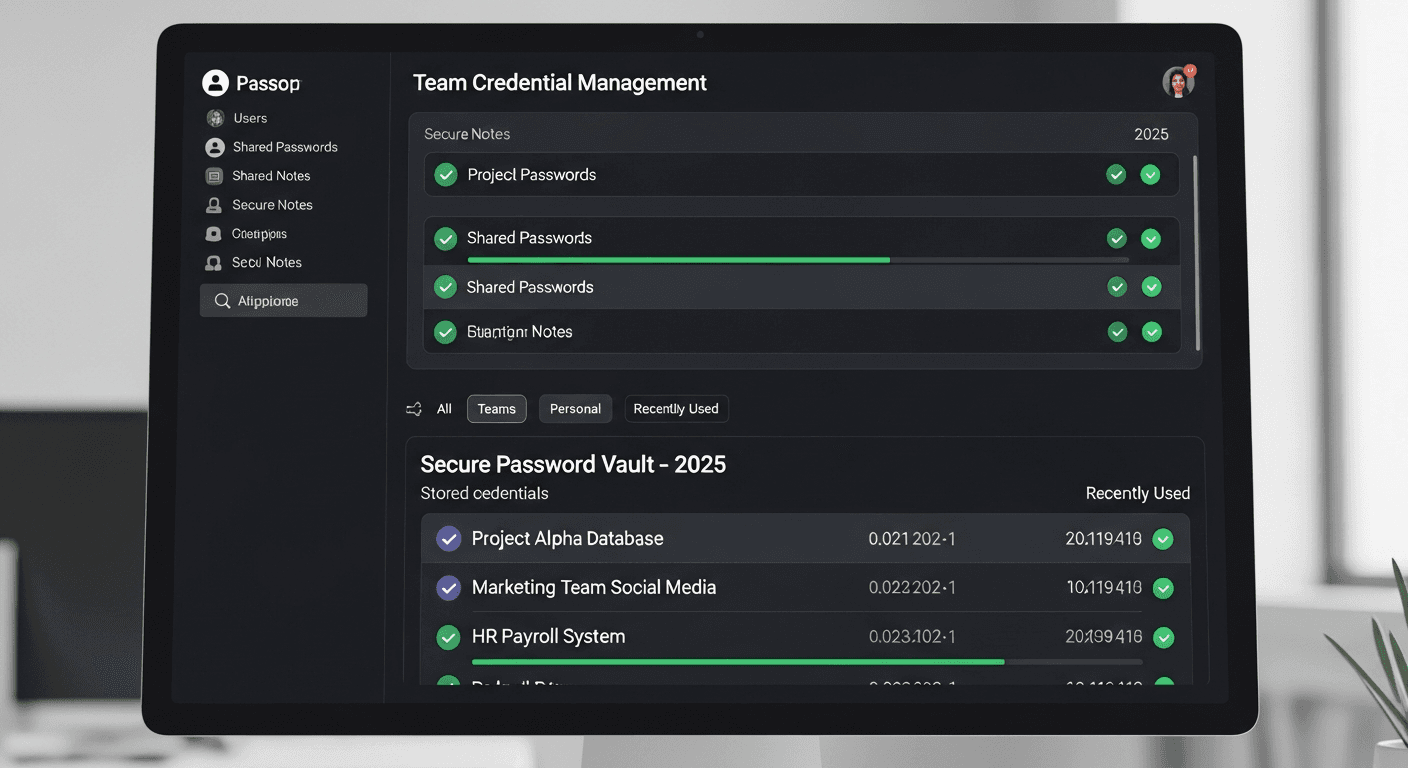
Password Management for Teams: Why Shared Spreadsheets Are a Security Crisis
Over 60 percent of small businesses in Southern California still share passwords through spreadsheets, sticky notes, or chat messages. Enterprise password managers eliminate this critical security gap.
Elias Thorne
January 5, 2026
The most common password management system in Southern California small businesses is a shared spreadsheet. Sometimes it lives in Google Drive, sometimes on a shared network folder, and occasionally it is emailed between team members. Every one of these approaches creates a security vulnerability that sophisticated attackers actively exploit. When a single employee's email account is compromised, the attacker gains access to every password the organization has ever stored in that shared document.
Enterprise password managers solve this problem by encrypting credentials individually, controlling access through role-based permissions, and maintaining a complete audit trail of who accessed which credential and when. The transition from shared spreadsheets to a proper password management platform is one of the highest-impact, lowest-cost security improvements any business can make.
Implementing Team Password Management
Deploying an enterprise password manager across your organization requires careful planning to ensure adoption. Start with your IT team and expand to departments with the most sensitive credentials: finance, human resources, and executive leadership. Create shared vaults organized by department and function, with access controls that follow the principle of least privilege. Each team member should only have access to the credentials they need for their specific role.
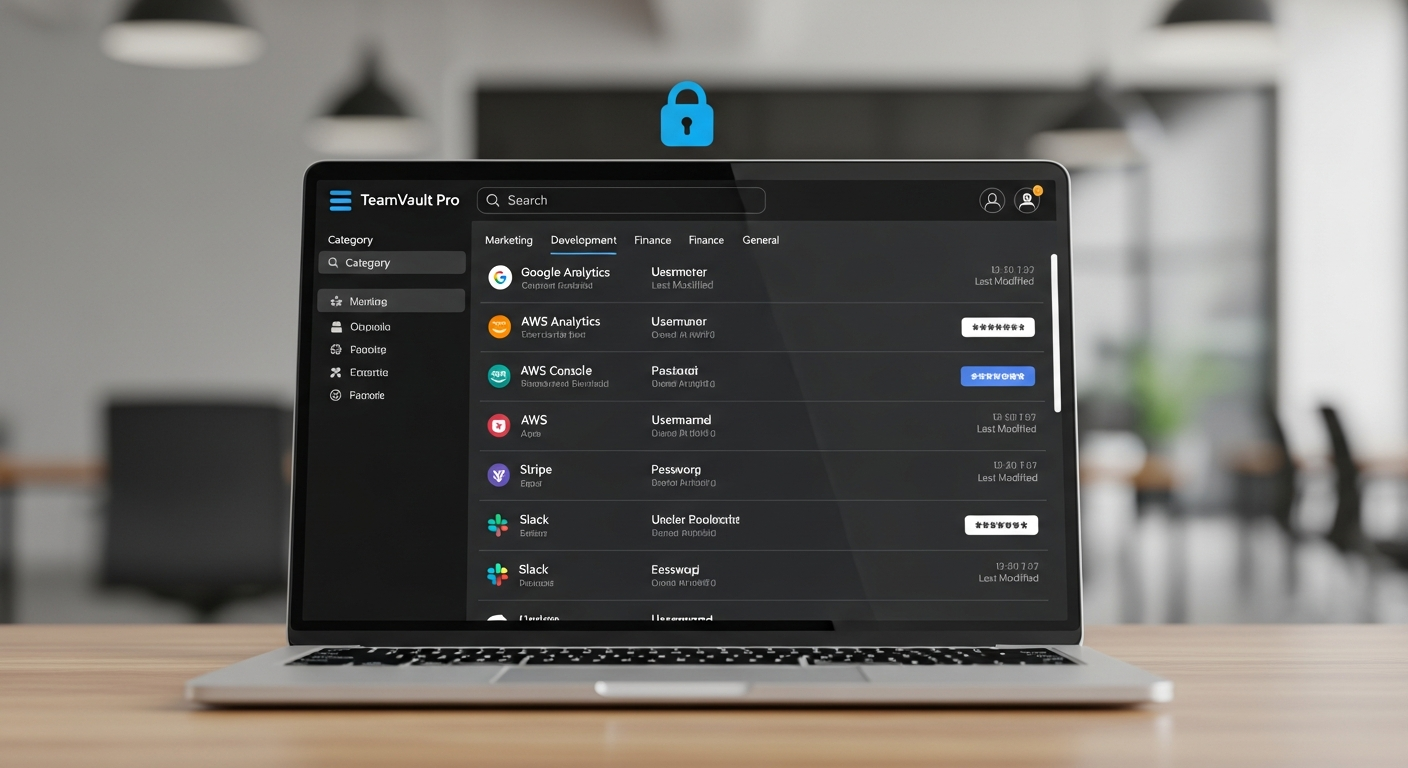
Integration with your existing identity provider streamlines onboarding and offboarding. When an employee leaves your San Diego office, disabling their identity provider account automatically revokes access to all shared credentials in the password manager. This eliminates the common security gap where departed employees retain knowledge of shared passwords that are never changed after their departure.
We found 847 passwords in a shared Google Sheet that had been accessible to every employee, including former ones, at our Escondido office. After migrating to an enterprise password manager with BlueHouse's help, each team member now only sees the 15 to 30 credentials relevant to their role.
— Office Manager, Escondido professional services firm
Secure Your Credentials with BlueHouse
BlueHouse Telecom deploys and manages enterprise password management solutions for Southern California businesses. We handle migration from legacy systems, configure access controls, and train your team on secure credential sharing practices. Contact us to eliminate the password spreadsheet from your organization.
Protect Your Business Today
Cyber threats are evolving faster than most businesses can keep up. Schedule a free security assessment with our team to identify vulnerabilities and build a defense strategy tailored to your organization.