
Moving Offices: A Telecom and IT Cutover Checklist
An office move lives or dies on the connectivity cutover. Here is the timeline and checklist that keeps phones ringing and the internet up on day one.
Marcus Sterling
July 21, 2026
An office move has a dozen moving parts, and most of them are forgiving. Furniture can show up a day late. The new sign can wait a week. The one part with no mercy is connectivity. If the internet is not live and the phones are not ringing on your first morning in the new space, nothing else you planned matters, because the business is effectively closed. The good news is that telecom cutovers fail in predictable ways, which means they are preventable with a calendar and a checklist.
Start Far Earlier Than Feels Reasonable
The single most common mistake is starting too late. People assume internet at a new address works like residential service, where you call on Monday and someone shows up Thursday. Business circuits do not work that way. If the building already has fiber from a carrier you want, you might be live in two to four weeks. If it needs new construction, where the provider has to physically run fiber to the building, you are looking at 60 to 120 days or more, entirely outside your control.
So the first task, before you sign the lease if you can manage it, is to find out exactly what is available at the new address. Ask the landlord what carriers already serve the building and whether existing circuits can be reused. Have providers run a serviceability check on the specific suite, not just the street. A building can have fiber in the basement that has never been extended to your floor, and discovering that two weeks before your move is a genuine emergency. Begin this 90 to 120 days out.
Phone Numbers Are The Part That Bites
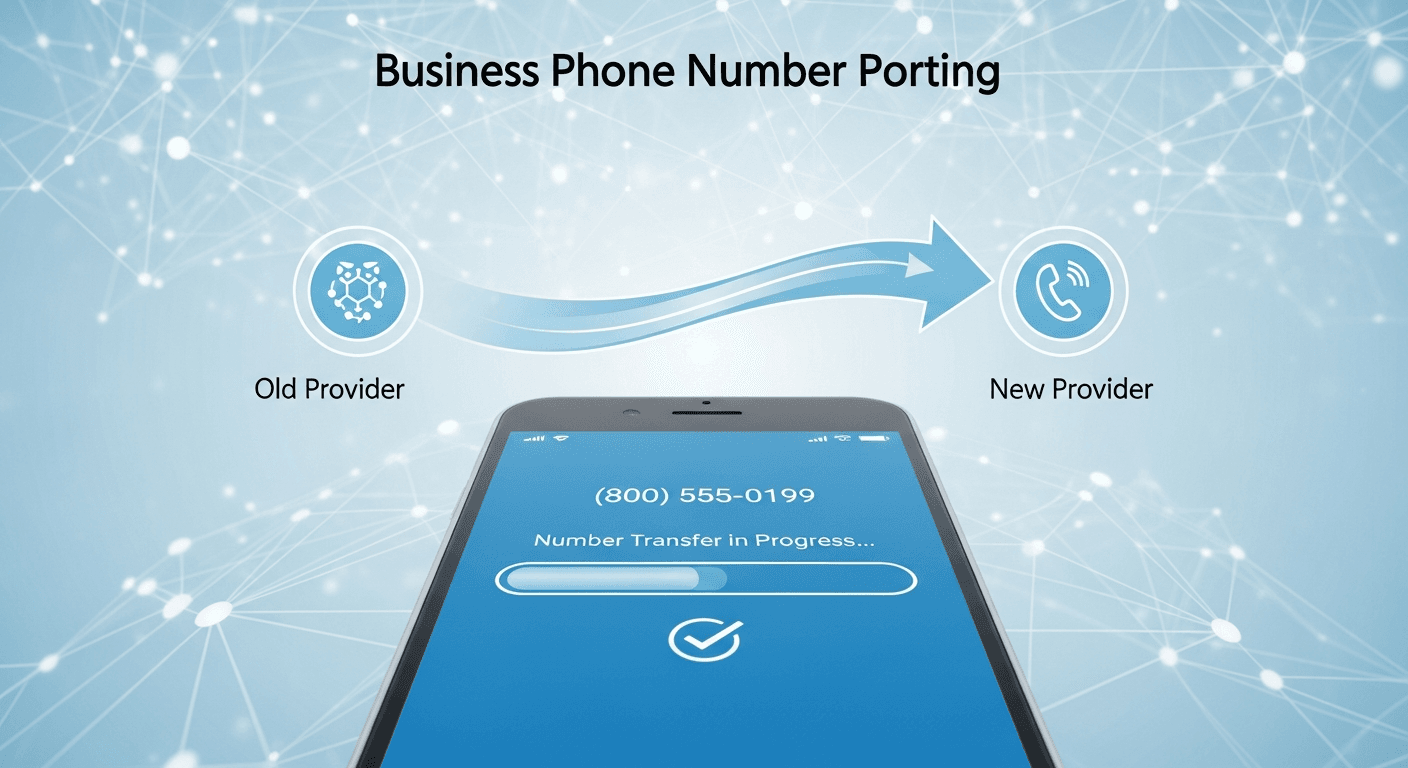
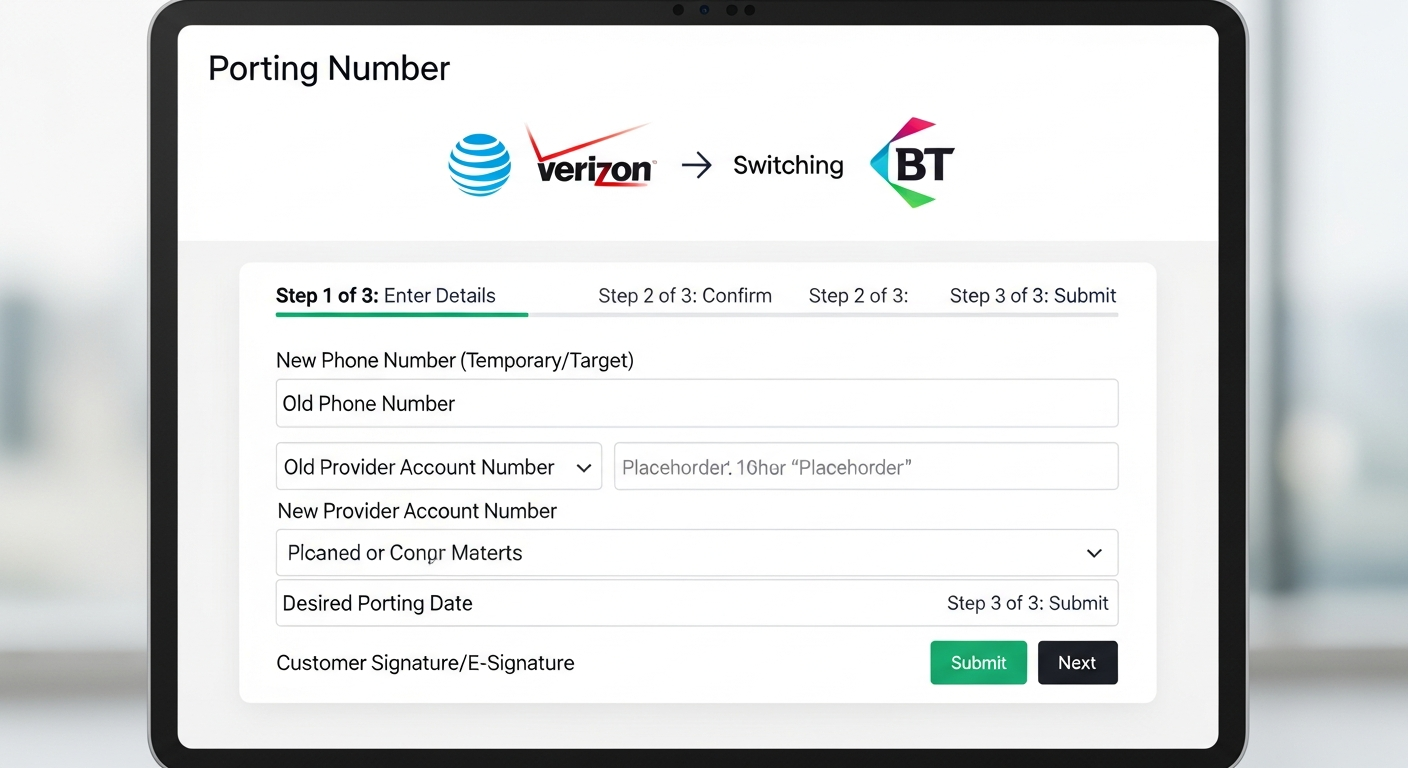
Losing your main business number in a move is a quiet disaster. Customers call the old number, hear nothing, and assume you closed. Porting a number from one provider to another is not instant. It runs on a regulated process that typically takes one to four weeks, and it is fussy. The losing carrier has to confirm the details, and any mismatch between your port request and their records, a wrong address or a missing account number, kicks the request back and resets the timeline.
Submit your porting request early and never let an old account lapse before the port completes, because a disconnected number can be lost for good. If you are moving to a hosted phone system, this is also the moment to decide whether you even need physical phone wiring at the new site, since cloud voice runs over your internet connection and often needs nothing more than network drops and handsets or softphones. Coordinate the port date to land after the new internet is proven live, not before.
We tell every client the same thing. Do not schedule the number port for moving day. Get the new circuit installed and tested a week ahead, prove it works, then port the numbers onto a connection you already trust.
— Project Manager, telecom brokerage
Build The Cutover Sequence In The Right Order
Order matters more than speed. The sequence that consistently works starts with the physical layer and builds up. Get the circuit installed and tested first, ideally with a window of several days to catch problems. Then stand up your network gear, the firewall, switches, and access points, and confirm the internet is genuinely working under load, not just showing a green light. Only then do you port numbers and bring phones online, followed by reconnecting printers, point of sale systems, security cameras, and door access, each of which quietly depends on the network.
Keep the old location live in parallel for a short overlap if the budget allows. Running both sites for a week or two costs something, but it turns a hard cutover into a soft one. If anything fails at the new space, you have a fallback while you sort it out, instead of a building full of people who cannot work. For a smaller office the overlap might be a few days. For anything mission critical, plan a week and treat the extra rent as cheap insurance.
Assign An Owner And Keep A Single Checklist
A move fails when responsibility is fuzzy. One person should own the connectivity cutover end to end, holding a single living checklist with every circuit, every number, every device, and a date and owner beside each item. That document is the difference between a calm Friday and a frantic one. Confirm installation dates in writing, get cell numbers for the technicians, and build in slack, because carrier schedules slip and you want margin to absorb it. A broker can run this coordination across multiple carriers so you are not personally chasing three providers who each blame the other two. Plan early, sequence carefully, test before you trust, and your first morning in the new space will be boring, which is exactly what you want.
Ready to Transform Your Connectivity?
BlueHouse Telecom delivers personalized solutions for businesses across Southern California. Whether you need dedicated internet, managed security, or a complete telecom overhaul, we are here to help.