

How Much Bandwidth Does Your Business Actually Need
Most companies buy too much bandwidth, too little, or the wrong kind entirely. Here is how to size a connection around how your team actually works.
Marcus Sterling
June 9, 2026
Walk into ten offices and ask what internet plan they pay for, and most people cannot tell you. They know the bill. They know the provider. The actual number, the one printed on the contract, is a mystery until something breaks. Then everyone has an opinion. Sizing bandwidth correctly is not about buying the biggest number you can afford. It is about matching the connection to how your people actually work on a normal Tuesday afternoon.
Start With What Your People Do, Not Your Headcount
The old rule of thumb was something like one megabit per employee. That math fell apart years ago. A 40 person insurance office that lives in email and a hosted CRM uses a fraction of what a 12 person video production shop pushes uploading footage to the cloud. Headcount tells you almost nothing on its own. What matters is the mix of applications running at the same time during your busiest hour.
Break your usage into rough buckets. Light tasks like email, web browsing, and a cloud accounting package run comfortably on a few megabits per user. A single video call on a platform like Zoom or Teams wants roughly two to four megabits in each direction for high quality. Cloud backups, large file transfers, and screen sharing for software demos spike hard and unpredictably. Voice over IP is tiny per call, around 100 kilobits, but it punishes you instantly if the connection gets congested or jittery.
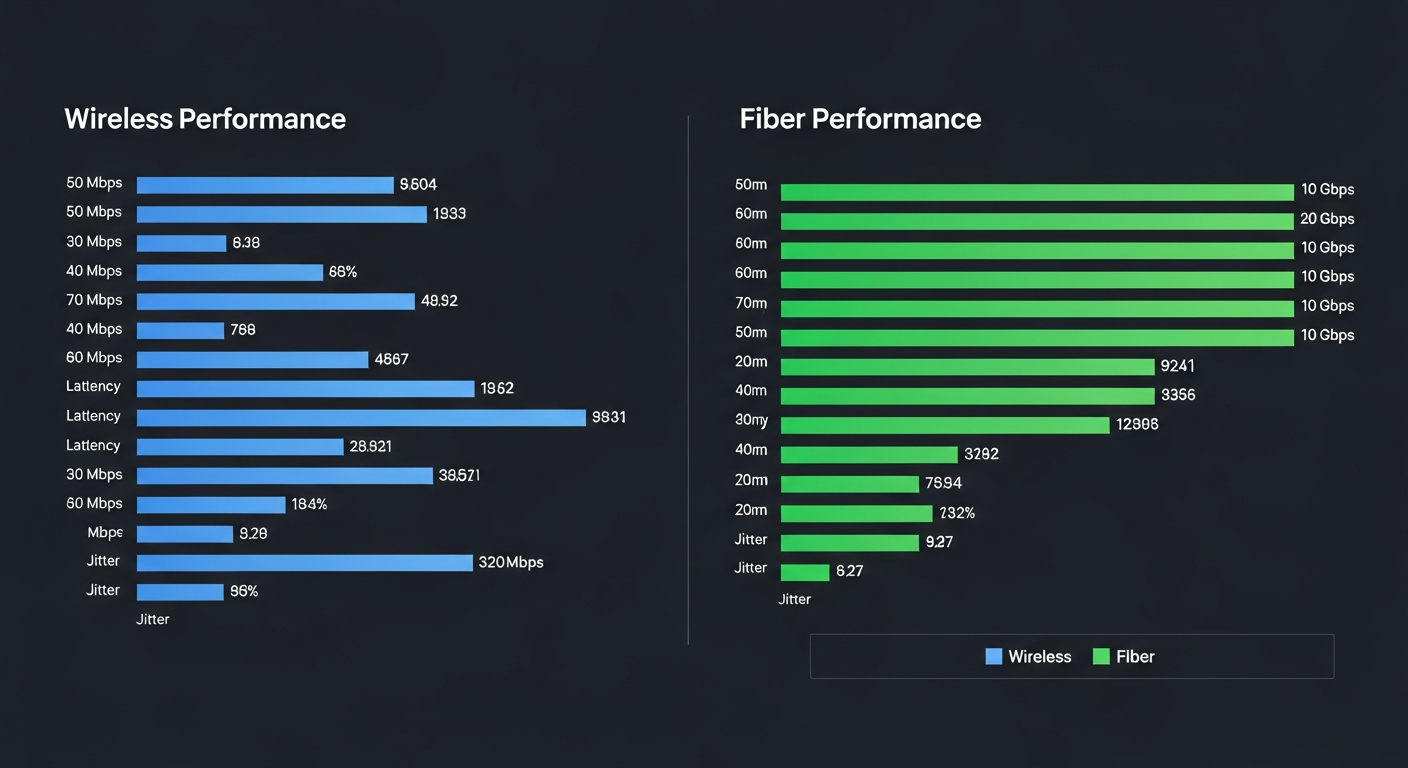
Add up your realistic peak. A 25 person team where 8 people might be on video calls at once, a couple of large uploads are running, and everyone has email and a hosted application open is looking at something in the range of 100 to 200 megabits down and a meaningful amount up. Notice that range. Precision is a trap here. You want a defensible estimate, then a sensible cushion on top.
Upload Speed Is Where Businesses Get Burned
Consumer plans advertise download speed because that is what households care about, streaming and scrolling. Businesses produce as much as they consume. Video calls are symmetric. Cloud backups, file sync, hosted phone systems, and any work you push offsite all lean on upload. A cable plan that promises 500 megabits down might only give you 20 up, and that 20 becomes the wall your team hits during a busy morning.
This is the single biggest reason fiber is worth the conversation. Symmetric fiber gives you the same speed in both directions, so 300 by 300 means 300 up. If your work involves video, cloud applications, or moving files of any real size, upload capacity is not a luxury. It is the thing that keeps calls from freezing and uploads from crawling while someone waits to leave for the day.
We had a client convinced they needed a gigabit because calls kept dropping. The download was fine. They were choking a 15 megabit upload pipe every afternoon. We moved them to a 200 by 200 fiber circuit and the complaints stopped overnight.
— Solutions Engineer, telecom brokerage
Build In Headroom Without Overpaying
A connection that runs at 90 percent capacity during peak hours feels broken even though it technically works. Latency climbs, calls degrade, and pages hang. Plan to use roughly 60 to 70 percent of your circuit at peak, which leaves room for the unexpected spike and for growth over your contract term. Internet contracts often run two to three years, so the size that fits today should still fit in year two.
At the same time, do not buy a gigabit because it sounds future proof if your peak demand is 150 megabits. That extra capacity sits idle and you pay for it every month. The smarter move is often a right sized primary circuit paired with a cheaper secondary connection for failover, so you get resilience instead of raw overcapacity you never touch. A broker can pull pricing across multiple carriers at your address and show you where the real value sits, which is usually not the plan with the biggest headline number.
Test Reality Before You Sign Anything
Run a speed test during your busiest hour, not at 7 a.m. when the office is empty. Check it across several days. If you already feel pain, watch what you are actually using during the slow moments, because the bottleneck is frequently upload or an aging router rather than the plan itself. Bandwidth is one lever. Equipment, wiring, and how your provider handles congestion are the others, and the cheapest fix is not always a bigger circuit. Size the connection to the work, leave honest headroom, and revisit the number whenever your team or your tools change in a real way.
Build the Right Network for Your Business
From dedicated fiber and fixed wireless to SD-WAN and redundant failover, we design connectivity solutions that match your location, budget, and performance requirements.