
The carrier handoff can decide who fixes the outage
Document where the carrier service ends, how the business firewall connects, and who owns each step of activation and troubleshooting.
Quick answer: Document the carrier handoff as a physical port, a service configuration, and a support boundary. Identify the equipment on each side, who owns and manages it, and who connects the handoff to the business firewall. Test both the delivered service and the required business workflows before treating installation as complete.
The internet can be working at the carrier's device while the business still cannot operate. If nobody agreed who connects that device to the firewall, configures the gateway, or verifies the applications, a completed installation can leave the customer with an unresolved outage.
This problem is avoidable during purchasing. A small amount of handoff detail makes quotes easier to compare and gives the first person responding to a fault a useful starting point. It also prevents assumptions about a modem, router, or network interface device from becoming gaps in the project.
Identify the actual boundary in the building
Ask where the ordered service will be delivered and which port is the customer-facing interface. Mark the location on a floor plan or photograph, using the provider's service identifiers in a controlled project record. A room name alone may be ambiguous in a building with several communications spaces.
Distinguish the carrier delivery point from the business equipment location. If the firewall sits elsewhere, someone must provide the connection between them. Confirm whether that work is included in the service order, part of an existing cable system, or a separate installation requirement.
Lumen's readiness documentation describes a network interface device and the demarcation between provider and customer networks. It also lists site requirements such as power, space, access, and inside wiring. The exact requirements depend on the service, so use the applicable order documentation rather than copying one provider's dimensions into every project.
The dedicated internet and broadband guide helps compare service types. Regardless of the product selected, the handoff should be concrete enough that the installer and the business's network administrator can point to the same interface.
Separate ownership from management
Owned by the carrier and managed by the carrier are related but different facts. Record who owns each device, who can change its configuration, and who handles replacement. A business may own a firewall while another party manages it, or use provider-owned equipment with only limited customer controls.
Ask what support is included in the internet agreement. A carrier may verify its service to the handoff without managing the customer's internal network. A managed service may include more equipment or functions, but those responsibilities should be stated in the order rather than inferred from the presence of a router.
Include access to configuration information. The business needs an approved way to obtain relevant settings and diagnostic help without sharing administrative credentials informally. Make sure the designated contacts can open tickets and authorize appropriate troubleshooting for the account.
Consider a hypothetical office with a provider gateway and a separately managed firewall. Both devices may be functioning as designed, yet the firewall can still be configured for the previous service. The support map should identify who can review that setting instead of sending the customer between two unrelated help desks.
Confirm the interface and configuration before delivery
The handoff specification should describe the physical interface and the settings needed to use it. Have the network administrator confirm compatibility with the firewall's available port and supported configuration. If adapters, optics, or an intermediate connection are required, identify them before the activation appointment.
Ask whether the service uses a dynamically assigned address, a specified static arrangement, or another documented configuration. For relevant services, also confirm tagging or routing requirements. These are service-specific questions for the carrier and administrator; a generic plug-and-play assumption is not sufficient.
Lumen's activation preparation guidance is organized around the ordered service and equipment. Use that same discipline with any provider. An installation appointment should not be the first moment the business learns which configuration details its administrator needs.
Keep configuration changes controlled. If the firewall is being reused, preserve an approved recovery path and determine which existing settings need review. Do not blindly copy every old setting to the new service or remove existing restrictions simply because the first connection attempt fails.
Understand the role of the provider gateway
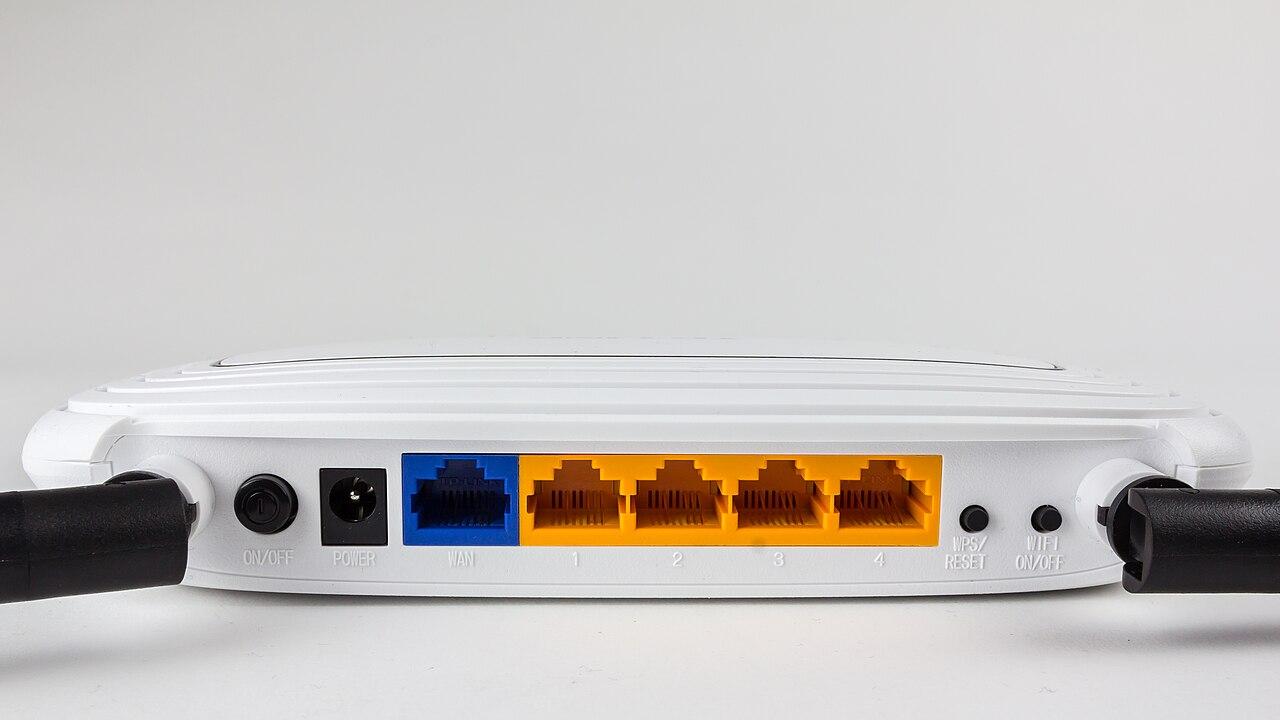
A device described as a modem, optical terminal, router, or gateway may perform different functions depending on the service and configuration. Ask which functions are active in the proposed arrangement. The label on the box does not establish where routing, NAT, or security policy occurs.
Ubiquiti's public-access guidance explains that an upstream device performing NAT can cause the customer gateway to receive a private address. It discusses supported bridge or provider settings as possible ways to address a local double-NAT arrangement. That does not mean bridge mode is available or appropriate on every service.
Have the carrier and firewall administrator agree on the intended design. If a provider setting changes, confirm the effect on any other functions supplied through that equipment. The purpose is to establish a supported arrangement, not to remove a device or disable a feature without understanding its role.
A hypothetical business might need the provider gateway for its contracted service configuration while using a separate firewall for the local network. Another service might deliver directly to the firewall. Both arrangements can be evaluated, but they require different documentation and troubleshooting expectations.
Assign the work between the port and the application
A successful project has a clear sequence from service delivery to business use. Identify who verifies the handoff, connects the inside cable, configures the firewall, checks the local network, and exercises the important applications. Several of those tasks may be outside the carrier's installation scope.
Use this handoff checklist before scheduling the cutover:
- Confirm the delivery location, customer-facing port, and service identifier.
- Identify device ownership, management, and replacement responsibilities.
- Verify the inside connection and any required interface components.
- Obtain the service configuration details through an approved channel.
- Name the person or team responsible for firewall changes and recovery.
- Define the business workflows that must pass before acceptance.
- Keep carrier, network, and application support contacts available for the window.
A checklist is useful only when someone closes the open items. If the inside connection is missing, schedule it before the carrier visit where practical. If the application vendor cannot participate, agree on an appropriate test and follow-up instead of assuming its system will work later.
The fiber installation planning guide is relevant when the handoff requires a physical extension. The internet order and the building cabling work should meet at a defined endpoint with matching responsibilities and acceptance criteria.
Test in layers without losing the business goal
Begin with the carrier's required service acceptance process, then verify the connection through the business firewall and local network. Keep the results distinct. A successful provider test can help isolate a problem, but it does not prove that every downstream application is operating correctly.
Use representative wired and wireless checks where those paths matter. If a wired workstation works and a wireless workflow fails, preserve that difference in the investigation. Repeatedly restarting the carrier device may add disruption without addressing the part of the network that needs attention.
Test the business tasks that justified the change. These may include a transaction, a file transfer, a supported remote connection, or a phone call. Use appropriate test accounts or data and involve the application owner when necessary. Do not turn a bandwidth measurement into the only definition of success.
If the site has failover, repeat the agreed fallback workflows on the secondary path. Document any addressing or application limitation. The handoff arrangement on the backup connection may differ from the primary, so it needs its own review rather than a copied assumption.
Leave an outage map that a first responder can use
The final record should show the physical sequence of devices and the responsibility at each boundary. Include useful equipment identifiers, cable labels, support contacts, and references to controlled configuration records. Keep passwords and sensitive configuration exports out of general-purpose diagrams.
Write a short first-response procedure with the network administrator. It should explain what observations to collect, what changes the responder is authorized to make, and when to escalate. Avoid a generic instruction to reboot everything, especially where several services depend on the same equipment.
For a hypothetical fault, the responder might report that the carrier device has power, the firewall's handoff link changed state at a specific time, and both wired application tests failed. Those observations give support a more useful start than the internet is down, while leaving diagnosis to the responsible technical team.
Review the map after equipment replacements or service changes. A drawing with the wrong gateway model or support account can waste time during an incident. Keeping this small record accurate is a practical way to preserve the value of the original installation work.
The takeaway
The carrier handoff is where physical installation, network configuration, and support responsibility meet. Leaving any of those undefined can turn a working circuit into an unfinished business connection.
Before accepting the service, identify the exact interface, assign the downstream work, and test the required workflows. Keep a concise support map so the next outage starts with evidence and the right contacts instead of an argument about whose equipment is responsible.
Clarify the internet installation scope
BlueHouse Telecom helps businesses plan internet service changes nationwide, including delivery requirements, handoff coordination, and activation expectations.
FAQ
Does a carrier installation include configuring my firewall? Do not assume it does. Confirm the contracted scope and name the team responsible for firewall configuration, inside wiring, local-network checks, and application acceptance.
Is the demarcation point always in my server room? No. Confirm the delivery location for the specific order. If the business equipment is elsewhere, define the inside connection and who provides it before scheduling activation.
Should the provider gateway always be put in bridge mode? The correct arrangement depends on the service, equipment, and supported design. Have the carrier and network administrator confirm the required configuration instead of applying a universal rule.
Why can the carrier test pass while the business is still offline? The carrier test may cover only its service boundary. The firewall, inside cabling, local network, or application can introduce separate issues. Test those layers and the actual business workflows before final acceptance.